C268 Practice Exam Questions and Answers (C268) 2021
Document Content and Description Below
Scenario: You have decided to purchase a new car. You plan to take out a loan to pay for the car. The loan amount is $18,900. You will pay an
interest rate of 6.5% and plan to pay off the car in 48 months. You want to c
...
[Show More]
Last updated: 3 years ago
Preview 1 out of 11 pages
Instant download

Buy this Document to get the Full Access Instantly
Provided by Students Who Aced it
We Verify Document Content to Gurantee Accuracy
Reviews( 0 )
Document information
Connected school, study & course
About the document
Uploaded On
Dec 21, 2021
Number of pages
11
Written in
All

Additional information
This document has been written for:
Uploaded
Dec 21, 2021
Downloads
0
Views
138
Topic Tags
Recommended For You
Get more on EXAM »
$15.5
11 Pages
WGU C268 SPREADSHEETS C268 PRACTICE ASSESSMENT - LAST UPDATED...
.png)
$16.5
20 Pages
C268 Practice Exam Questions and Answers (Complete Solution)
.png)
$15
12 Pages
C268 Practice Exam Questions and Answers (Complete Solution)
.png)
$5
6 Pages
WGU C268 Study Guide for EXCEL PA Latest 2022 Already Graded A
.png)
$5
6 Pages
WGU C268 Study Guide for EXCEL PA Latest 2022 Already Graded A
.png)
$7
5 Pages
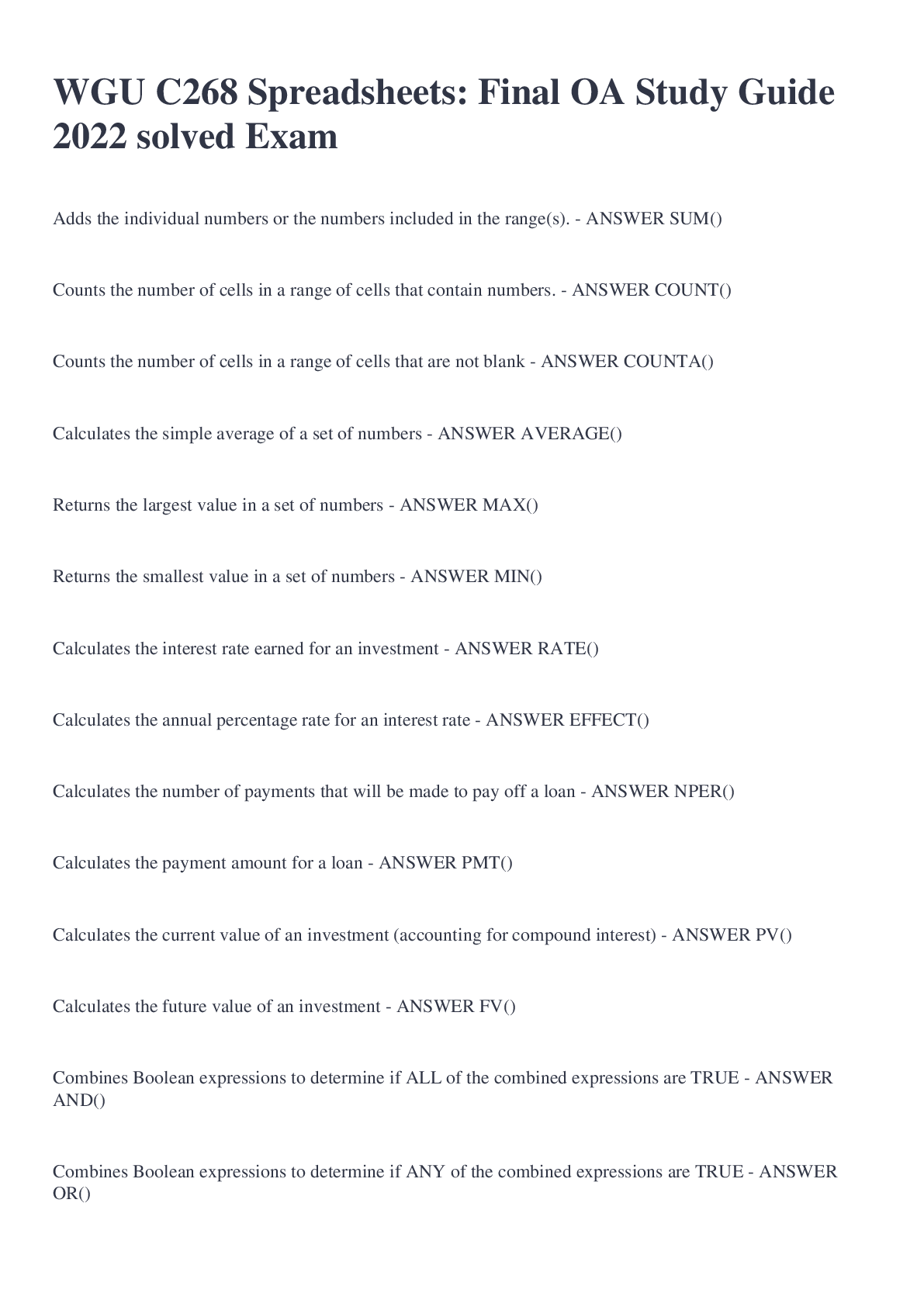
WGU C268 Spreadsheets: Final OA Study Guide 2022 solved Exam

$12
32 Pages
C268 BUIT 2200 Spreadsheets - FA Review 2025 - WGU (Qns & Ans)

$14
15 Pages
WGU C268 Spreadsheets C268 Latest Updated 2022 Graded A Comple...
$15
15 Pages
WGU C268 Spreadsheets C268 Latest Updated 2022 Graded A Comple...
$15
15 Pages
WGU C268 Spreadsheets C268 Latest Updated 2022 Graded A Comple...

$9
3 Pages
WGU C268 Spreadsheets C268-with 100% verified solutions-2022-2...
.png)
$10
754 Pages
Test Bank for PRINCIPLES OF HUMAN PHYSIOLOGY 4TH EDITION by Ci...
More related documents below