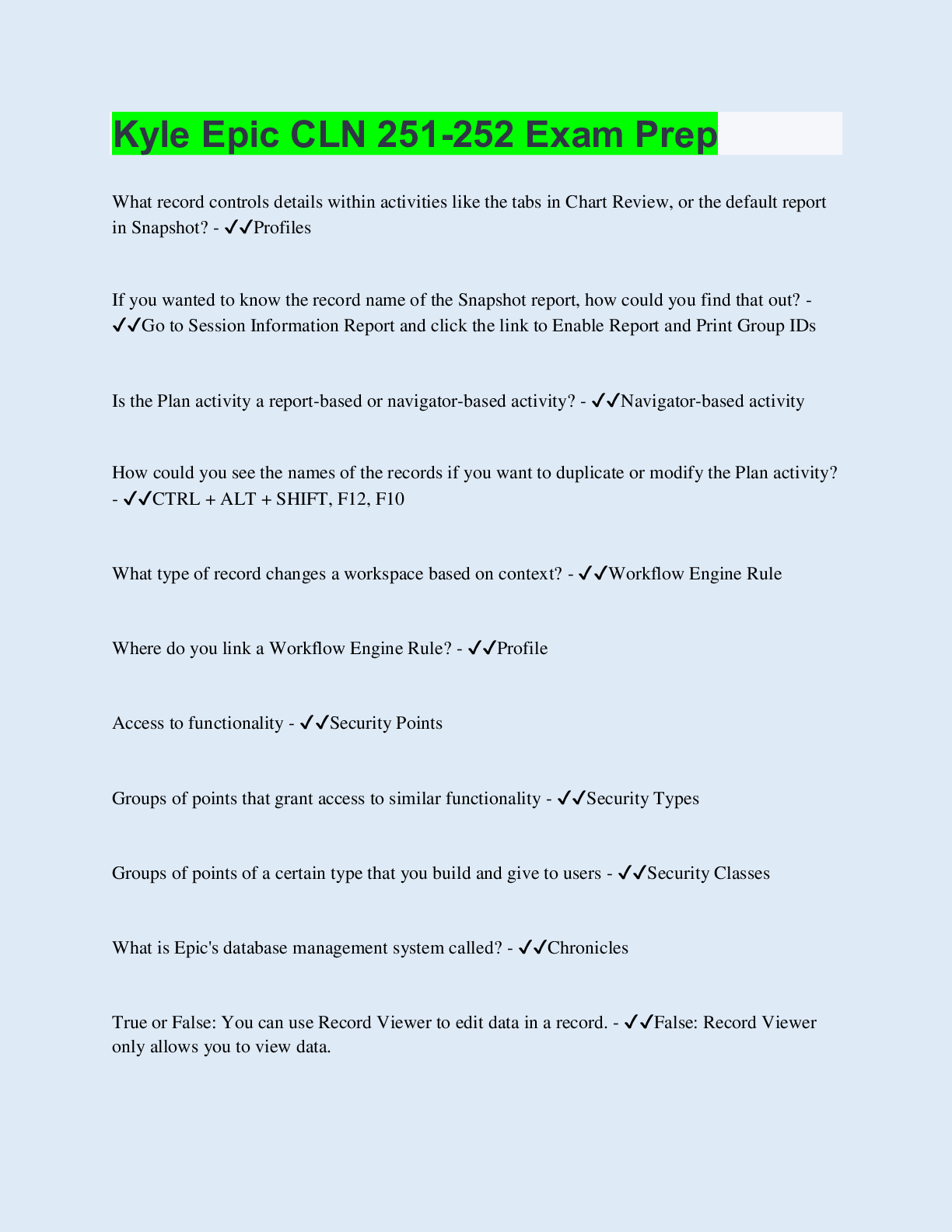
? - ANSWER List of all possible records
= - ANSWER Re-open last accessed record
1. Using the filing cabinet analogy, match each Epic term to its counterparts:
a. Masterfile
b. Record
c. Item
d. Contact - ANSWER
...
? - ANSWER List of all possible records
= - ANSWER Re-open last accessed record
1. Using the filing cabinet analogy, match each Epic term to its counterparts:
a. Masterfile
b. Record
c. Item
d. Contact - ANSWER a. Masterfile - Drawer
b. Record- Folder
c. Item- Question
d. Contact- Paper
Account Payment - ANSWER Allows patients to pay copays and outstanding bills using their credit cards over the web
Account Recent Payments - ANSWER Allows patients to access information concerning payments that they have made.
Add Type - ANSWER Determines how information will be handled for that item over time.
Appointment Cancel - ANSWER Patients are able to cancel appointments
Appointment Review - ANSWER Patients are able to access the My Appointments feature, which displays patients' upcoming appointments. Patients confirm and cancel appointments from this page.
Appointment Schedule Request - ANSWER Patients are able to send appointment request messages to your facility
Benefit Details - ANSWER Patients are able to access the Benefit Details feature, which allows patients to view details about their insurance benefits. Patients can access this feature from the Health Insurance page (Insurance Summary Feature).
Coverage - ANSWER (CVG) records store information about the patient's payor and plan, with details such as effective dates for the coverage, and subscriber demographics.
Coverage - ANSWER The insurance company, aka the payor, and the details of the benefit plan information. For example, insurance company Bravo Insurance (payor) offers Bravo Gold (plan) to insured members. Bravo Gold covers office visits at 80% of the billed amount.
Customer Service Request - ANSWER Patients are able to send Customer Service requests to your facility.
Data Type - ANSWER Determines the format of data stored in the item.
Driving Directions - ANSWER Patients are able to access the Driving Directions feature, which allows patients to map driving directions to and from your sites
F1 - ANSWER Delete Line
F2 - ANSWER Delete to end of line/field
F3 - ANSWER Restore
Fill in the blanks: Master files contain ___________. If you compare two records in the same master file, you find that the _________ are the same, but the ___________ can be different. - ANSWER Records, items, values
Guarantor - ANSWER The financially and legally responsible party. Typically refers to the patient, or one who is financially responsible for their medical bills, such as parent, guardian, or employer.
Guarantor account - ANSWER (EAR) records store information concerning the person responsible for the self-pay portion of the visit. It stores all of the information about charges, payments, adjustments, billing demographics, as well as claim and statement history
Home + Down Arrow - ANSWER Scroll to bottom of page
Home + F8 - ANSWER Display information about an item
Home + F9 - ANSWER Screen fast forward
Home + Up Arrow - ANSWER Scroll to top of list
Indexed - ANSWER (Optional) Specifies if the item is indexed, allowing for quicker searching and reporting.
Item number - ANSWER A unique number used to identify the item.
Item Title - ANSWER A descriptive title given to each item.
Left Arrow - ANSWER Previous field
Letters - ANSWER Allows patients to view letters attached to their medical records
Make Appointment - ANSWER Patients are able to access the schedule a New Appointment feature
Make Appointment Using Ticket - ANSWER Patients are able to access the Scheduling Tickets feature, which allows patients to schedule their own appointments using Scheduling Tickets
Medical Advice Request - ANSWER Allows patients to send an electronic message to your facility. Your facility can configure which providers and patients are contained in the recipient list
Member - ANSWER A person covered on the insurance plan. The subscriber would also be a member of their own insurance plan.
Three specific Epic records work behind the scenes to ensure patients receive their statement
Networked - ANSWER (Optional) Defines a relationship between the item and another record, usually in a different database.
opt - ANSWER Return to main menu
Page Down - ANSWER Next Screen
Page up - ANSWER Exit (or previous Screen)
Page up - ANSWER Previous Screen (move to the previous menu) or (Exit)
Patient - ANSWER (EPT) records contain patient demographics; patient demographics are not to be confused with billing demographics, which are stored in the guarantor account.
Provider Details - ANSWER Allows patients to view information concerning a provider. Patients can access the Provider Information page by clicking the name of a provider (if its a hyperlink)
Response Type - ANSWER Determines the number of values that can be stored in an item.
Shift +F5 - ANSWER Help
Shift +F7 - ANSWER Exit
Subscriber - ANSWER The person whose name is on the insurance plan
Tab - ANSWER Next field
True or False: Hyperspace does not store patient data. - ANSWER True
Up and Down Arrow - ANSWER Field or line above or below
What Icon in MyChart shows you are set up for paperless billing? - ANSWER the green leaf
What is Chronicles, and is it unique to Epic's clinical products? - ANSWER Chronicles is Epic's database management system and is used by all its software applications.
What is the purpose of an activation code? - ANSWER To supply a unique piece of information used to validate the patient's identity.
Which of the following items does not change per contact? - ANSWER DOB
Which of the following pieces of the Chronicles structure keeps track of the changes in the records data over time? - ANSWER Contact
Which of the following pieces of the Chronicles structure represents a single entity in the system, for example, a single patient, a single provider, or a single medication? - ANSWER Record
You are a physician seeing a patient today for an office visit. The patient would like to sign up for MyChart. How could you quickly send the patient activation information via text message? Choose all that apply.
The MyChart Signup section in the After Visit Summary (AVS)
Using Instant Activation
Sending the text from the Rooming activity
The MyChart Signup section in the billing summary - ANSWER B. Using Instant Activation and C. Sending the text from the Rooming activity
[Show More]







![Preview of THE TEFL ACADEMY LEVEL 5 - ASSIGNMENT C - AUTHENTIC MATERIAL [2026]](https://browseimages.nyc3.digitaloceanspaces.com/paper-images/2026/04/10/HpVkRcWV2026-04-10-11-5769d96426bd64f.png)