QuickBooks Online Certification Test
Study Guide (2022/2023) Already Passed
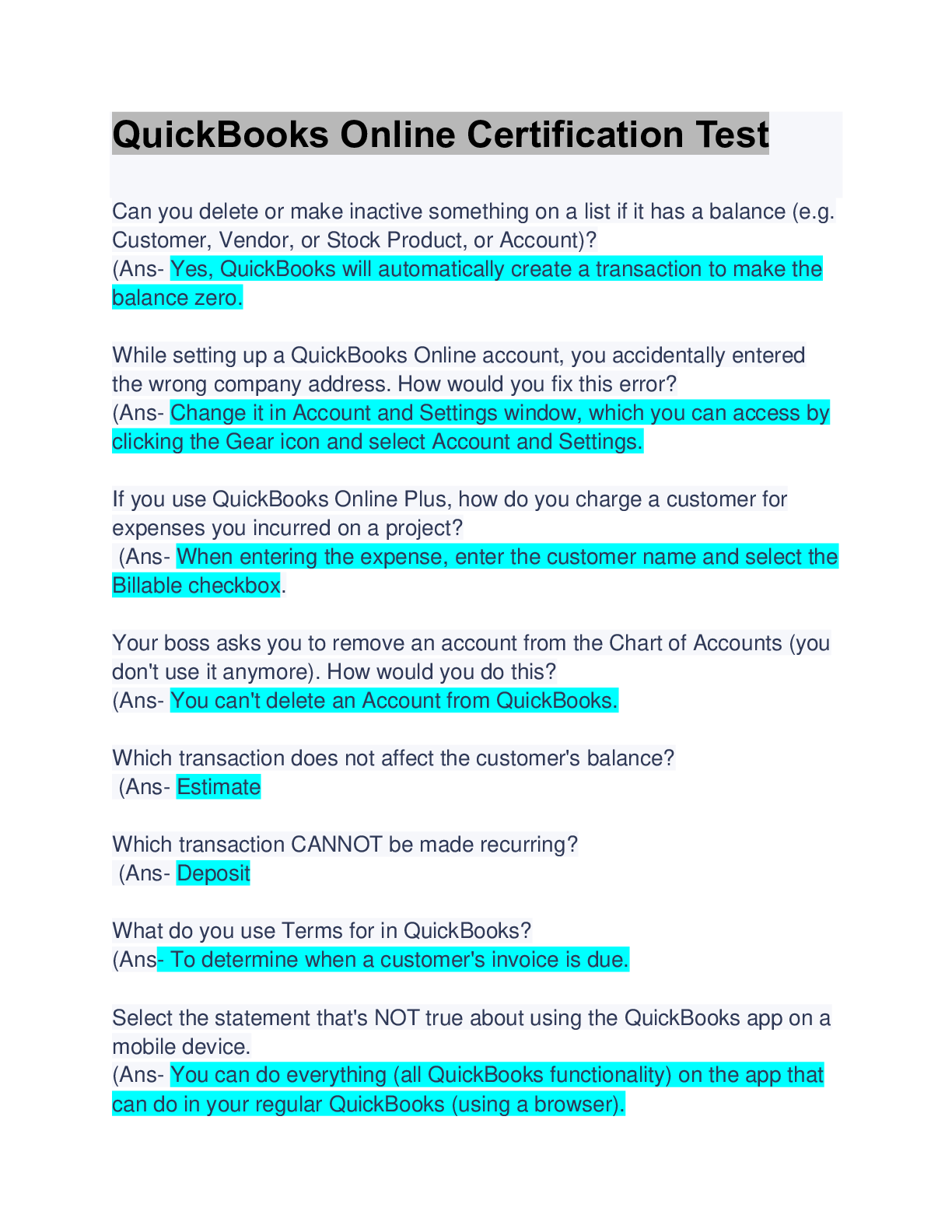
Can you delete or make inactive something on a list if it has a balance (e.g. Customer, Vendor, or
Stock Product, or Account)? ✔✔Yes, QuickBo
...
QuickBooks Online Certification Test
Study Guide (2022/2023) Already Passed
Can you delete or make inactive something on a list if it has a balance (e.g. Customer, Vendor, or
Stock Product, or Account)? ✔✔Yes, QuickBooks will automatically create a transaction to
make the balance zero.
While setting up a QuickBooks Online account, you accidentally entered the wrong company
address. How would you fix this error? ✔✔Change it in Account and Settings window, which
you can access by clicking the Gear icon and select Account and Settings.
If you use QuickBooks Online Plus, how do you charge a customer for expenses you incurred on
a project? ✔✔When entering the expense, enter the customer name and select the Billable
checkbox.
Your boss asks you to remove an account from the Chart of Accounts (you don't use it anymore).
How would you do this? ✔✔You can't delete an Account from QuickBooks.
Which transaction does not affect the customer's balance? ✔✔Estimate
Which transaction CANNOT be made recurring? ✔✔Deposit
What do you use Terms for in QuickBooks? ✔✔To determine when a customer's invoice is due.
Select the statement that's NOT true about using the QuickBooks app on a mobile device.
✔✔You can do everything (all QuickBooks functionality) on the app that can do in your regular
QuickBooks (using a browser).
Your Accountant is upset that changes are being made to last year's numbers. How can you stop
this from happening? ✔✔In the Advanced section of the company settings, set a Closing Date.
Which of the following statements is TRUE regarding products and services? ✔✔When you
purchase or sell a product, the value of the purchase or sale flows to the account (and therefore
the financial statement) you selected when you set up the product or service.
Which is NOT a good reason to enter a General Journal Entry? ✔✔To avoid using the built-in
forms (e.g. checks and invoices)
Put the 2 steps for entering a vendor credit and using it when you pay the bill in the correct order.
✔✔1. Click the Global Create Button, Plus sign, and select Vendor Credit.
2. Click the Global Create Butto, Plus sign and select Pay Bills.
When should you use the Items Details area (bottom of the screenshot below) on a bill, check or
expense? ✔✔To track sales tax
When you want to send someone a bill for items
When you purchase stock
The Accounts Payable Aging report can help you stay on top of your business because it lists
which of the following? ✔✔You can view what you owe and when it's due.
What information does QuickBooks NOT ask/need when you create a new QuickBooks Online
account for a company? ✔✔The owner's name
Which section of the Balance Sheet shows your Accou
[Show More]