QuickBooks Mayterm Chapter 3 Test
Already Passed
1: The Navigation bar is where the link to the Sales center is located. ✔✔True
2: You can create a statement, receipt, invoice, or other transaction using the Action me
...
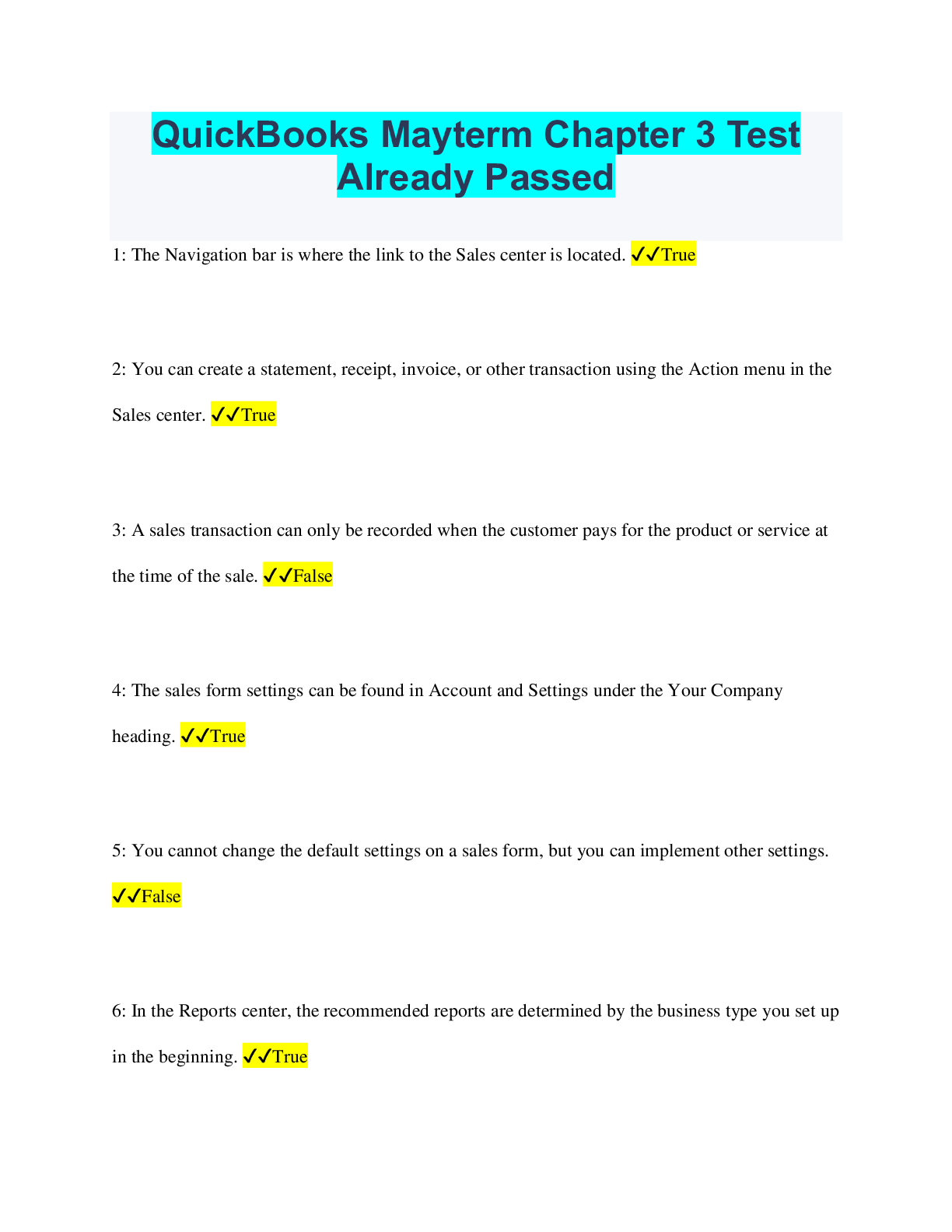
QuickBooks Mayterm Chapter 3 Test
Already Passed
1: The Navigation bar is where the link to the Sales center is located. ✔✔True
2: You can create a statement, receipt, invoice, or other transaction using the Action menu in the
Sales center. ✔✔True
3: A sales transaction can only be recorded when the customer pays for the product or service at
the time of the sale. ✔✔False
4: The sales form settings can be found in Account and Settings under the Your Company
heading. ✔✔True
5: You cannot change the default settings on a sales form, but you can implement other settings.
✔✔False
6: In the Reports center, the recommended reports are determined by the business type you set up
in the beginning. ✔✔True
7: Using the A/R Aging Summary report is useful for managing overdue invoices. ✔✔True
8: When the Sales center is displayed, you can see, among other items, _____. ✔✔the balance
each customer owes
9: In QuickBooks Online, a sub-customer is created _____. ✔✔to track multiple projects,
locations, or members of a single customer
10: Which of the following statements is NOT true regarding sales receipts and invoices?
✔✔The deposit in QuickBooks Online does not have to match the bank deposit exactly.
11: In which account can you collect more than one payment before making a deposit?
✔✔Undeposited Funds
12: Which menu is used to enter a customer payment into QuickBooks Online? ✔✔Create menu
13: Which of the following can you NOT create in the Action menu in the Sales center? ✔✔A
statement
14: When you record the receipt of a payment, what happens behind the scenes?
✔✔Undeposited Funds increases; Accounts Receivable decreases by the same amount
15: All the information about your customers and their transactions is found in the _____ center.
✔✔Sales
16: Match these reports with the descriptions of what they display. ✔✔Customer Balance
Summary- Displays all balances for each customer
Customer Balance Detail- Allows you to view details such as invoice dates and accounts for each
customer
Customer Summary- Display total sales to each customer
Sales by product/service detail- Details each product and service, who bought it, and the sales
amount
17: Match these transactions to their related accounts. ✔✔Create an invoice- Accounts
Receivable
Enter cash sale and enter directly to bank- Checking
Receive payments on an invoice- Deposited Funds
18: Match these terms to their most appropriate descriptions. ✔✔New Customer-Creates from
within a sales form
Customers center-Display the customer list and info about the selected customer
Delete a customer- you cannot do this but you can make them inactive
Custom form styles- Allows for the customization of invoices, sales, receipts, and estimates
19: Match these sales form sections/items to the settings you can change in them. ✔✔edit toolcustomize emails
Online delivery- change delivery terms and delivery methods
Statements-choose a summary or detail info or show the age of outstanding invoices
Sales for content- Determine the defaults in your sales form
Product and Services- Track inventory and choose columns to display
Messages- Choose how your sales forms will be emailed
[Show More]