Computer Networking  >  EXAM  >  CISCO (All)

CISCO

Document Content and Description Below

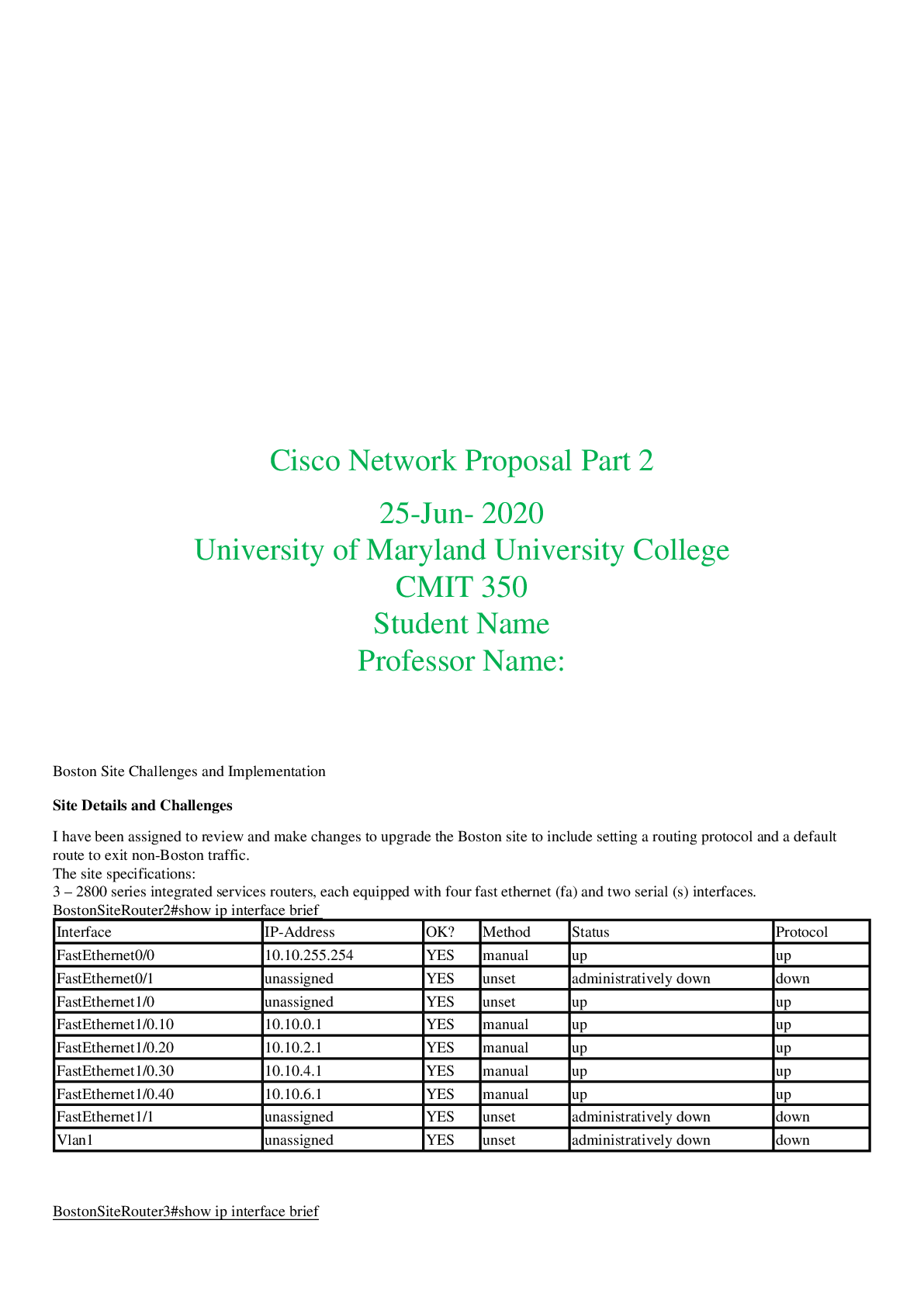
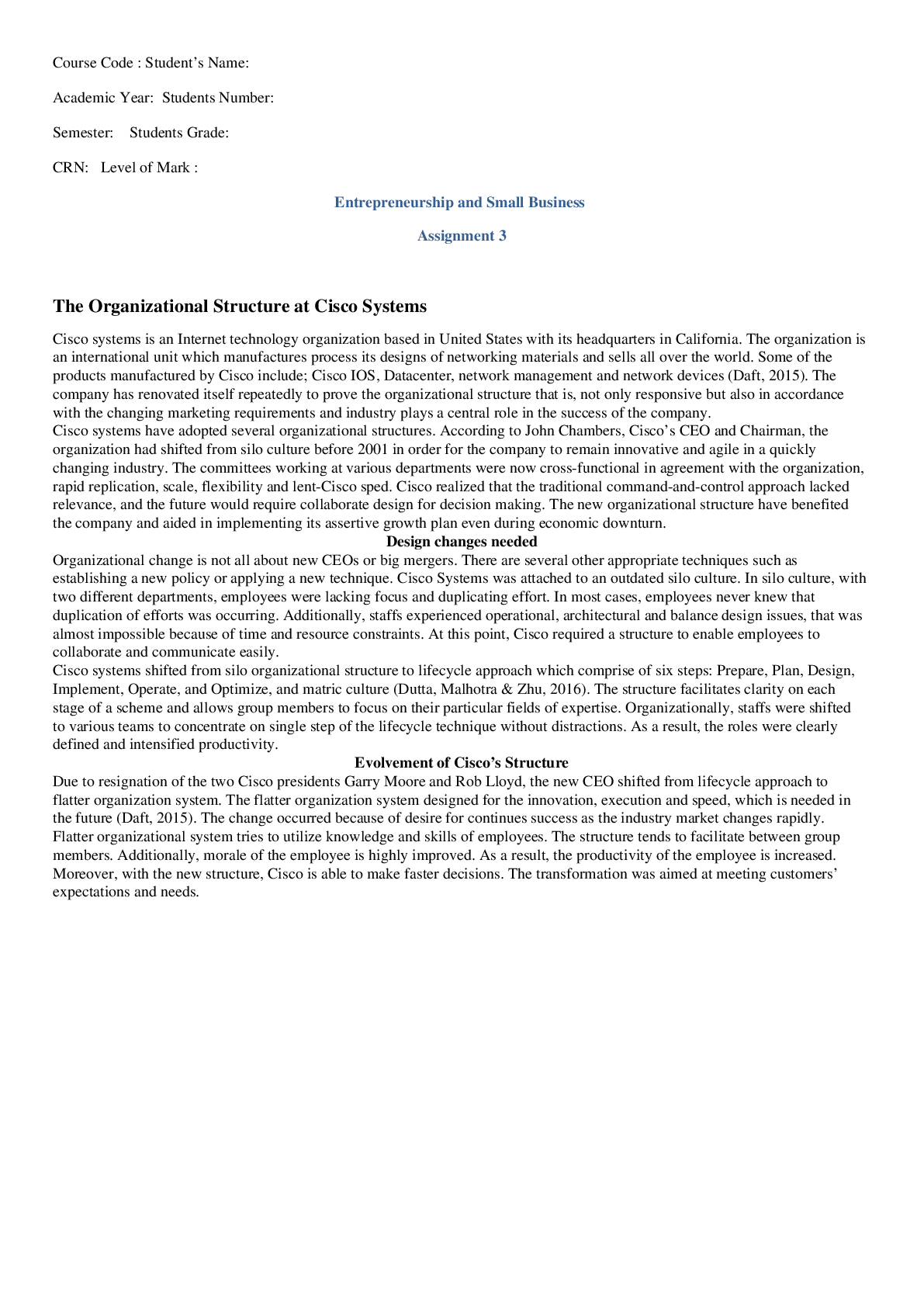
Question 1 With the changing networks, there is need to protect once devices. New technology has emerged such as intrusion detection system, the honey ports and intrusion prevention systems. Below ar ... e steps whish one can use to protect their rooter (Cisco fattens security product line, 2004). First is to control access to the router. This can be done by applying riles that prohibit other external devices from accessing external parts of the router. Secondly, one has to restrict the telnet access to the rooter. Though it is not a very safe protocol to use, though if one wants to really use the protocol one should always use “ssh” the best way to do this is by employing the standard access class and list (Cisco fattens security product line, 2004).A good example is shown below. Then one need to block malicious and spoof pocket This will restrict the access of reserved/loopback IP addresses that comes from the internet to access your external interface and one can be able reject multicast and broadcast too, as shown below. The fourth step is encrypting the entire password. This is very important action in order to protect all the password to hacking and this should be done with the most powerful logarithm possible. The passwords that are from the exe mode that are used to guarantee the privileged access to IOS system should be set using MD5 which provides the strongest option for a cisco IOS. Finally to protect a cisco rooter in has to log off everything that is outside the server. One must ensure that everything also is logged off. Question 2 How configure a rooter 1. First is to set your computer to have a static IP address to ensure efficient IP address filtering 2. Second on need to open a web page and they should type their router IP (default is 192.168.1.1) in the address bar and they should press enter 3. The third step is to type the user name and password to log in the web page 4. Then click on the security>firewall 5. The fifth step involves enabling the firewall and selecting IP address filtering- at this point the operator can deny or allow rules to accessing the internet [Show More]

Last updated: 2 years ago

Preview 1 out of 4 pages

Buy Now

Instant download

We Accept:

Payment methods accepted on Scholarfriends (We Accept)
Preview image of CISCO document

Buy this document to get the full access instantly

Instant Download Access after purchase

Buy Now

Instant download

We Accept:

Payment methods accepted on Scholarfriends (We Accept)

Also available in bundle (1)

Click Below to Access Bundle(s)

A PACKAGE DEAL FOR CISCO Certified Network AssociateCCNA 200-301 Exam Dumps/STUDY GUIDES/ SUMMARIES AND LATEST CLASS NOTES 2023/24

A PACKAGE DEAL FOR CISCO Certified Network AssociateCCNA 200-301 Exam Dumps/STUDY GUIDES/ SUMMARIES AND LATEST CLASS NOTES 2023/24

By EXCELLENCE NURSING LIBRARY 2 years ago

$289

25  

Reviews( 0 )

$7.50

Buy Now

We Accept:

Payment methods accepted on Scholarfriends (We Accept)

Instant download

Can't find what you want? Try our AI powered Search

79
0

Document information


Connected school, study & course


About the document


Uploaded On

Dec 30, 2023

Number of pages

4

Written in

All

Seller


Profile illustration for EXCELLENCE  NURSING  LIBRARY
EXCELLENCE NURSING LIBRARY

Member since 2 years

0 Documents Sold

Additional information

This document has been written for:

Uploaded

Dec 30, 2023

Downloads

 0

Views

 79

Document Keyword Tags

More From EXCELLENCE NURSING LIBRARY

View all EXCELLENCE NURSING LIBRARY's documents »

Recommended For You

Get more on EXAM »
$7.50
What is Scholarfriends

Scholarfriends.com Online Platform by Browsegrades Inc. 651N South Broad St, Middletown DE. United States.

We are here to help

We're available through e-mail, Twitter, and live chat.
 FAQ
 Questions? Leave a message!


Copyright © Scholarfriends · High quality services·