Preparing Clients' Books.Polytechnic University of the Philippines ACCOUNTING 2083Year-end accounting checklist part 1
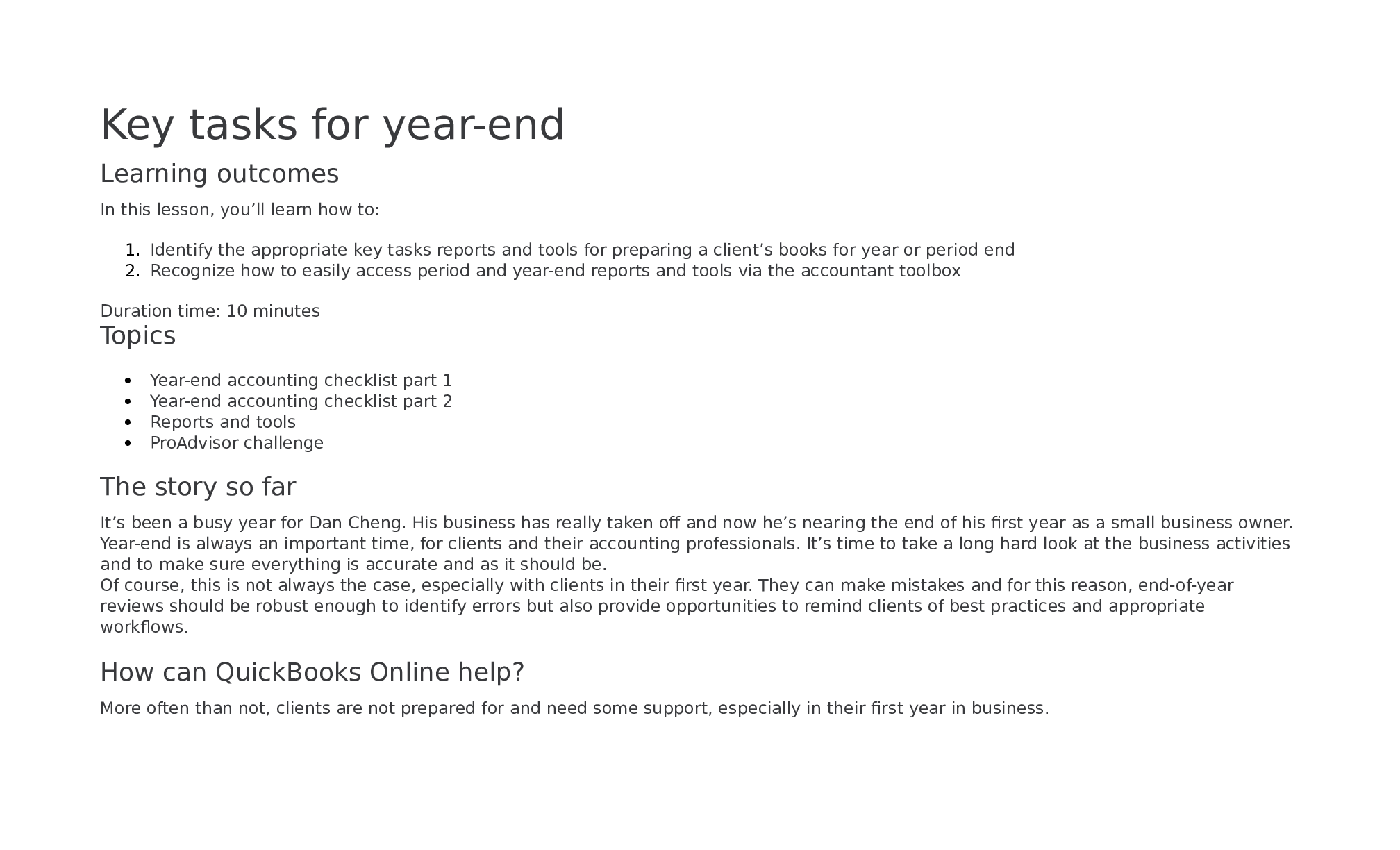
Here’s an overview of some of the key tasks that you will need to consider at year-end.
Select the
...
Preparing Clients' Books.Polytechnic University of the Philippines ACCOUNTING 2083Year-end accounting checklist part 1
Here’s an overview of some of the key tasks that you will need to consider at year-end.
Select the heading to find out more.
Verify that balance sheet accounts are reconciled
Your client’s bank and credit card accounts should be reconciled to their statements.
You may need to help clients with this to make sure it is done properly. Make sure the reconciliation wasn’t automatically adjusted and that
there are no changes to reconciliations that affect the ending balance. QuickBooks Online has a number of forensic tools (like the
Reconciliation Discrepancy report function) that can help you troubleshoot accounts that don’t add up.
Reconciliation history reports in QuickBooks Online are great tools to help you determine that all balance-sheet accounts are reconciled.
Other balance sheet accounts (such as fixed assets) and other receivables like employee loans or liabilities (such as bank loans or unearned
income) need to have supporting detail reports showing what makes up the ending account balance. Payroll liability accounts should match
payroll taxes calculated for the period and paid in the next period.
Key actions
Verify amounts from reconciliation
match the balance sheet
Key reports Balance sheet
Reconciliantion Summary
Reconciliation History by account
Reconciliation Discrepancy
Payroll liability
Review Profit & Loss account activity
Once the balance-sheet accounts are reconciled, this is a good indication that most of the financial activity has been recorded. Next, you can
review the Profit & Loss account activity using the Reclassify Transactions Tool to make sure transactions have been categorized in the proper
account and clean up any miscategorized transactions.
Making sure there are no entries in Uncategorized Income and Uncategorized Expenses on the Profit and Loss in QuickBooks Online is a good
tip, too.
Payroll wage and tax expenses should match payroll reports. Confirm payroll forms (such as annual IRS form 940 and quarterly IRS forms 941)
have been filed for the year.
Key actions
Check for uncategorized/miscategorized transactions
Check tax filing for payroll
Make sure all contractors have been tracked for 1099
payments
Key reports
Balance Sheet
Payroll Summary by Employee Profit & Loss
1099 Contractor Balance Detail
Evaluate Accounts Receivable and Accounts Payable
Confirm that all invoices for work performed or paid during the year have been recorded. Review the Customer Balance Detail report in
QuickBooks Online to make sure that payments are applied to invoices, uncollectible balances are written off, and the report total matches the
Accounts Receivable balance on the accrual-basis Balance Sheet.
Likewise, confirm that all bills for purchases and services received or paid for during the year have been recorded. Review the Unpaid Bills
report in QuickBooks Online to make sure that bill payments are applied to bills, paid bills have bill payments recorded instead of checks
duplicating expense, and that the report total matches the Accounts Payable balance on the accrual-basis Balance Sheet.
Key actions
Check all purchases bills have been recorded
Check all payments received bills have been recorded
Key reports
Accounts payable including A/P Aging
Accounts receivable including A/R Aging
Open invoices
Unpaid Bills
[Show More]