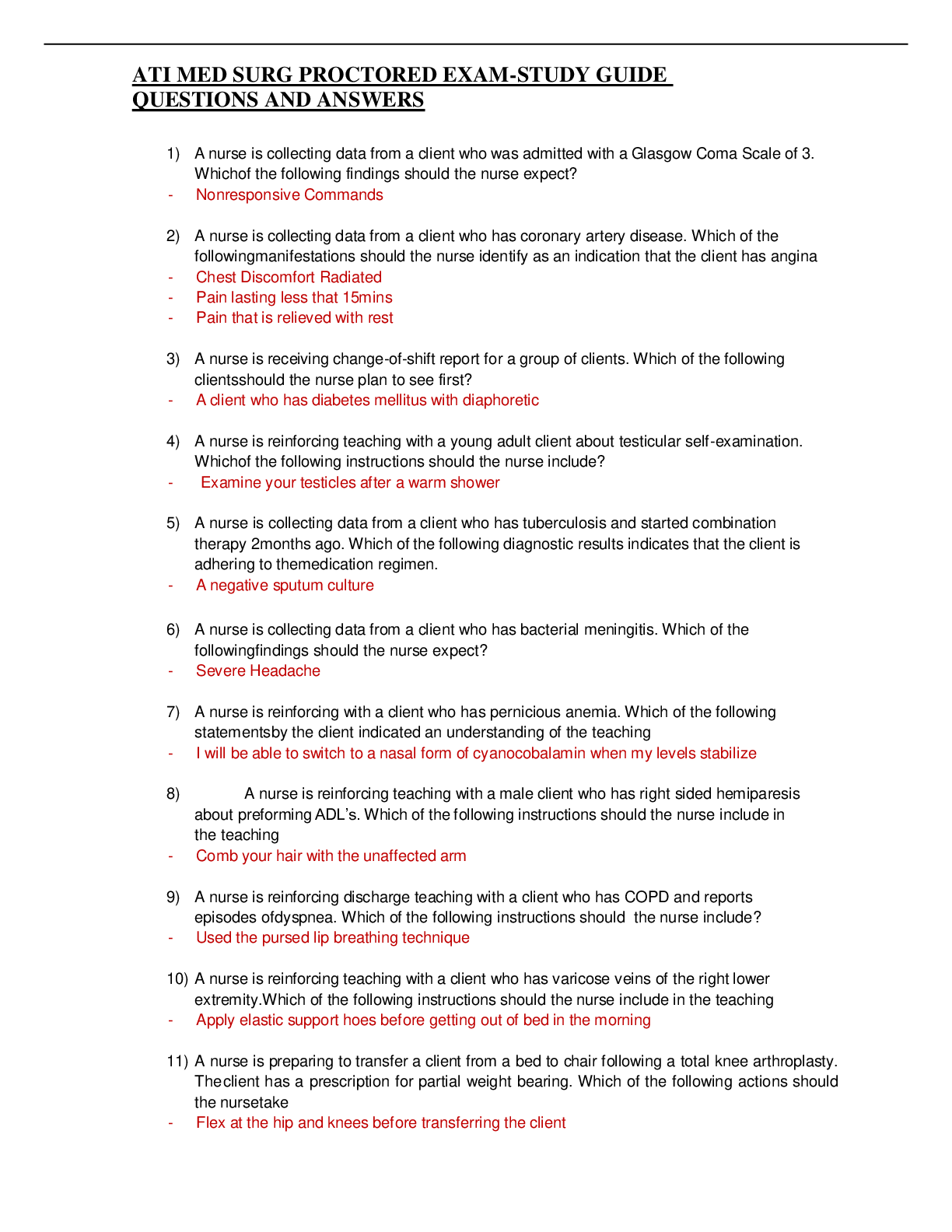
Adobe Illustrator Exam
Which option defines the area of work that extends beyond the actual panel? - ✔✔Bleed
How do add crop marks to an image? - ✔✔Select object, effect, crop marks
How do you convert text to outlines
...
Adobe Illustrator Exam
Which option defines the area of work that extends beyond the actual panel? - ✔✔Bleed
How do add crop marks to an image? - ✔✔Select object, effect, crop marks
How do you convert text to outlines? - ✔✔Select text, click type, create outlines
Place picture in the art board and trace it using the image trace and tracing preset of 16
colors and convert the traced image into paths. - ✔✔File, place, click on the image, drag
the image on to the artboard, in the controls panel select, image trace, 16 colors, click
expand
Using the shape builder tool to combine two shapes into one object and fill black and
change the stroke to 5 - ✔✔Hold shift, click both shapes, click the shape builder tool,
drag the arrow between both, click the selection tool, click fill & add a stroke
Create a new workspace, save the workspace and change the preferences -
✔✔Window, workspace, new workspace, edit, preferences
Which option describes calligraphic brushes in Illustrator? - ✔✔Brushes allows you to
create strokes with the appearance of a natural brush
When a new pattern is created which panel is it added to? - ✔✔Swatches panel
Which panel would you use to edit the width and height of an existing shape in illustrator
- ✔✔Transform
For the selected object change the fill color using swatches and the stroke color to
swatch black and the stroke weight - ✔✔Open the swatches panel & change the fill
color and stroke, go to the control panel to change the stroke
Which statement accurately describes linking and embedding placed digital images in
Illustrator? - ✔✔Linking to file can ensure that image updates are reflected in the AI file
When creating a new document set to profile web use the default color mode and raster
effect settings - ✔✔File, new, profile
Which method allows you to create a rectangle corners most efficiently? - ✔✔Rounded
rectangle tool
What happens to a brush stroke set to 5 point when you click on it with the type on a
path tool? - ✔✔No fill, no stroke
Change the style of a shape by converting both center anchors points. - ✔✔Click the
direct select tool, click anchor point covert
Create a new document with named website, set profile to web, increase number of art
boards and size of the document - ✔✔File, new, use pull down from profile
Add 3d extrude and bevel effect to the selected object with an extrude depth -
✔✔Effect, 3d, extrude & bevel, extrude depth
Go to the art board using a specified steps feature in the blend tool to create 2
additional items between two existing items - ✔✔Double click the blend tool, change
options, then drag arrow between shapes
Which option ensures that access to the fonts that are used in an illustrator file are
preserved for all future users - ✔✔File > Package
The understanding of which basic printing principles can help a designer make optimum
decisions about printing an illustrator project? - ✔✔CMYK, resolution
Which file type refers to a bitmap image? - ✔✔PNG
What is kerning? - ✔✔Space between characters
What is tracking - ✔✔Changes the spacing between all characters in a block of text
What is leading? - ✔✔Vertical space between lines of type
Which native file preserves all illustrator data including multiple art boards in a
document? - ✔✔AI, PDF, EPS, FXG, and SVG
Which panel in illustrator gives one the ability to edit both the stroke and fill of an
object? - ✔✔Appearance
Save for web using a file type that supports millions of color and transparency. Set the
save settings so the white border on left and right side of the document is removed -
✔✔File, save for web, change the file to PNG-24, the click the button clip to artboard
Which option describes a step that must be completed before modifying the individual
components in a symbol? - ✔✔Select edit symbol from the control panel
What is the rule of thirds? - ✔✔Divide the page into 9 equal boxes
[Show More]







![Preview of [SOLVED] EDCO 740 / EDCO740 Quiz 1 (LATES 2021/2022 Graded A)](https://scholarfriends.com/storage/EDCO_740_Quiz_1.png)