WGU C777 Web Development
Applications Questions and Answers
Graded A
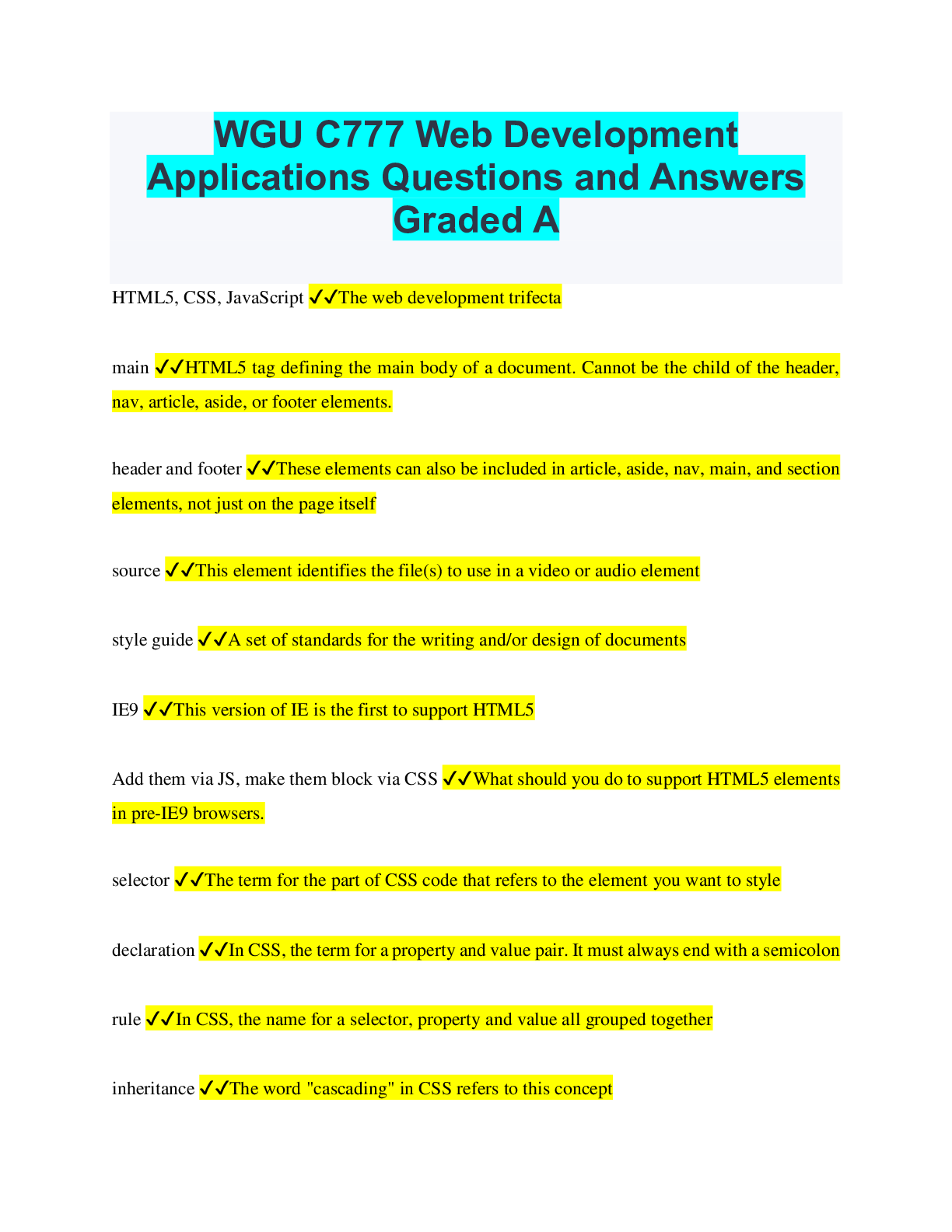
HTML5, CSS, JavaScript ✔✔The web development trifecta
main ✔✔HTML5 tag defining the main body of a document. Cannot be the child of the header,
na
...
WGU C777 Web Development
Applications Questions and Answers
Graded A
HTML5, CSS, JavaScript ✔✔The web development trifecta
main ✔✔HTML5 tag defining the main body of a document. Cannot be the child of the header,
nav, article, aside, or footer elements.
header and footer ✔✔These elements can also be included in article, aside, nav, main, and section
elements, not just on the page itself
source ✔✔This element identifies the file(s) to use in a video or audio element
style guide ✔✔A set of standards for the writing and/or design of documents
IE9 ✔✔This version of IE is the first to support HTML5
Add them via JS, make them block via CSS ✔✔What should you do to support HTML5 elements
in pre-IE9 browsers.
selector ✔✔The term for the part of CSS code that refers to the element you want to style
declaration ✔✔In CSS, the term for a property and value pair. It must always end with a semicolon
rule ✔✔In CSS, the name for a selector, property and value all grouped together
inheritance ✔✔The word "cascading" in CSS refers to this conceptExternal, embedded, inline ✔✔The cascading order of CSS style sheets, ordered from lowest
priority to highest
rel, type, href ✔✔Linking to a CSS file requires these attributes in the link element
style ✔✔Embedded CSS should be placed in a block defined by this element
style ✔✔Inline CSS should be placed in an attribute with this name
document flow ✔✔The arrangement of content elements on a page and how the space is used.
Does it fall from top to bottom in stacks, or does some content float to one side or the other?
curly braces ✔✔These are not used when defining inline CSS styles
clear ✔✔Use this CSS property to avoid having floating elements before/after another element
static ✔✔In CSS, the "normal, or default", position of block elements within a page
relative ✔✔In CSS, positioning a block element relative to another element
absolute ✔✔In CSS, this causes the element to appear to float above the document and can be
positioned as needed. It is completely removed from the rest of the page flow.
fixed ✔✔In CSS, this causes the element to remain in the same position when the page is scrolled
inherit ✔✔In CSS, this causes the element to inherit its parent's position
padding ✔✔In the box model, this is the space between the content and the bordermargin ✔✔In the box model, this is the space between the border and surrounding elements
content, padding, border, and margin ✔✔Add all of these up to get the full size of an element in
the box model
element[attribute$=value] ✔✔This CSS3 selector selects every instance of a specified element
whose specified attribute ends with the specified value
element[attribute*=value] ✔✔This CSS3 selector selects every instance of a specified element
whose specified attribute contains the specified substring value
element[attribute^=value] ✔✔This CSS3 selector selects every instance of a specified element
whose specified attribute begins with the specified value
element:checked ✔✔This CSS3 selector selects every checked instance of a specified element
element:disabled ✔✔This CSS3 selector selects every disabled instance of a specified element
element:enabled ✔✔This CSS3 selector selects every enabled instance of a specified element
element:first-of-type ✔✔This CSS3 selector selects every instance of a specified element that is
the first of its parent
element:last-of-type ✔✔This CSS3 selector selects every instance of a specified element that is
the last of its parentelement1~element2 ✔✔This CSS3 selector selects every instance of element2 that is preceded by
an instance of element1 where both have the same parent. element2 need not be immediately
preceded by element1
multiple images ✔✔CSS3 now allows this in the background
background-clip ✔✔CSS3 property determining whether the background extends into the border
or not (content, padding, or border)
background-origin ✔✔CSS3 property defining the location to which the background-position
property should be relative (content, padding, or border)
length, percentage, cover, contain ✔✔CSS3 values used in a background-size property. Last two
are optional. Default is auto.
rgba ✔✔Whereas the opacity property applies to an element and its children, you can use this to
specify the opacity of a single element
@font-face ✔✔CSS3 rule allowing you to specify custom fonts
400 ✔✔This font weight is the same as normal
700 ✔✔This font weight is the same as bold
100-900 ✔✔Range of font weights
text-shadow ✔✔IE9 and earlier do not support this text property
font-family and src ✔✔These two CSS3 properties are required by @font-facetransform ✔✔An effect that changes an element's shape, size and/or position
transform-origin ✔✔Property that allows you to change a transformed element's position
transform-style ✔✔Property that specifies whether child elements will retain the parent element's
position in 3D
[Show More]


.png)