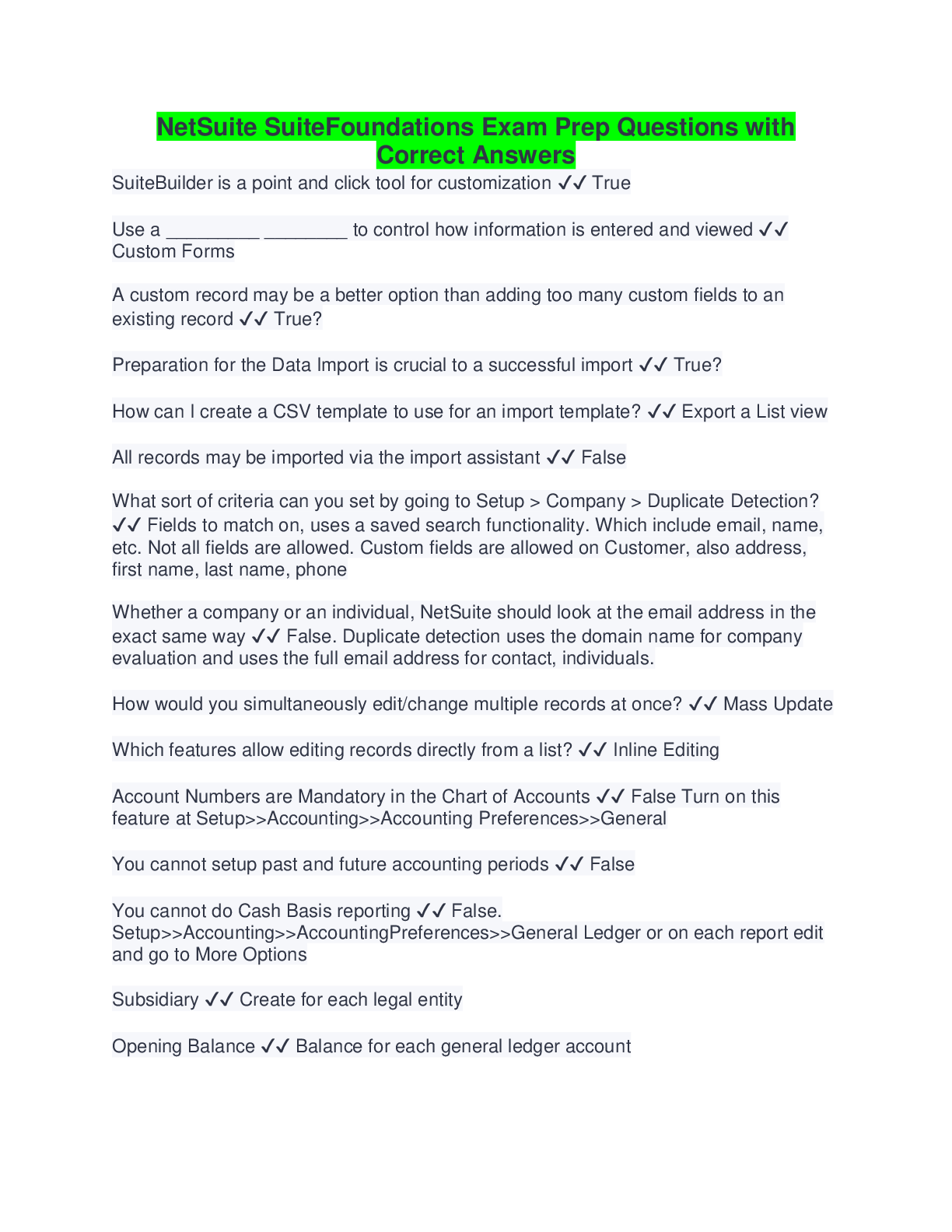
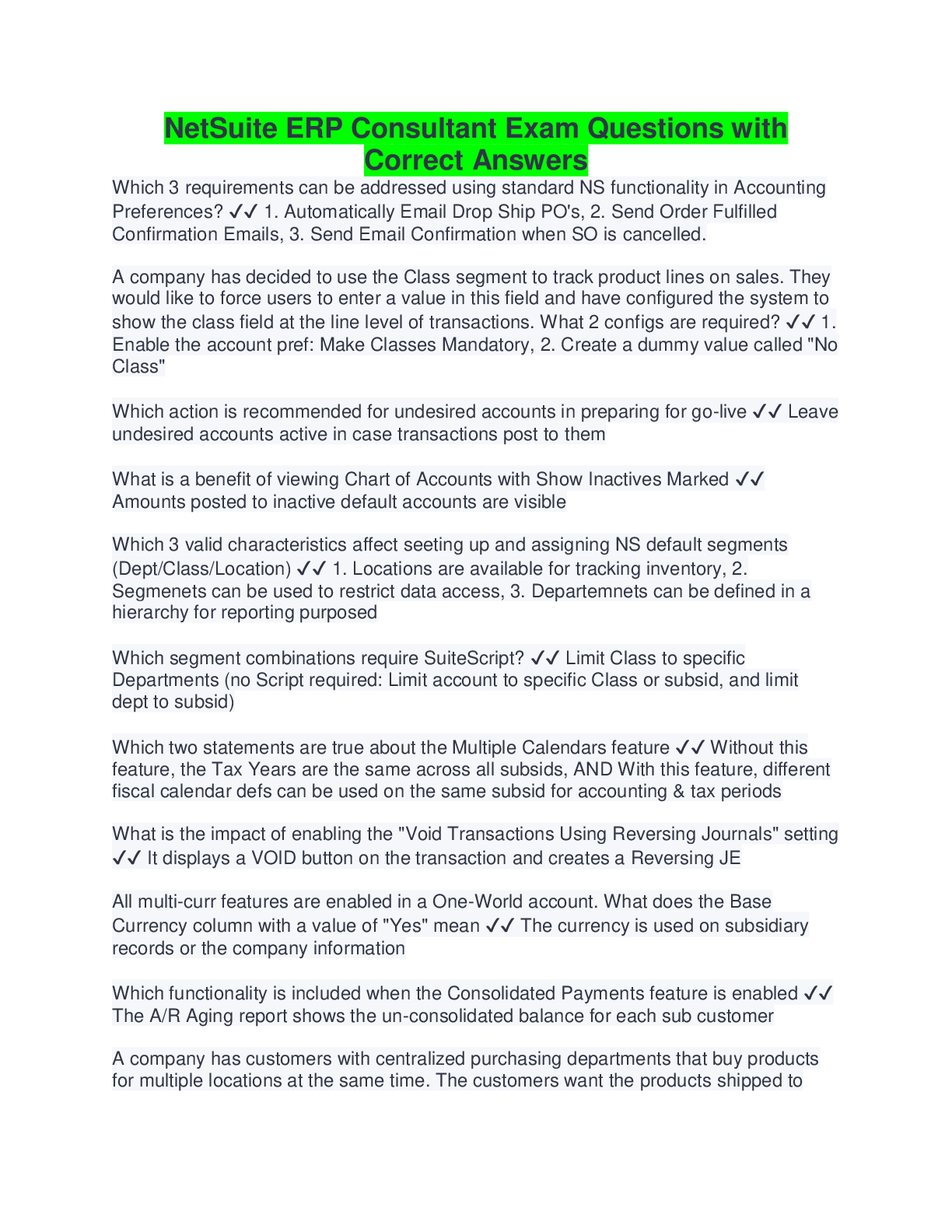
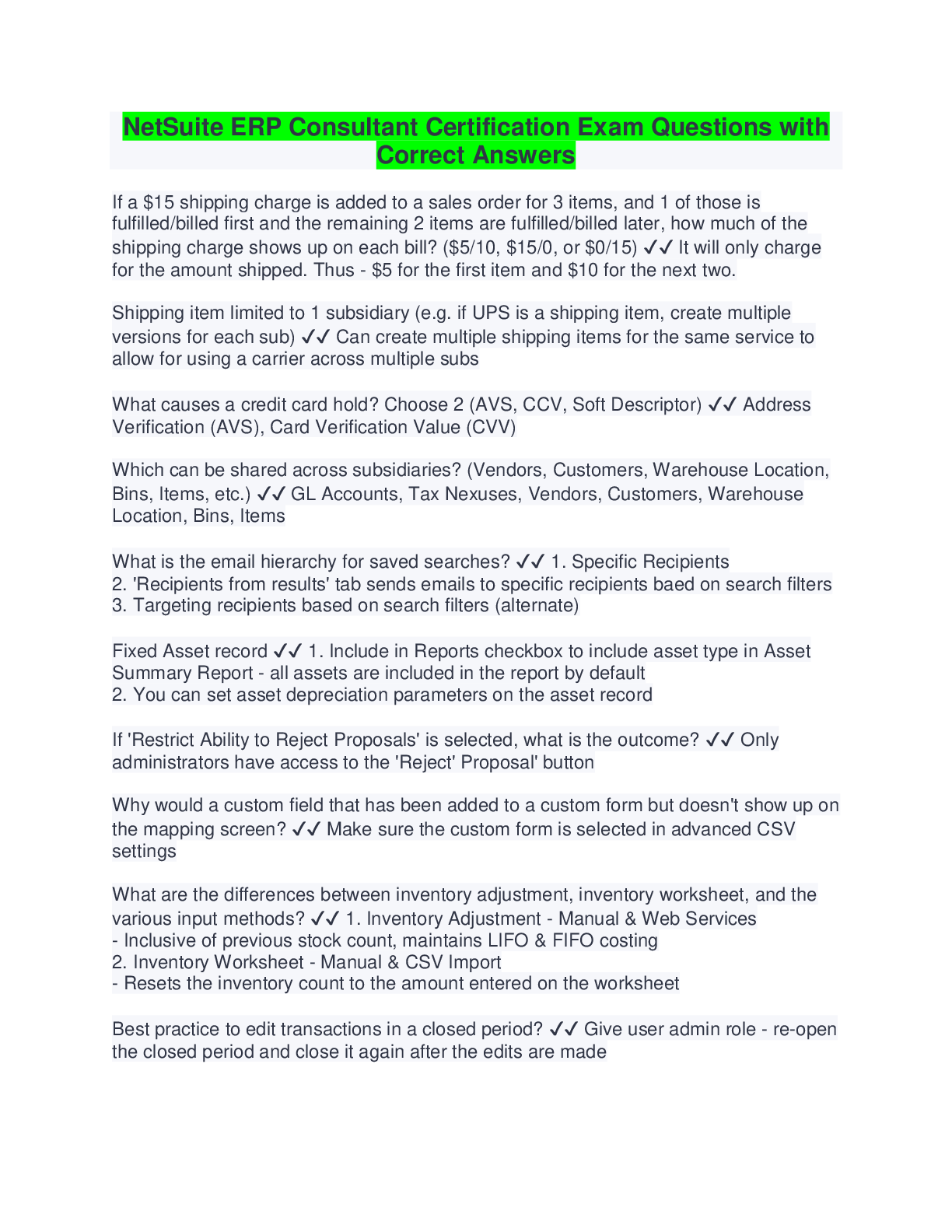
NetSuite ERP Consultant Exam Prep Questions with Correct
Answers
Revenue Recognition - Revenue Commitment - Answer-Separates the billing and
revenue recognition functions, enabling you to recognize revenue and bill cu
...
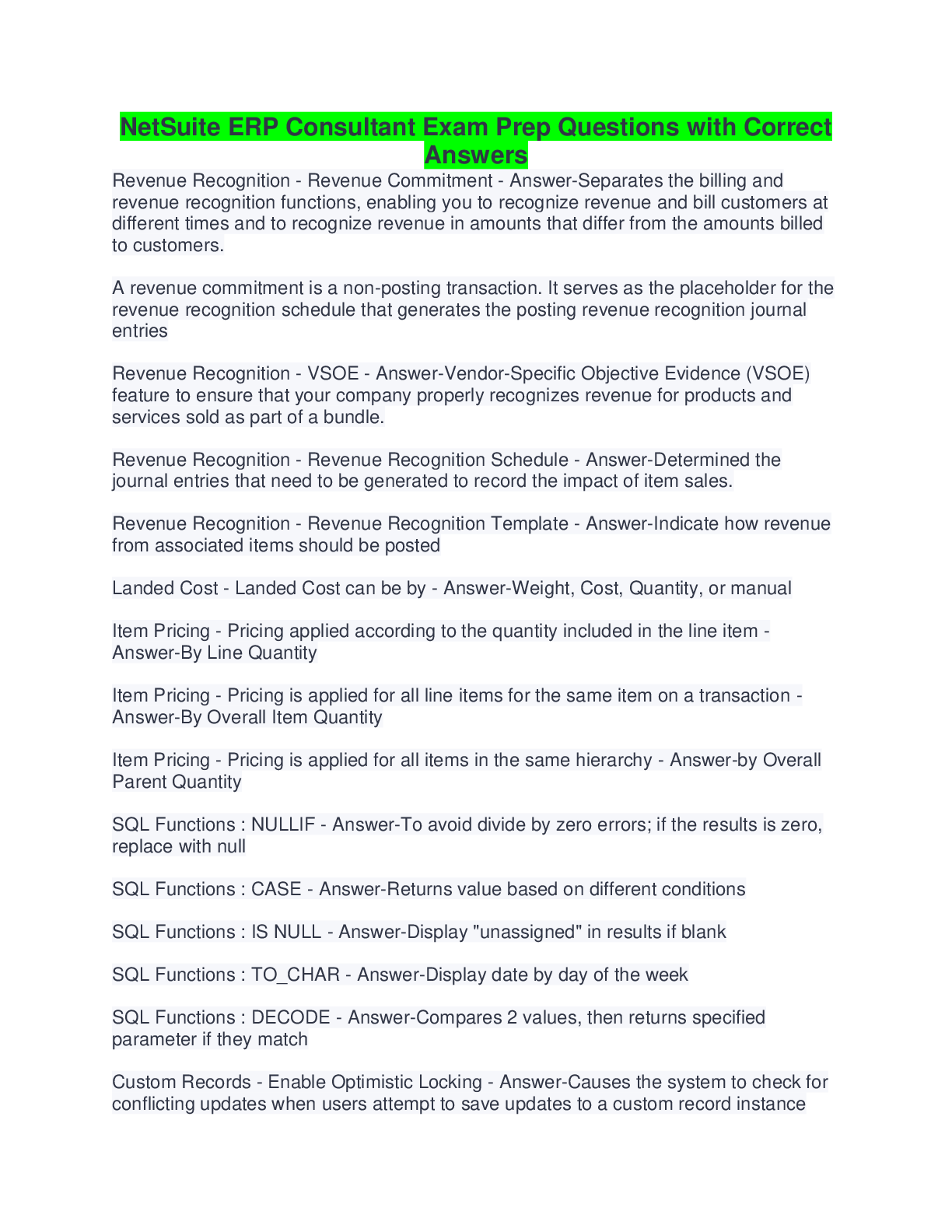
NetSuite ERP Consultant Exam Prep Questions with Correct
Answers
Revenue Recognition - Revenue Commitment - Answer-Separates the billing and
revenue recognition functions, enabling you to recognize revenue and bill customers at
different times and to recognize revenue in amounts that differ from the amounts billed
to customers.
A revenue commitment is a non-posting transaction. It serves as the placeholder for the
revenue recognition schedule that generates the posting revenue recognition journal
entries
Revenue Recognition - VSOE - Answer-Vendor-Specific Objective Evidence (VSOE)
feature to ensure that your company properly recognizes revenue for products and
services sold as part of a bundle.
Revenue Recognition - Revenue Recognition Schedule - Answer-Determined the
journal entries that need to be generated to record the impact of item sales.
Revenue Recognition - Revenue Recognition Template - Answer-Indicate how revenue
from associated items should be posted
Landed Cost - Landed Cost can be by - Answer-Weight, Cost, Quantity, or manual
Item Pricing - Pricing applied according to the quantity included in the line item -
Answer-By Line Quantity
Item Pricing - Pricing is applied for all line items for the same item on a transaction -
Answer-By Overall Item Quantity
Item Pricing - Pricing is applied for all items in the same hierarchy - Answer-by Overall
Parent Quantity
SQL Functions : NULLIF - Answer-To avoid divide by zero errors; if the results is zero,
replace with null
SQL Functions : CASE - Answer-Returns value based on different conditions
SQL Functions : IS NULL - Answer-Display "unassigned" in results if blank
SQL Functions : TO_CHAR - Answer-Display date by day of the week
SQL Functions : DECODE - Answer-Compares 2 values, then returns specified
parameter if they match
Custom Records - Enable Optimistic Locking - Answer-Causes the system to check for
conflicting updates when users attempt to save updates to a custom record instanceCustom Records - Enable Inline Editing - Answer-Allow records to be edited directly
when they display as a LIST
Custom Records - Enable System Notes - Answer-Tracks all changes made to a record
Custom Records - Allow Child Record Editing - Answer-Allow records to be edited
directly when they display as a SUBLIST
True or False: A disabled field can display a default value - Answer-TRUE
True or False : A disabled field is not available for transaction line (column) fields -
Answer-FALSE
True or False : If a field does not have a default, sourced, or custom information, it will
not display on a form - Answer-FALSE
What is the impact of using the "Filter Using" setting when creating a custom Trans
Body field, beyond allowing the user to source data onto the transaction? - Answer-This
field allows the dynamic filtering of the list/record field by a particular attribute
True or False : There is an "in Transit" option for inventory during which time it is not
counted as an asset for either subsidiary - Answer-FALSE
Tax - If subsidiaries share multiple Tax Nexuses, what is the correct order - Answer-1.
International Tax
2. Subsidiary
3. Tax Agency
4. Nexus
5. Tax Codes, groups, schedules, types, periods
Tax - What are the 6 tax editions in NetSuite - Answer-International, US, Japan, UK,
Canada, Australia
Subsidiaries : Contacts associated with 1 sub may be linked to a customer/vendor
associated with another sub - Answer-Transactions are never against the contact
Sub-customers associated with 1 sub can be linked to parent customers associated with
another sub - Answer-Only if accept payment thru parent is disabled
Tax - Tax Period - Answer-Defines a period over which your company tracks tax. A tax
period can be a month, a quarter, or a year, depending on the frequency of your tax
submissions or what your business has agreed with the local tax agency. You can run
monthly, quarterly, or annual VAT/GST reports in NetSuite.
Available in all non-US & non-Canada editionsTax - Tax Nexus - Answer-A nexus is a tax jurisdiction. Nexuses are part of the
NetSuite Advanced Taxes feature, required for NetSuite OneWorld.
Each subsidiary must be associated with at least one nexus. The first nexus is
automatically assigned to a subsidiary based on the country entered for the subsidiary's
address. A subsidiary can have more than one nexus. A nexus and its related tax items
can be shared by multiple subsidiaries.
Tax - Tax Type - Answer-A tax type determines where the tax paid or collected is
tracked on the balance sheet. The balance sheet account to which NetSuite posts the
collection or payment of tax is called the tax control account.
Tax - Tax Code - Answer-Contain information about tax rates and the types of
transactions that the tax codes should be applied to.
Tax - Tax Schedule - Answer-Determine how NetSuite calculates taxes for items in
each nexus.
Tax - Tax Group - Answer-Combines several tax codes that can then be applied to a
transaction, even if the taxes are paid to different jurisdictions.
Tax - Tax Agency Vendor - Answer-These vendors represent taxing authorities to whom
you pay collected taxes.
Year End Manual Close - Answer-Manually post the year end journal entry to zero
amounts in P&L and post to Retained Earnings
Consolidated Exchange Rates vs. Currency Exchange Rates - Answer-Consolidated
applies to: consolidated reports, set per accounting period, base currency for one pair of
related subsidiaries, manually edited in the Consolidated Exchange Rates Table
Currency exchange rate applies to: transactions, "as of" effective date, base currency
and one foreign currency, manually add new rows to Currency Exchange Rates
[Show More]