Computer Science  >  CODING SOLUTION  >  Use S-Tools4 to create secret message in a bitmap file and compare this steganography file with the  (All)

Use S-Tools4 to create secret message in a bitmap file and compare this steganography file with the original file by using the DOS comp command.

Document Content and Description Below

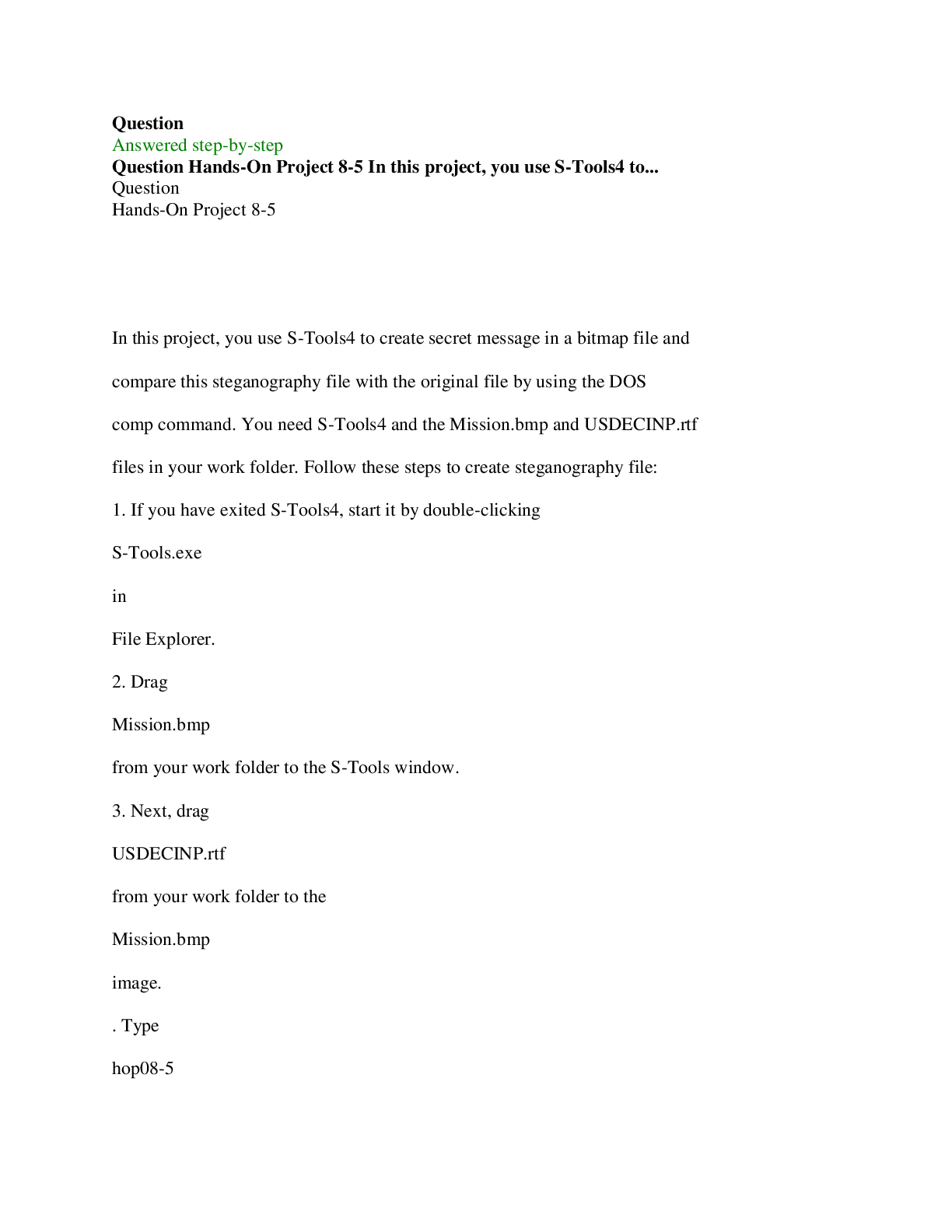
In this project, you use S-Tools4 to create secret message in a bitmap file and compare this steganography file with the original file by using the DOS comp command. You need S-Tools4 a ... nd the Mission.bmp and USDECINP.rtf files in your work folder. Follow these steps to create steganography file: 1. If you have exited S-Tools4, start it by double-clicking S-Tools.exe in File Explorer. 2. Drag Mission.bmp from your work folder to the S-Tools window. 3. Next, drag USDECINP.rtf from your work folder to the Mission.bmp image. . Type hop08-5 in the Passphrase and Verify passphrase text boxes, and then click OK . A hidden data window opens in the S-Tools window. 5. Right-click the hidden data window and click Save As . Save the image as Mission-steg.bmp in your work folder. Exit S-Tools. Next, you use the DOS comp command to compare these two files and redirect the output to a text file for further analysis: 1. To open a command prompt window in Windows 8 or later, click the Search icon, type cmd , and then press Enter . In Windows 7 or earlier, click Start , type cmd in the "Search for programs and files" text box, and then press Enter . 2. Change to your work folder by typing cd n Work n Chap08 n Projects (substituting the path to your work folder) and pressing Enter . 3. Type comp Mission.bmp Mission-steg.bmp > Mission-compare.txt and press Enter , and then at the Compare more files (Y/N) ? prompt, type n and press Enter . 4. In File Explorer, navigate to your work folder, and open the Mission-compare.txt file to see what discrepancies were found. When you're finished, close the file, and exit the command prompt window by typing exit and pressing Enter . 5. To complete project, write one-page report on the number of mismatches and the deviation in each mismatch between the two files. In addition, state your observations of the differences in the two files, such as hexadecimal values and their patterns. Engineering & Technology Computer Science [Show More]

Last updated: 1 year ago

Preview 1 out of 8 pages

Buy Now

Instant download

We Accept:

Payment methods accepted on Scholarfriends (We Accept)
Preview image of Use S-Tools4 to create secret message in a bitmap file and compare this steganography file with the original file by using the DOS comp command. document

Buy this document to get the full access instantly

Instant Download Access after purchase

Buy Now

Instant download

We Accept:

Payment methods accepted on Scholarfriends (We Accept)

Reviews( 0 )

$10.00

Buy Now

We Accept:

Payment methods accepted on Scholarfriends (We Accept)

Instant download

Can't find what you want? Try our AI powered Search

156
0

Document information


Connected school, study & course


About the document


Uploaded On

Apr 30, 2023

Number of pages

8

Written in

All

Seller


Profile illustration for PAPERS UNLIMITED™
PAPERS UNLIMITED™

Member since 4 years

509 Documents Sold

Reviews Received
55
20
8
2
8
Additional information

This document has been written for:

Uploaded

Apr 30, 2023

Downloads

 0

Views

 156

More From PAPERS UNLIMITED™

View all PAPERS UNLIMITED™'s documents »

Recommended For You

Get more on CODING SOLUTION »
$10.00
What is Scholarfriends

Scholarfriends.com Online Platform by Browsegrades Inc. 651N South Broad St, Middletown DE. United States.

We are here to help

We're available through e-mail, Twitter, Facebook, and live chat.
 FAQ
 Questions? Leave a message!

Follow us on
 Twitter

Copyright © Scholarfriends · High quality services·