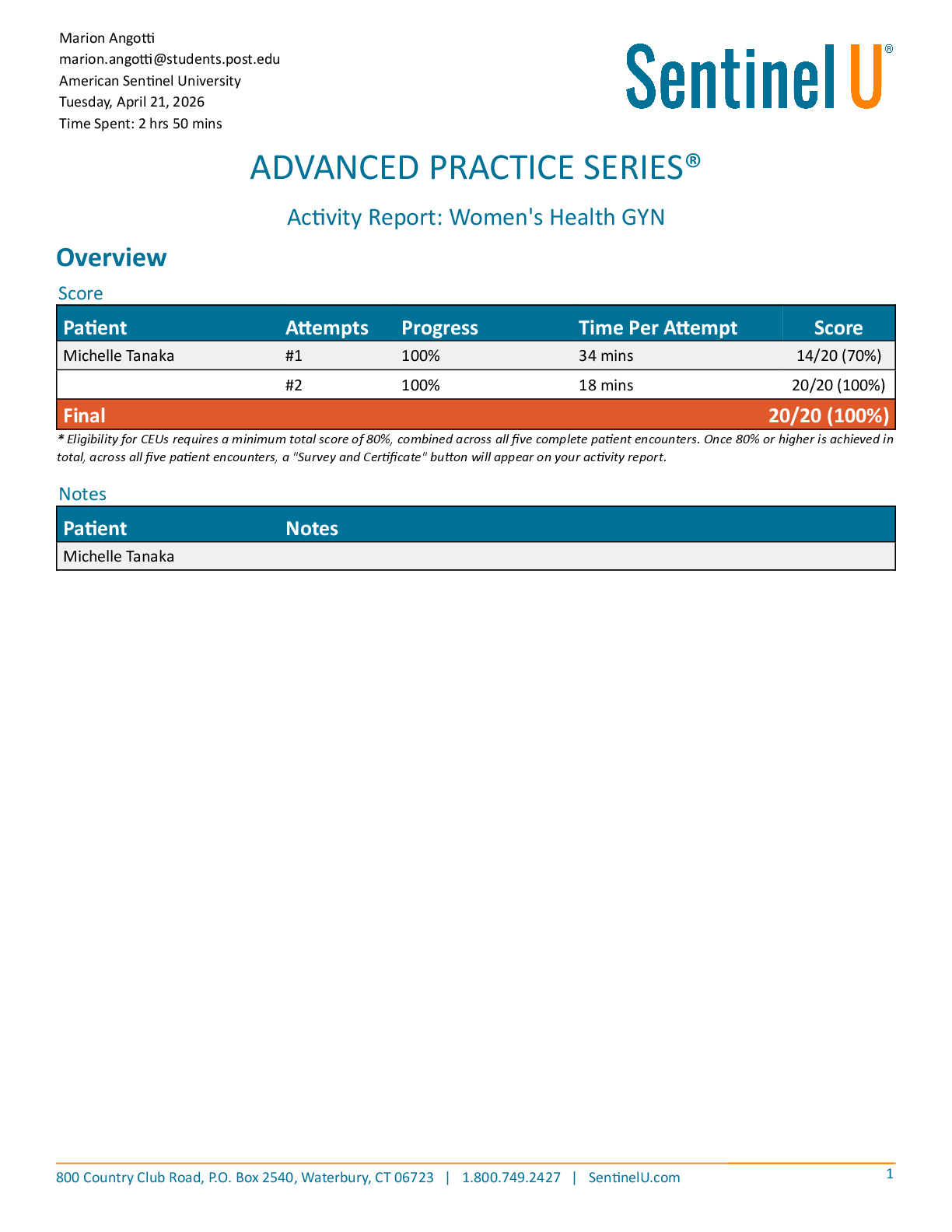
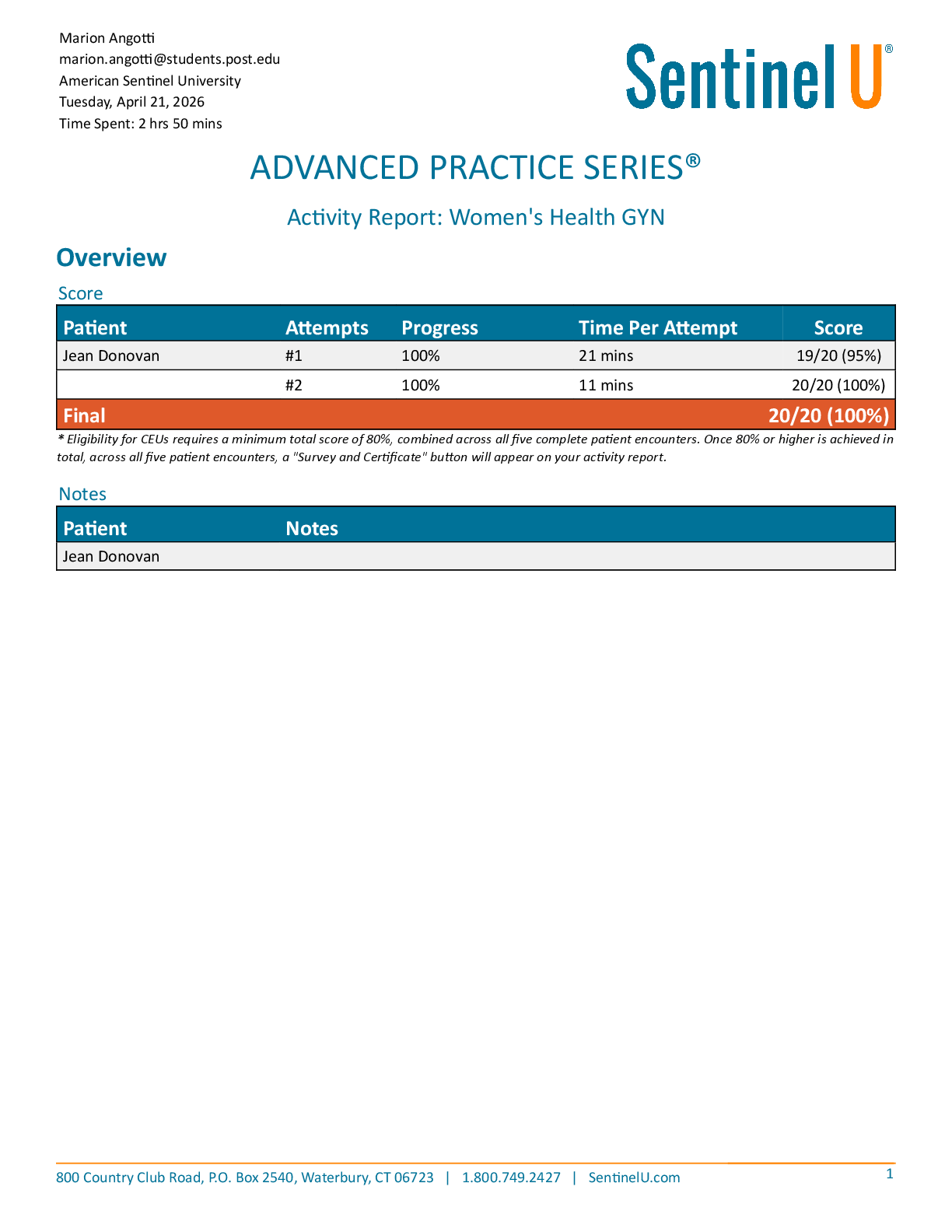
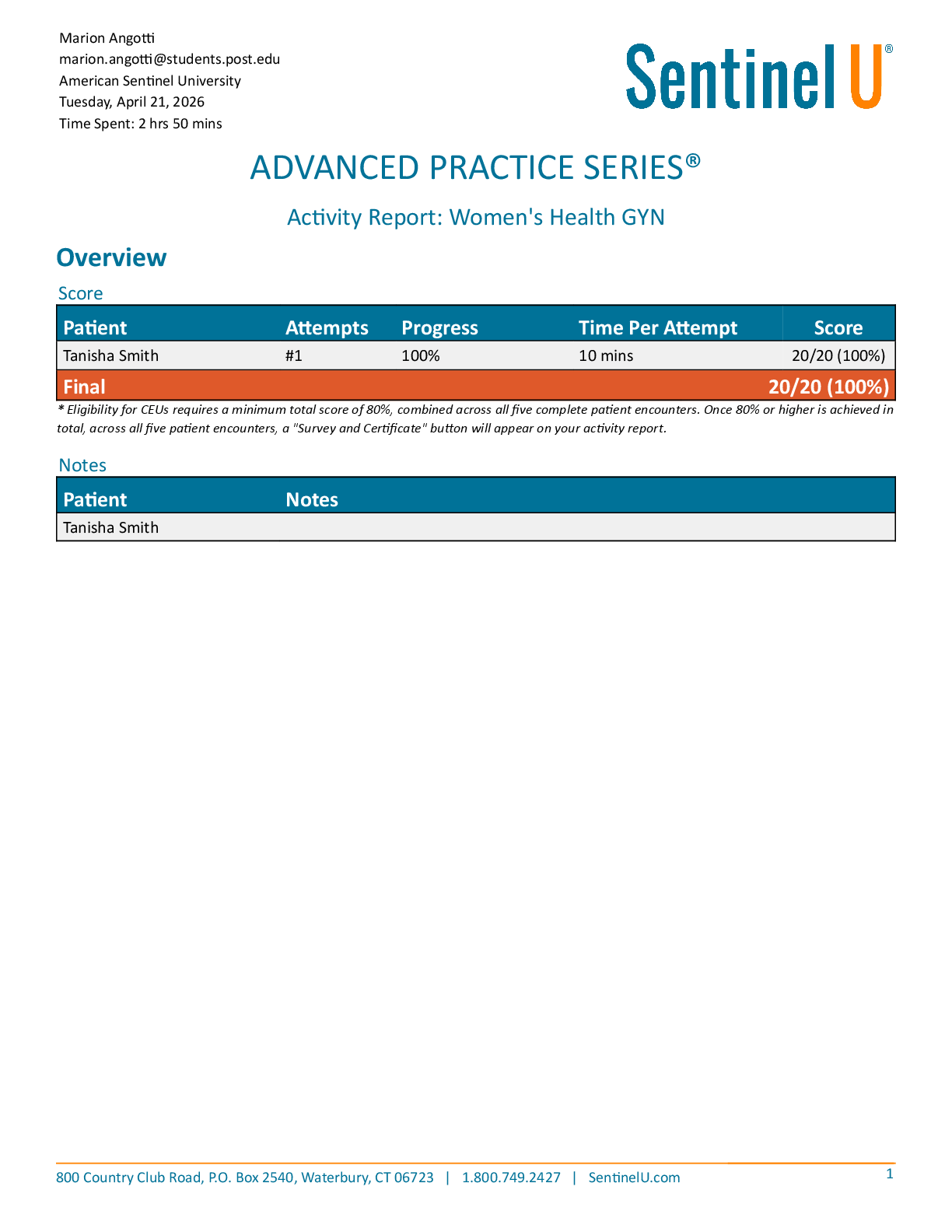
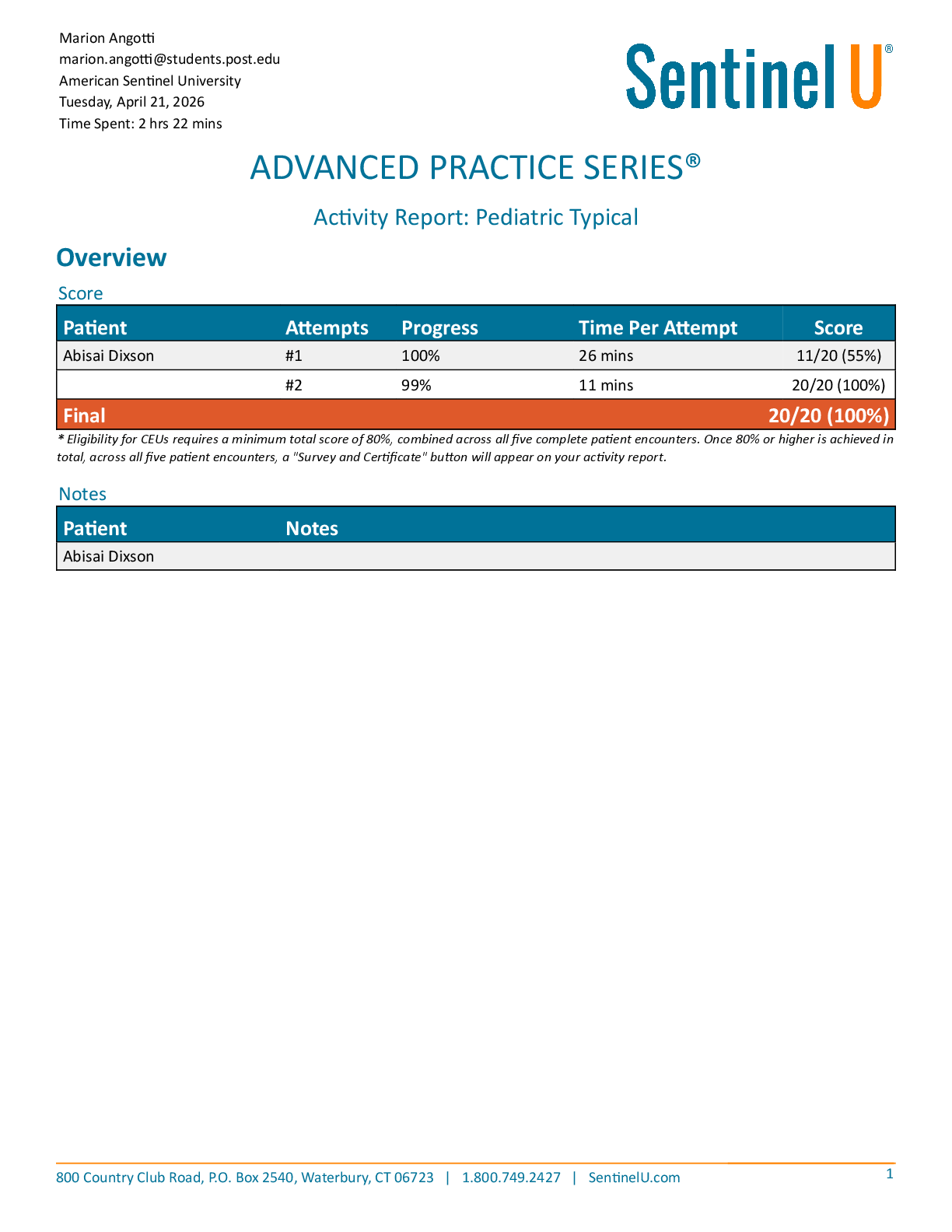
Database Systems Management > QUESTIONS & ANSWERS > Arizona State University - CIS 360CIS 360 Assignment 6. CIS 360: Homework Assignment 6 Assignment: E (All)
Arizona State University - CIS 360CIS 360 Assignment 6. CIS 360: Homework Assignment 6 Assignment: ETL and Excel Functions.
Document Content and Description Below
Last updated: 3 years ago
Preview 1 out of 4 pages
Instant download
Buy this Document to get the Full Access Instantly
Provided by Students Who Aced it
We Verify Document Content to Gurantee Accuracy
Reviews( 0 )
Document information
Connected school, study & course
About the document
Uploaded On
Feb 12, 2021
Number of pages
4
Written in
All

Additional information
This document has been written for:
Uploaded
Feb 12, 2021
Downloads
0
Views
184
Topic Tags
Recommended For You
Get more on QUESTIONS & ANSWERS »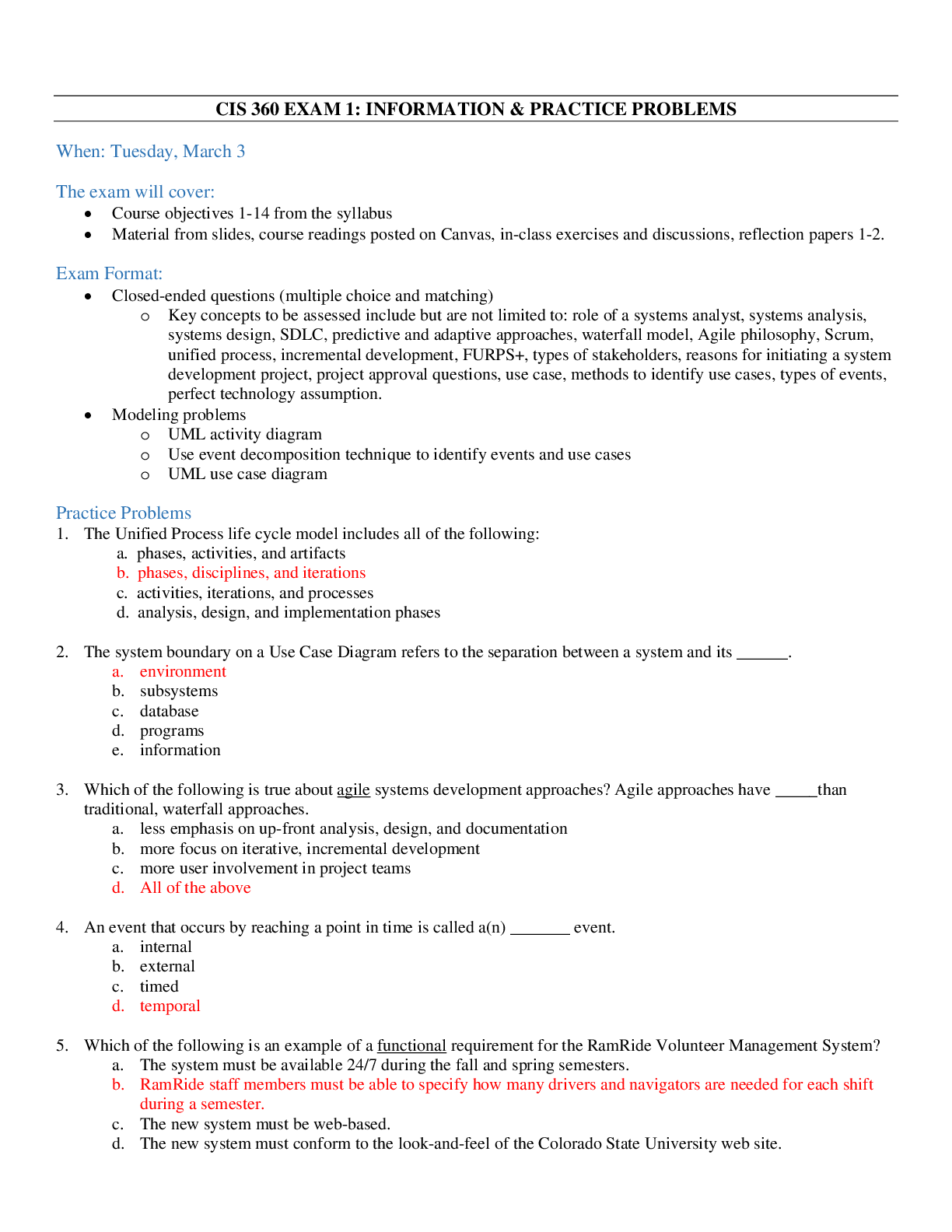

Business Data Communications and Networking 13th Edition By Fi...

Database Management System An Evolutionary Approach, 1e by Jag...

Database Systems Design, Implementation, & Management, 14e Car...

INF3707 Practice Exam Solutions – SQL Queries & Constraints |...
Guide to Computer Forensics and Investigations, 6th Edition by...
Database Design and Implementation | / New Version / 2025 Up...
INF3707 Exam Prep 2022 | / New Version / Updated Study Notes...
Information Systems: A Manager's Guide to Harnessing Technolog...

Solution Manual for Database Systems a Practical Approach to D...
Principles of Distributed Database Systems 4th Edition by M....
Solution Manual for Database Concepts 10th Edition by David Kr...
Solution Manual - Data Structures and Abstractions with Java,...

Solution Manual for sample Database Concepts, 6th Edition By D...