ECSA 102 Printing - Questions, Answers and Rationales When updating EPS, what steps SHOULD you take after the environment is updated by your ODBA? Choose all that apply. A. Deploy EPS to the first half of your EPS serv
...
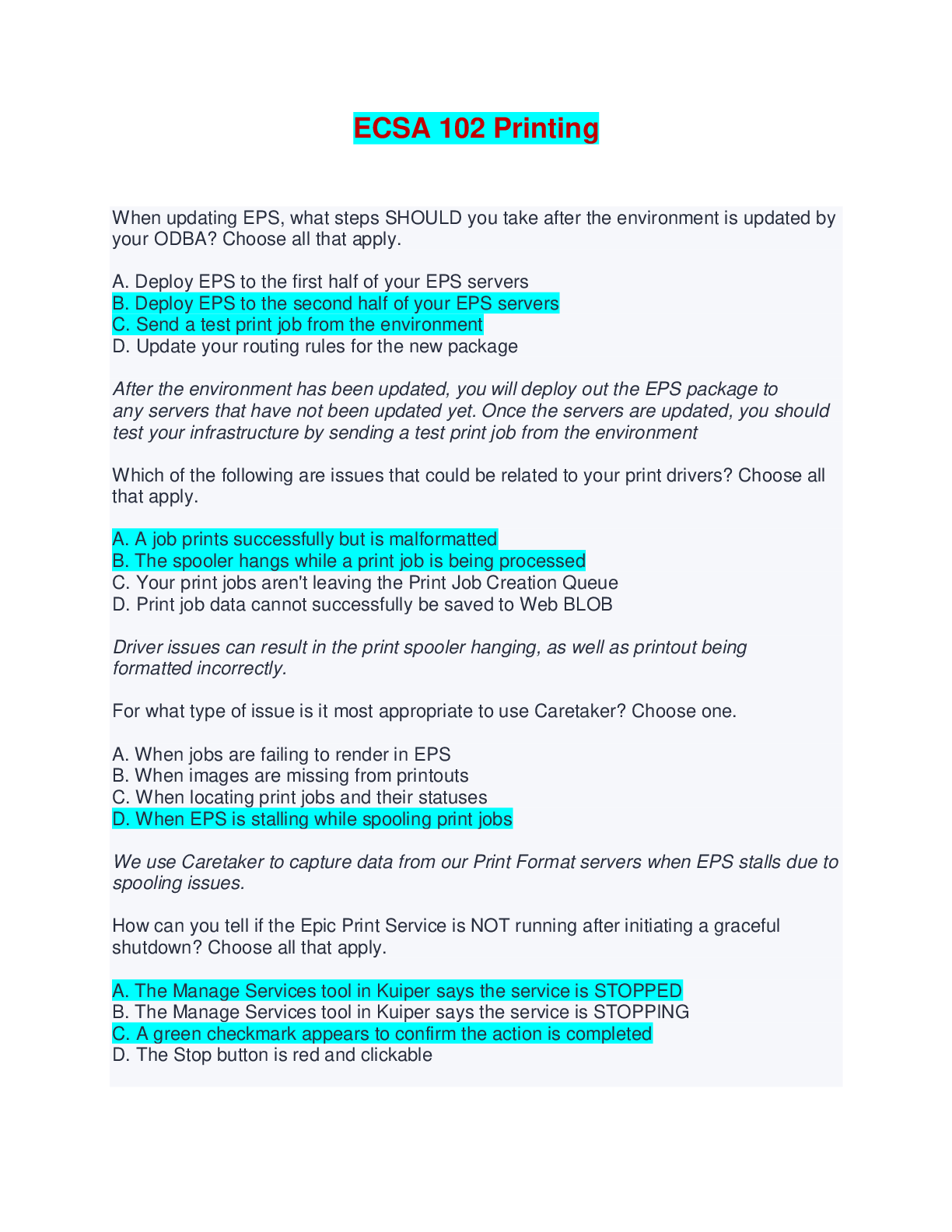
ECSA 102 Printing - Questions, Answers and Rationales When updating EPS, what steps SHOULD you take after the environment is updated by your ODBA? Choose all that apply. A. Deploy EPS to the first half of your EPS servers B. Deploy EPS to the second half of your EPS servers C. Send a test print job from the environment D. Update your routing rules for the new package After the environment has been updated, you will deploy out the EPS package to any servers that have not been updated yet. Once the servers are updated, you should test your infrastructure by sending a test print job from the environment Which of the following are issues that could be related to your print drivers? Choose all that apply. A. A job prints successfully but is malformatted B. The spooler hangs while a print job is being processed C. Your print jobs aren't leaving the Print Job Creation Queue D. Print job data cannot successfully be saved to Web BLOB Driver issues can result in the print spooler hanging, as well as printout being formatted incorrectly. For what type of issue is it most appropriate to use Caretaker? Choose one. A. When jobs are failing to render in EPS B. When images are missing from printouts C. When locating print jobs and their statuses D. When EPS is stalling while spooling print jobs We use Caretaker to capture data from our Print Format servers when EPS stalls due to spooling issues. How can you tell if the Epic Print Service is NOT running after initiating a graceful shutdown? Choose all that apply. A. The Manage Services tool in Kuiper says the service is STOPPED B. The Manage Services tool in Kuiper says the service is STOPPING C. A green checkmark appears to confirm the action is completed D. The Stop button is red and clickable Until Kuiper shows stopped as the status, EPS is still processing print jobs, and thus is still running. When Kuiper completes the action, it will give a green checkmark. For any given print job, which of the following will the Print Job Creation Queue place into the Temp Storage location in the environment? Choose one. A. The Job ID B. The job's Raw Data C. The job's metadata D. The job's EPL record The Temp Storage, also called the Print Buffer, is a folder on the disk of the Environment, and it is where the Print Job Creation Queue puts the job Raw Data as it waits for the Job ID to be picked up and moved to the Print Format Servers Which of the following are true about batch printing? Choose all that apply. A. Some batches need to be printed in a specific order. B. All batches need to be printed in a specific order. C. EPS needs special configuration in order to print batch jobs. D. EPS does NOT need special configuration to print batch jobs. Batch Printing does not require any special setup for EPS in order to process them. Not all batches need to be printed in a specific order. An analyst at your organization manually prints the patient list for their department every morning and chooses the SCHEDULING01 EPR to print to. What is this an example of? Choose all that apply. A. Server side print job B. Client side print job C. On‐demand print job D. Scheduled print job Since the user is manually triggering the print job, it is an on‐demand print job, and since they are selecting an EPR, we know that it is a server‐side print job. What considerations SHOULD you make when building an EPS Routing Rule for fax jobs? Choose all that apply. A. You should set your number of workers equal to the number of vCPU on your servers. B. You should set your total number of workers less than or equal to the number of available fax lines. C. You may need to change the max inactivity time for your routing rule. D. The rule should filter based on the Print Job Creation Queue.
[Show More]