Azure Administrator AZ-104 Prep Exam
Questions
The billing unit of Azure Services that aggregates all the costs of the underlying resources.
Azure Subscriptions
An identity in Azure Active Directory (AAD) or a direct
...
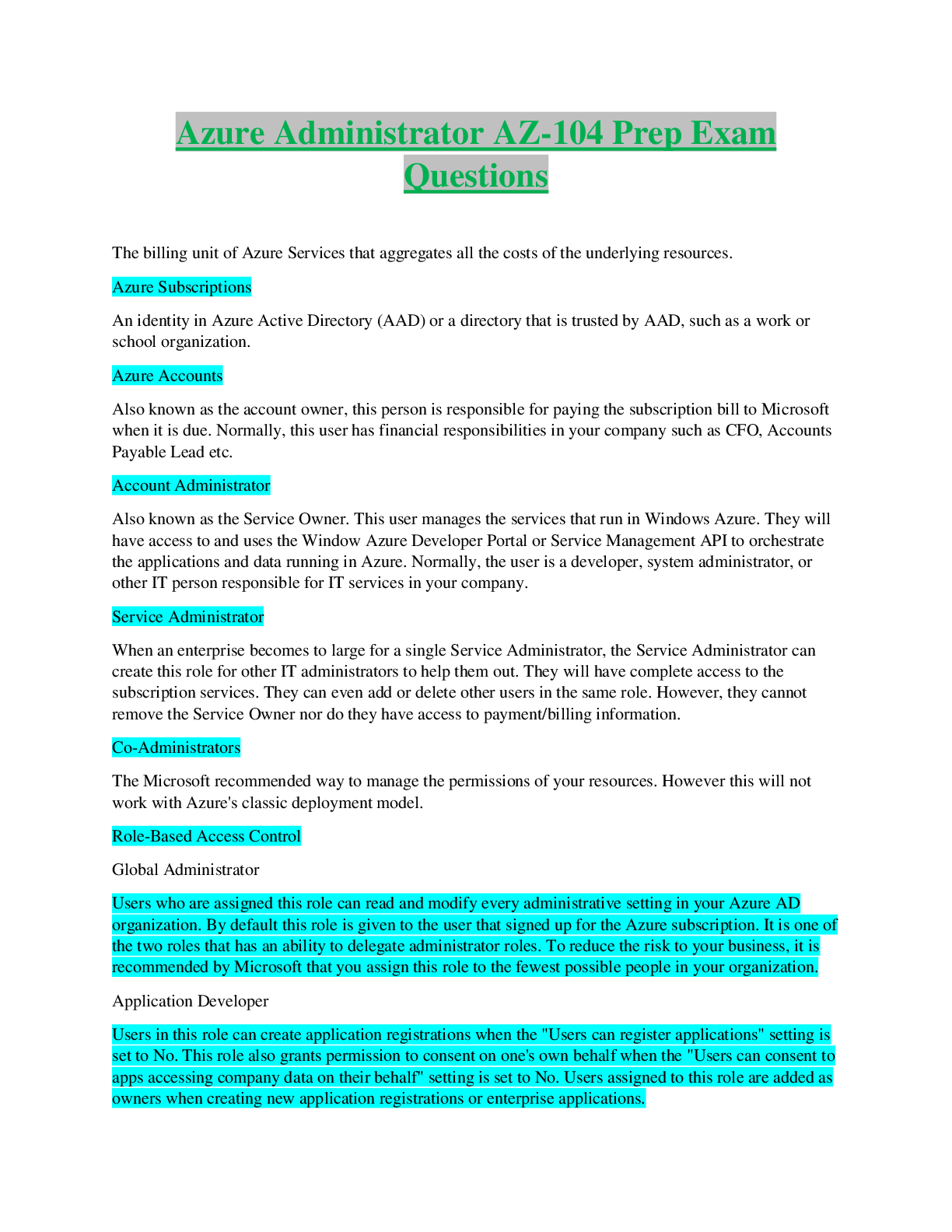
Azure Administrator AZ-104 Prep Exam
Questions
The billing unit of Azure Services that aggregates all the costs of the underlying resources.
Azure Subscriptions
An identity in Azure Active Directory (AAD) or a directory that is trusted by AAD, such as a work or
school organization.
Azure Accounts
Also known as the account owner, this person is responsible for paying the subscription bill to Microsoft
when it is due. Normally, this user has financial responsibilities in your company such as CFO, Accounts
Payable Lead etc.
Account Administrator
Also known as the Service Owner. This user manages the services that run in Windows Azure. They will
have access to and uses the Window Azure Developer Portal or Service Management API to orchestrate
the applications and data running in Azure. Normally, the user is a developer, system administrator, or
other IT person responsible for IT services in your company.
Service Administrator
When an enterprise becomes to large for a single Service Administrator, the Service Administrator can
create this role for other IT administrators to help them out. They will have complete access to the
subscription services. They can even add or delete other users in the same role. However, they cannot
remove the Service Owner nor do they have access to payment/billing information.
Co-Administrators
The Microsoft recommended way to manage the permissions of your resources. However this will not
work with Azure's classic deployment model.
Role-Based Access Control
Global Administrator
Users who are assigned this role can read and modify every administrative setting in your Azure AD
organization. By default this role is given to the user that signed up for the Azure subscription. It is one of
the two roles that has an ability to delegate administrator roles. To reduce the risk to your business, it is
recommended by Microsoft that you assign this role to the fewest possible people in your organization.
Application Developer
Users in this role can create application registrations when the "Users can register applications" setting is
set to No. This role also grants permission to consent on one's own behalf when the "Users can consent to
apps accessing company data on their behalf" setting is set to No. Users assigned to this role are added as
owners when creating new application registrations or enterprise applications.Application Administrator
This role grants the ability to manage application credentials. Users assigned this role can add credentials
to an application, and use those credentials to impersonate the application's identity.
Authentication Administrator
Users with this role can set or reset non-password credentials and can update passwords for all users.
Authentication Administrators can require users to re-register against existing non-password credential
Azure gives you the ability to see the number of resources you've deployed into your subscription and
what your limits are. This ability makes it easier for you to track current usage and plan for new
deployments in the near future.
Azure Resource Limits
A good way to keep track of your resources is through tagging them. Each "Tag" consists of a Name and
a Key Value Pair, such as
"Environment" : "Production" where you could tag all your resources that are in production. Tags applied
to the resource group are not inherited by the resources in that resource group.
Tagging Resources
A service used to create, assign and manage different policies. These policies enforce different rules over
your resources so they stay compliant with your corporate standards and service level agreements, The
service does this by running evaluations against your resources and scanning for those that are not in
compliance with your policies.
Azure Policy
A policy definition that has been assigned to take place within a specific scope. This scope could range
from a management group to a resource group. The term scope refers to all the resource groups,
subscriptions, or management groups that the policy definition is assigned to. Policy assignments are
inherited by all child resources. This design means that a policy applied to a resource group is also
applied to resources in that resource group. However, you can exclude a sub-scope from the policy
assignment.
Policy Assignment
A way to help simplify your policy management by reducing the number of policy definitions you create.
You can define parameters when creating a policy to make it more generic. Then you can reuse that
policy definition for different scenarios. You do so by passing in different values when assigning the
policy definition.
Policy Parameters
A collection of policy definitions that are tailored towards achieving a singular overarching goal.
Initiative definitions simplify managing and assigning policy definitions. They simplify by grouping a set
of policies as one single item. For example, you could create an initiative titled Enable Monitoring in
Azure Security Center, with a goal to monitor all the available security recommendations in your Azure
Security Center.
Initiative DefinitionGive you an ability to take an action any time an alert is triggered. This ensures that every time an alert is
triggered the same action will fire off, this could include a messaging componet (SMS, Push Notification,
Email or Phone Call), A Function, or even running an automation playbook.
Action Groups
Enables core monitoring for Azure Services by monitoring and visualizing metrics, querying and
analysing activity and diagnostic logs. It's also can help set-up alerts and help you take automated
corrective actions.
[Show More]