WGU C172 Network and Security –
Foundations Questions and Answers
Latest Update Already Passed
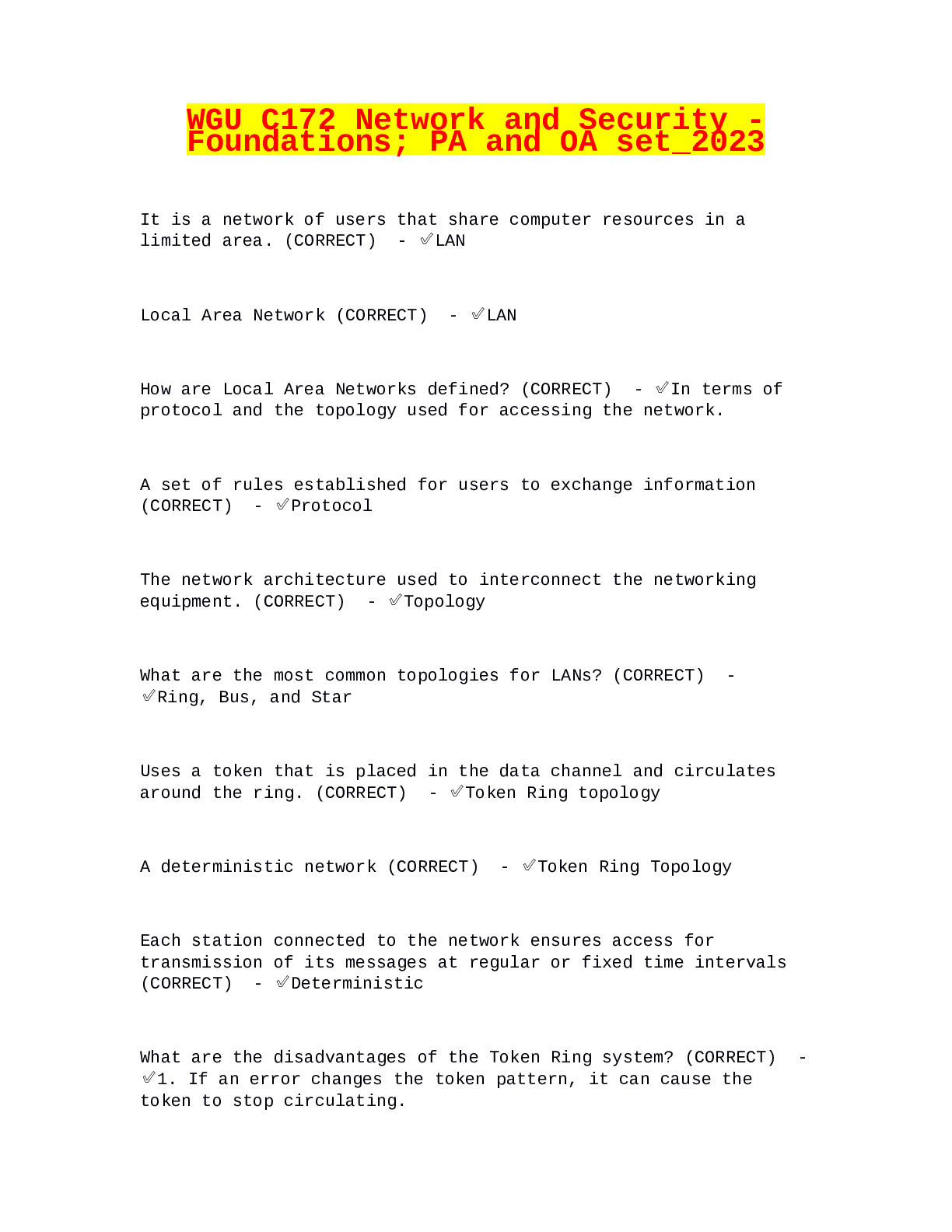
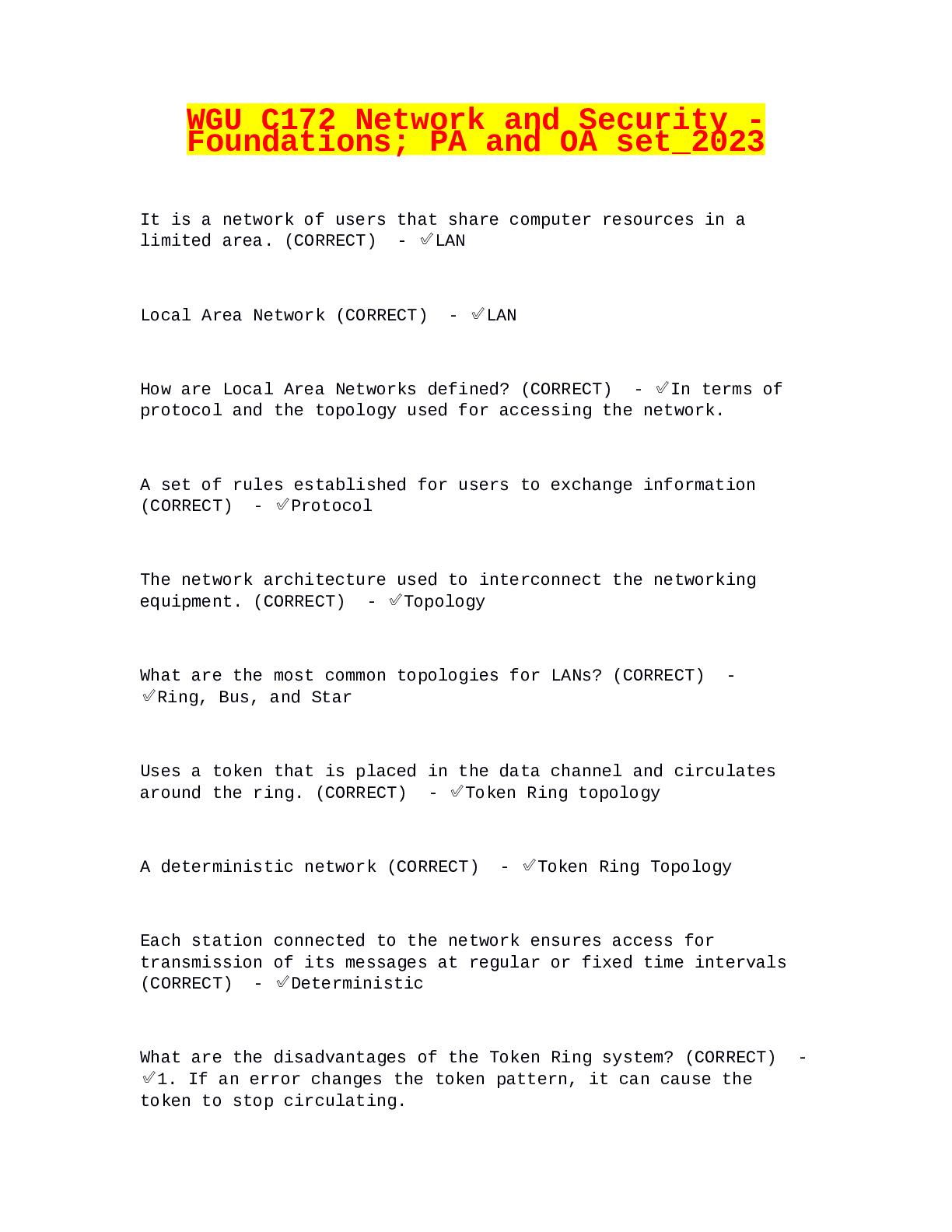
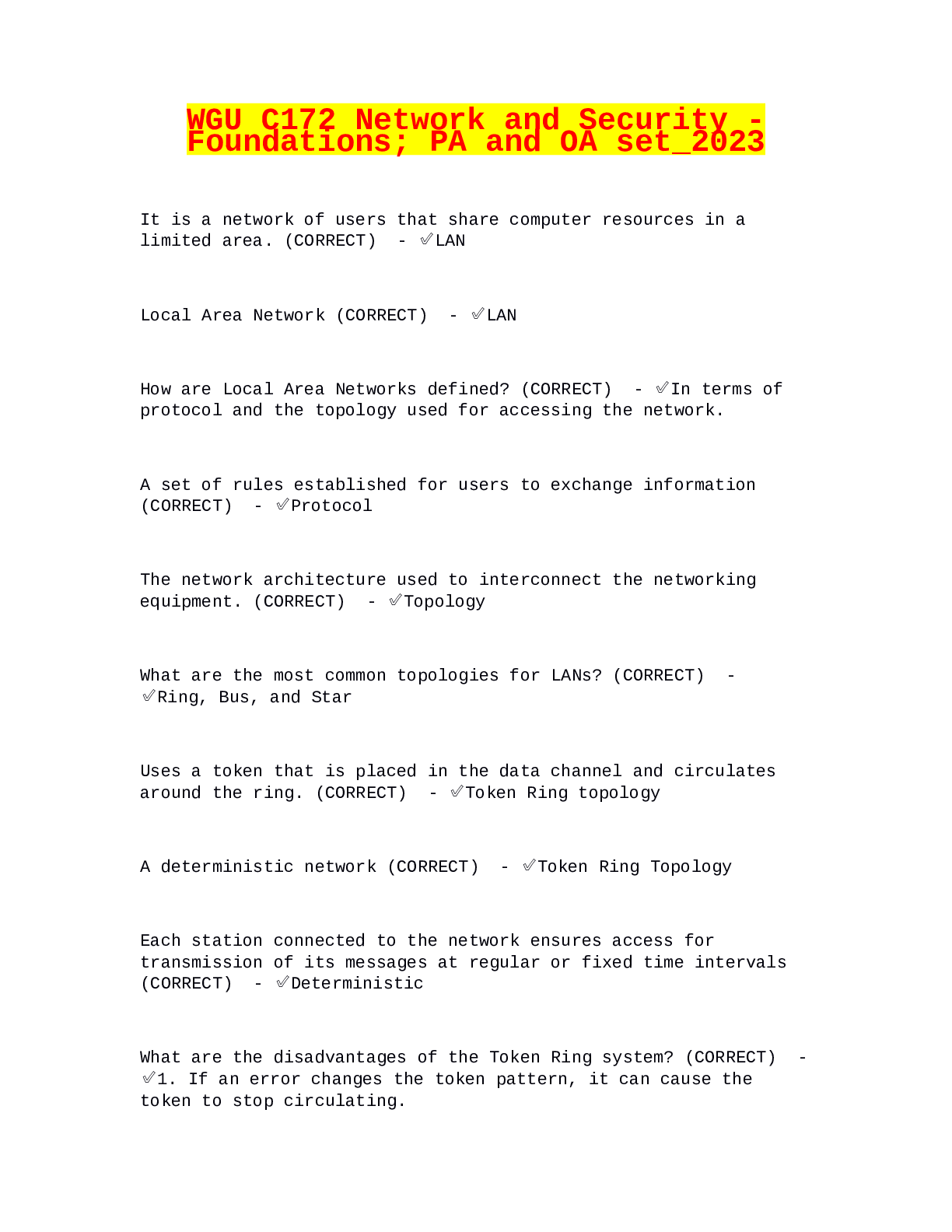
protocol ✔✔The set of rules established for users to exchange information
topology ✔✔The network architecture used to int
...
WGU C172 Network and Security –
Foundations Questions and Answers
Latest Update Already Passed
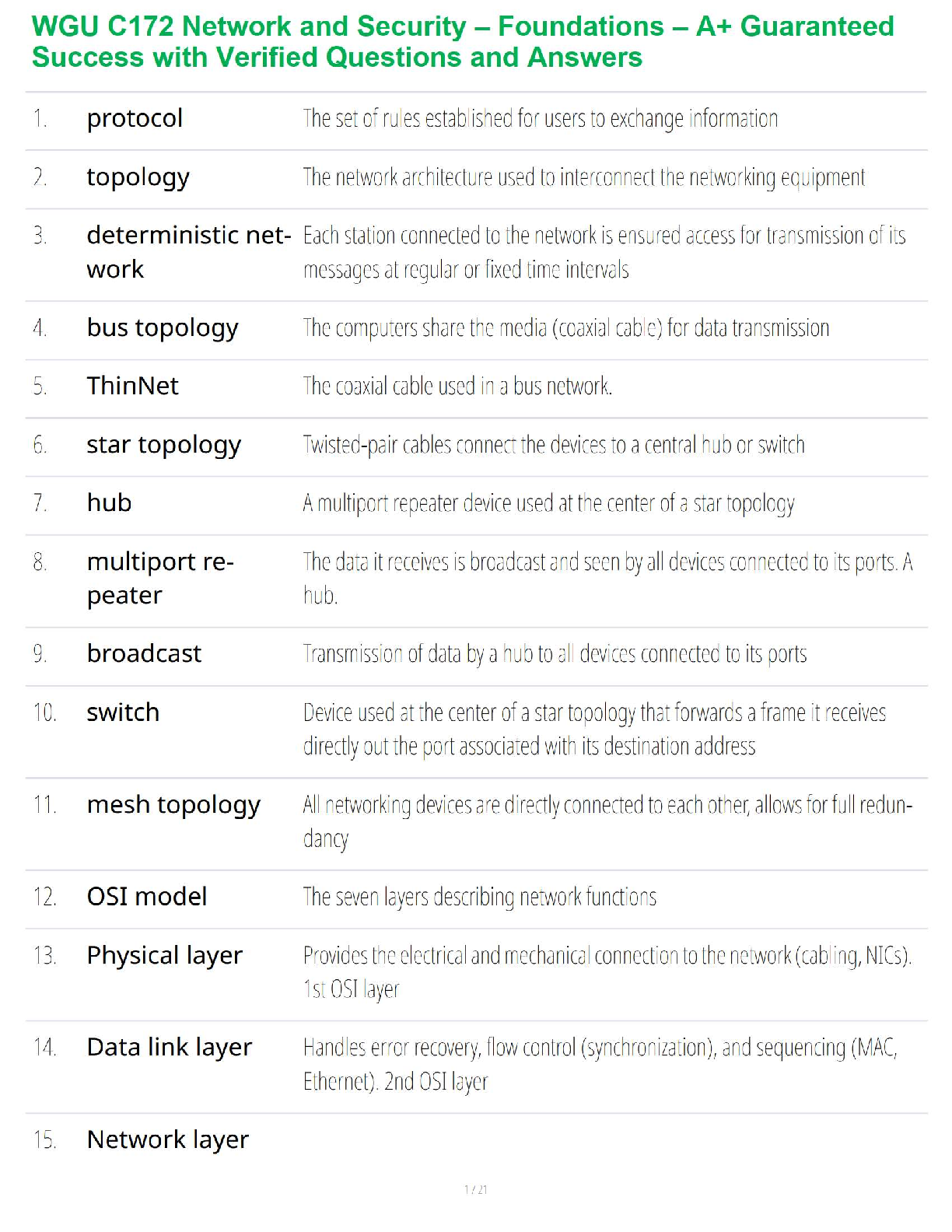
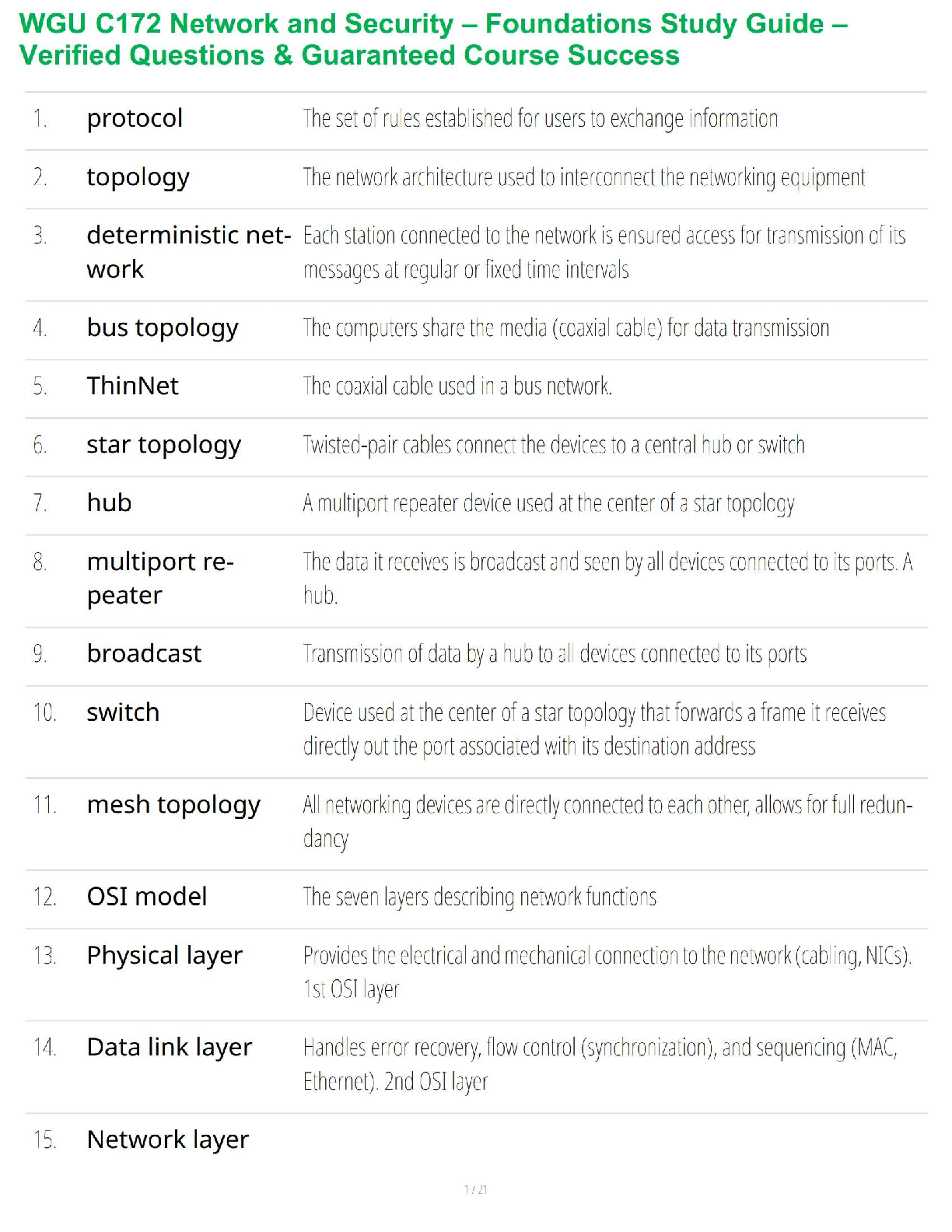
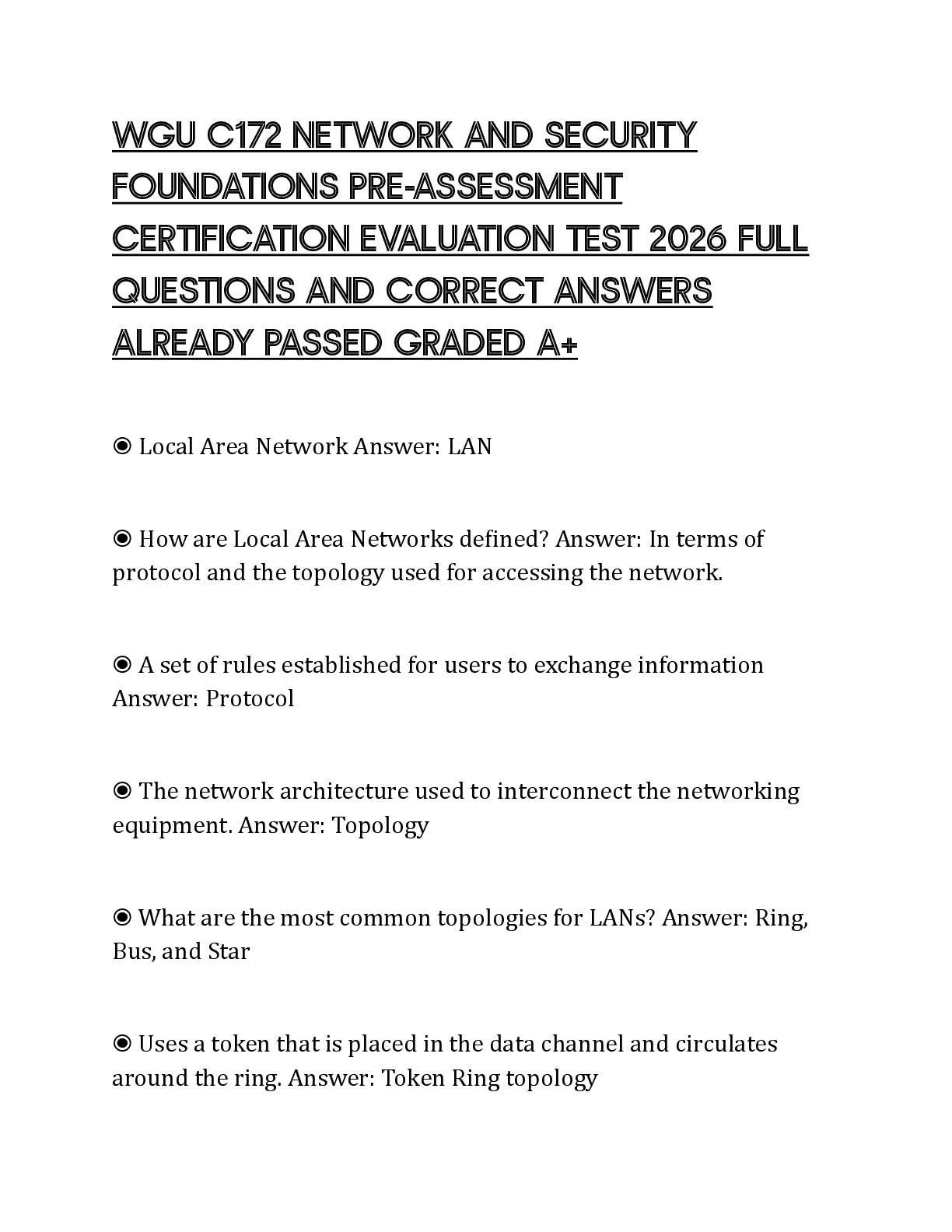
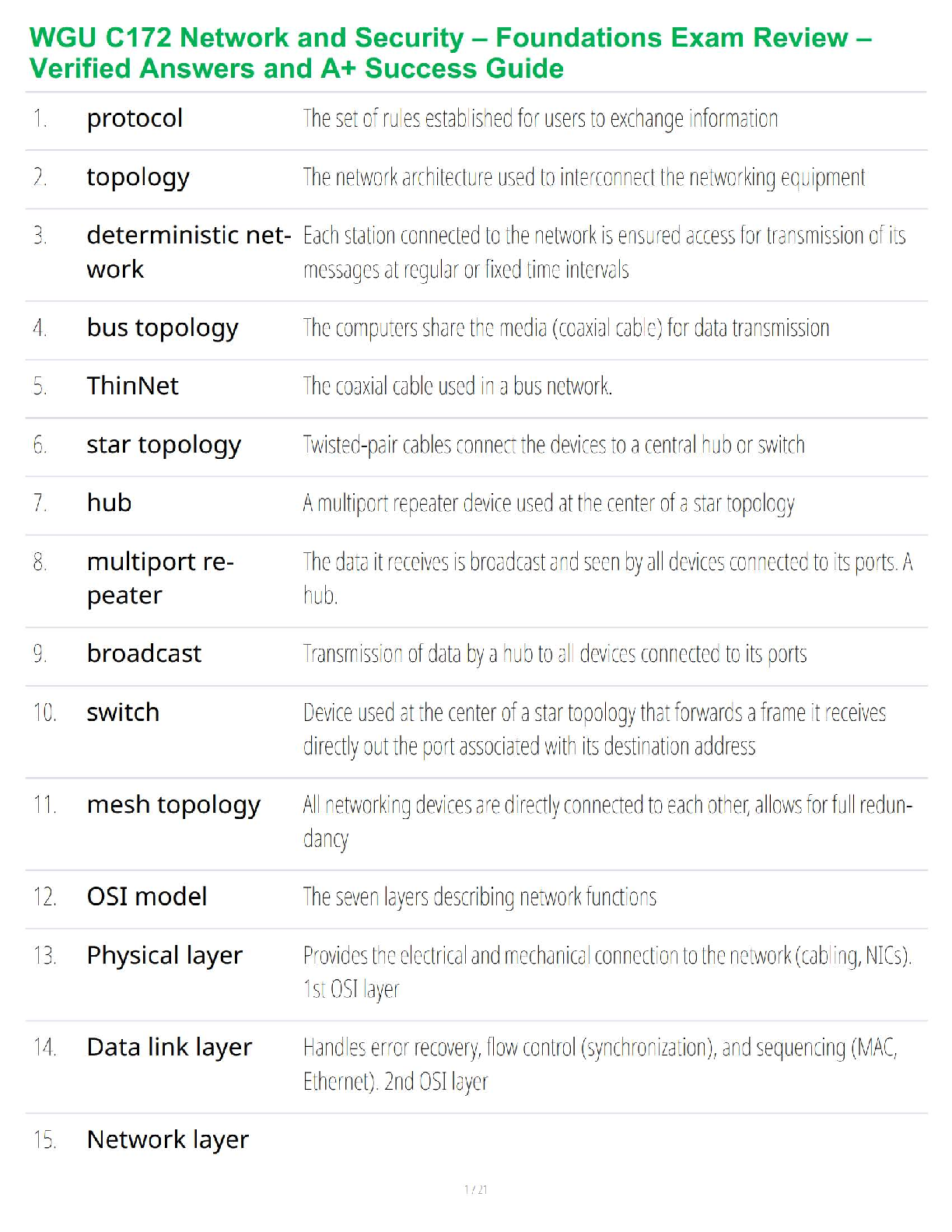
protocol ✔✔The set of rules established for users to exchange information
topology ✔✔The network architecture used to interconnect the networking equipment
deterministic network ✔✔Each station connected to the network is ensured access for transmission
of its messages at regular or fixed time intervals
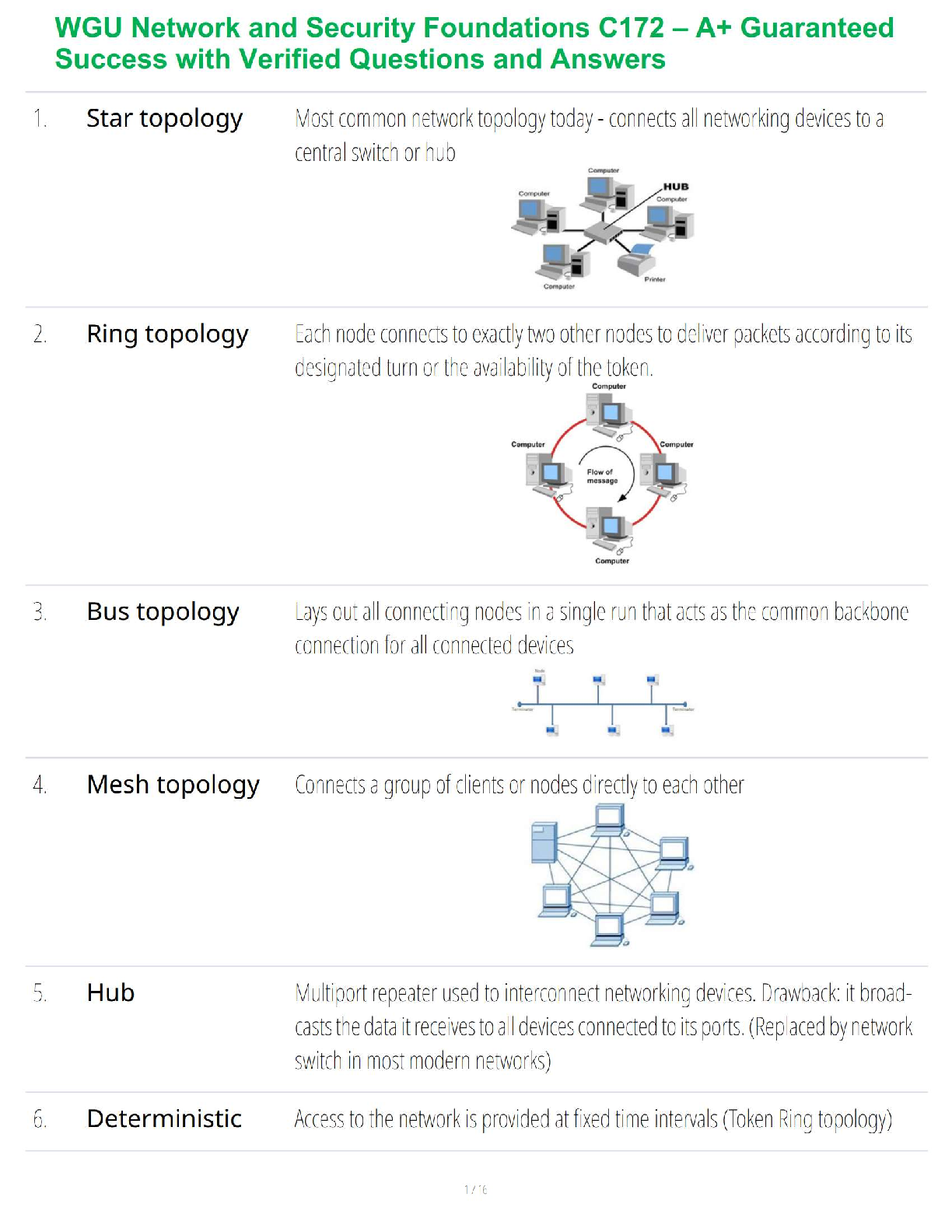
bus topology ✔✔The computers share the media (coaxial cable) for data transmission
ThinNet ✔✔The coaxial cable used in a bus network.
star topology ✔✔Twisted-pair cables connect the devices to a central hub or switch
hub ✔✔A multiport repeater device used at the center of a star topology
multiport repeater ✔✔The data it receives is broadcast and seen by all devices connected to its
ports. A hub.
broadcast ✔✔Transmission of data by a hub to all devices connected to its ports
switch ✔✔Device used at the center of a star topology that forwards a frame it receives directly
out the port associated with its destination address
mesh topology ✔✔All networking devices are directly connected to each other, allows for full
redundancy
OSI model ✔✔The seven layers describing network functions
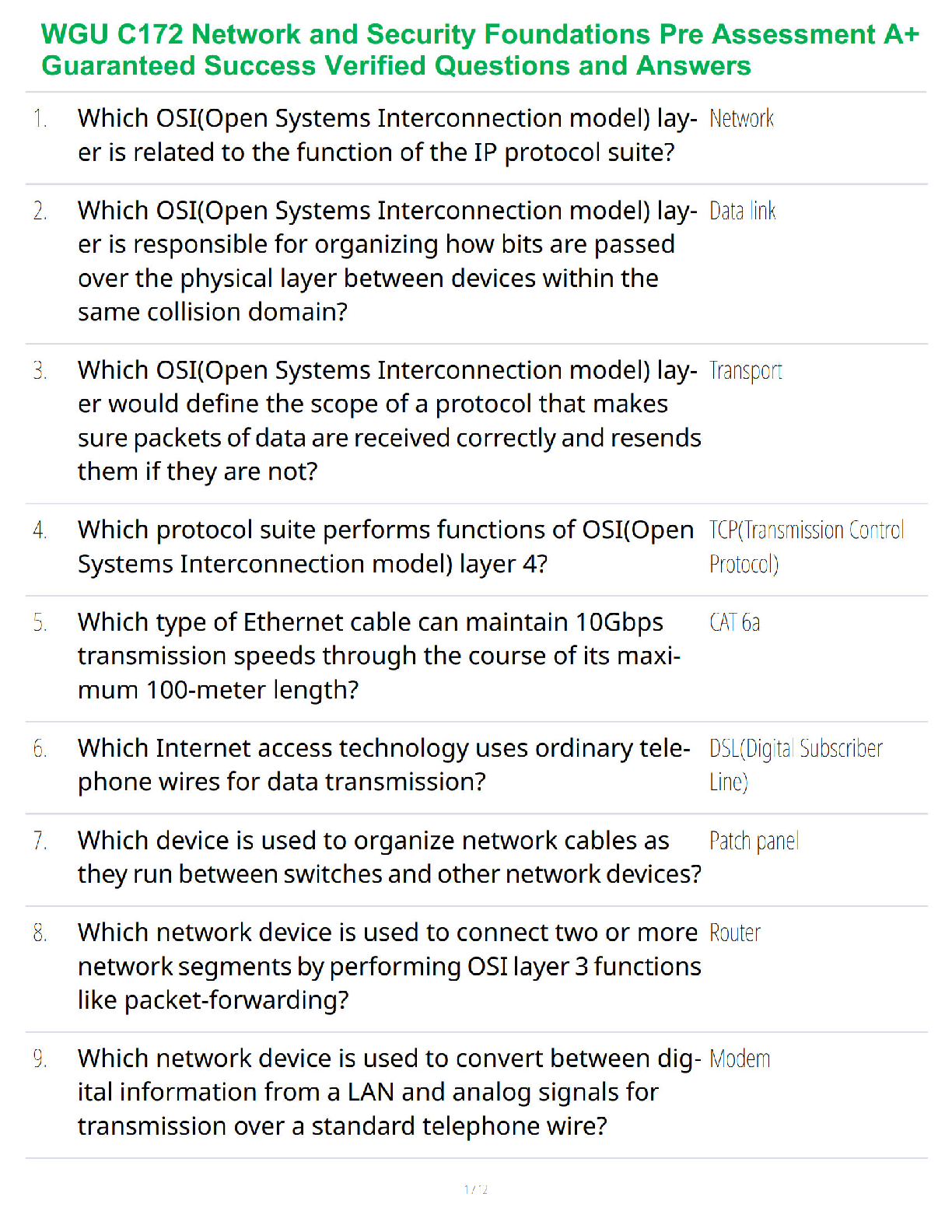
Physical layer ✔✔Provides the electrical and mechanical connection to the network (cabling,
NICs). 1st OSI layer
Data link layer ✔✔Handles error recovery, flow control (synchronization), and sequencing (MAC,
Ethernet). 2nd OSI layer
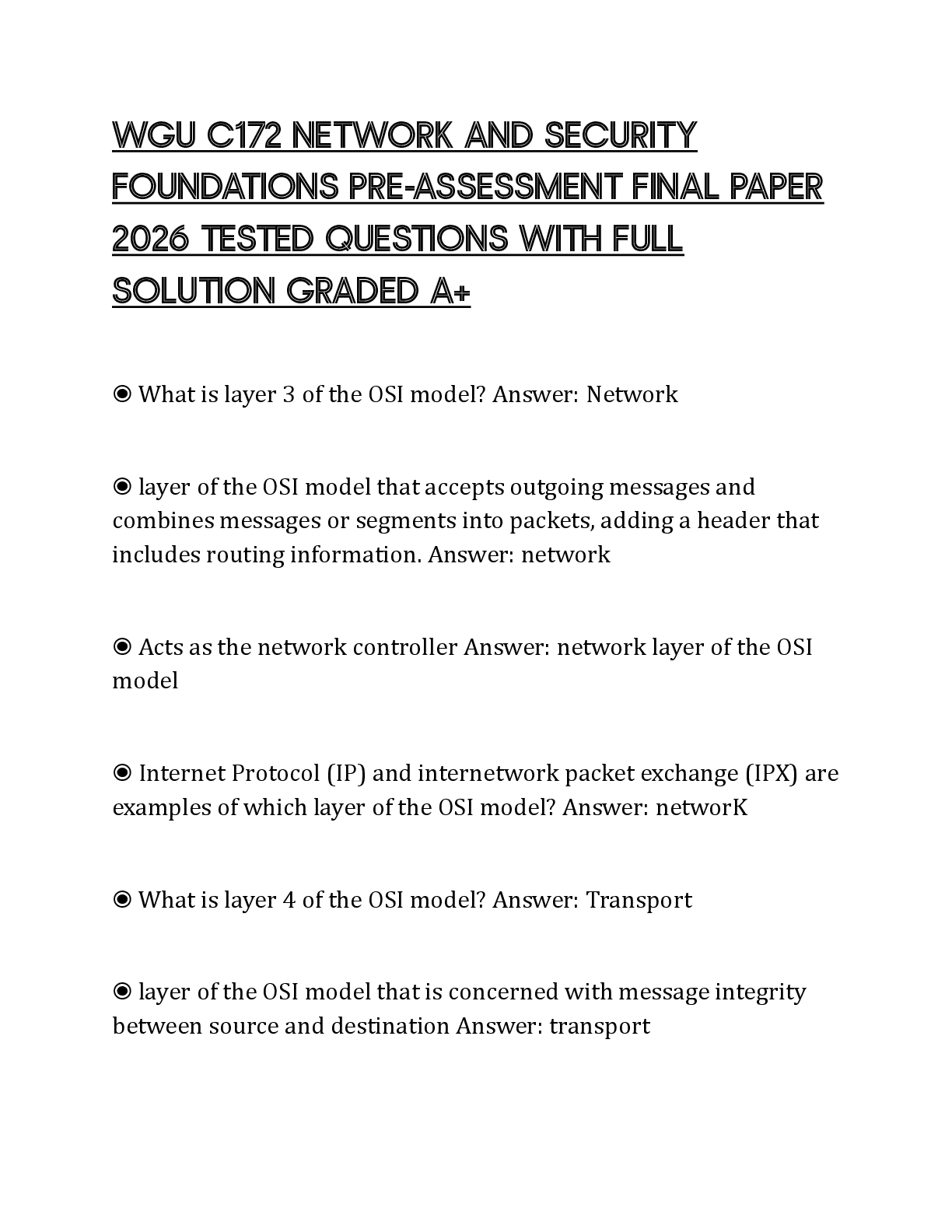
Network layer ✔✔Accepts outgoing messages and combines messages or segments into packets,
adding a header that includes routing information (IP, IPX). 3rd OSI layer
Transport layer ✔✔Concerned with message integrity between source and destination (TCP,
UDP). 4th OSI layer
Session layer ✔✔Provides the control functions necessary to establish, manage, and terminate the
connections (NSF, SQL). 5th OSI layer
Presentation layer ✔✔Accepts and structures the messages for the application (ASCII, JPEG). 6th
OSI layer
Application layer ✔✔Interacts with application programs that incorporate a communication
component such as your Internet browser and email (HTTP, FTP, SMTP). 7th OSI layer
3 basic steps to isolate network problem ✔✔Is the connection to the machine down? (layer 1)
Is the network down? (layer 3)
Is a service on a specific machine down? (layer 7)
CSMA/CD ✔✔The Ethernet LAN media-access method, carrier sense multiple access with
collision detection
Ethernet ✔✔LAN protocol created in 1972 and standardized in 1980 using CSMA/CD.
Frame ✔✔Contains the header, data, and trailer (the padding and 4-byte CRC frame check
sequence)
Frame header ✔✔Consists of the preamble, start frame delimiter, destination and source addresses,
and length/type field
64 bytes ✔✔Minimum length of an Ethernet frame
1518 bytes ✔✔Maximum length of an Ethernet frame
MAC address ✔✔A unique 6-byte/48-bit address assigned by the vendor of the network interface
card displayed in 12 hex digits
Organizationally unique identifier (OUI) ✔✔The first 3 bytes of the MAC address that identifies
the manufacturer of the network hardware
ipconfig /all ✔✔Enables the MAC address information to be displayed from the command prompt
IANA ✔✔The agency that assigns IP addresses to computer networks
IP address ✔✔Unique 32-bit address that identifies on which network the computer is located as
well as differentiates the computer from all other devices on the same network
Class A networks ✔✔Governments, very large networks. Range from 0.0.0.0 to 126.255.255.255.
Example: 44.x.x.x
Class B networks ✔✔Midsize companies, universities, and so on. Range from 128.0.0.0 to
191.255.255.255. Example: 128.123.x.x
Class C networks ✔✔Small networks. Range from 192.0.0.0 to 223.255.255.255 Example:
192.168.1.x
Class D networks ✔✔Reserved for multicast groups. Range from 224.0.0.0 to 239.255.255.255.
Example: 224.x.x.x
Class E networks ✔✔Experimental, not used on the Internet. Range from 240.0.0.0 to
254.255.255.255
Network number ✔✔The portion of the IP address that defines which network the IP packet is
originating from or being delivered to
Host number ✔✔The portion of the IP address that defines the location of the networking device
connected to the network; also called the host address
Host address ✔✔Another name for the host number
ipconfig ✔✔Command used to display the computer's address
Private addresses ✔✔IP addresses set aside for use in private intranets
Intranet ✔✔An internal network that provides file and resource sharing but is not accessed from
the Internet
IP internetwork ✔✔A network that uses IP add
[Show More]