CLN 251/252 Configuring the Epic End
User Clinical/Shared (End of Chapter
and eLearning
Which of the following is a no-add item?
A.) Chief Complaint
B.) Appointment time
C.) Birth date
D.) Marital Status - ✔✔C-Bir
...
CLN 251/252 Configuring the Epic End
User Clinical/Shared (End of Chapter
and eLearning
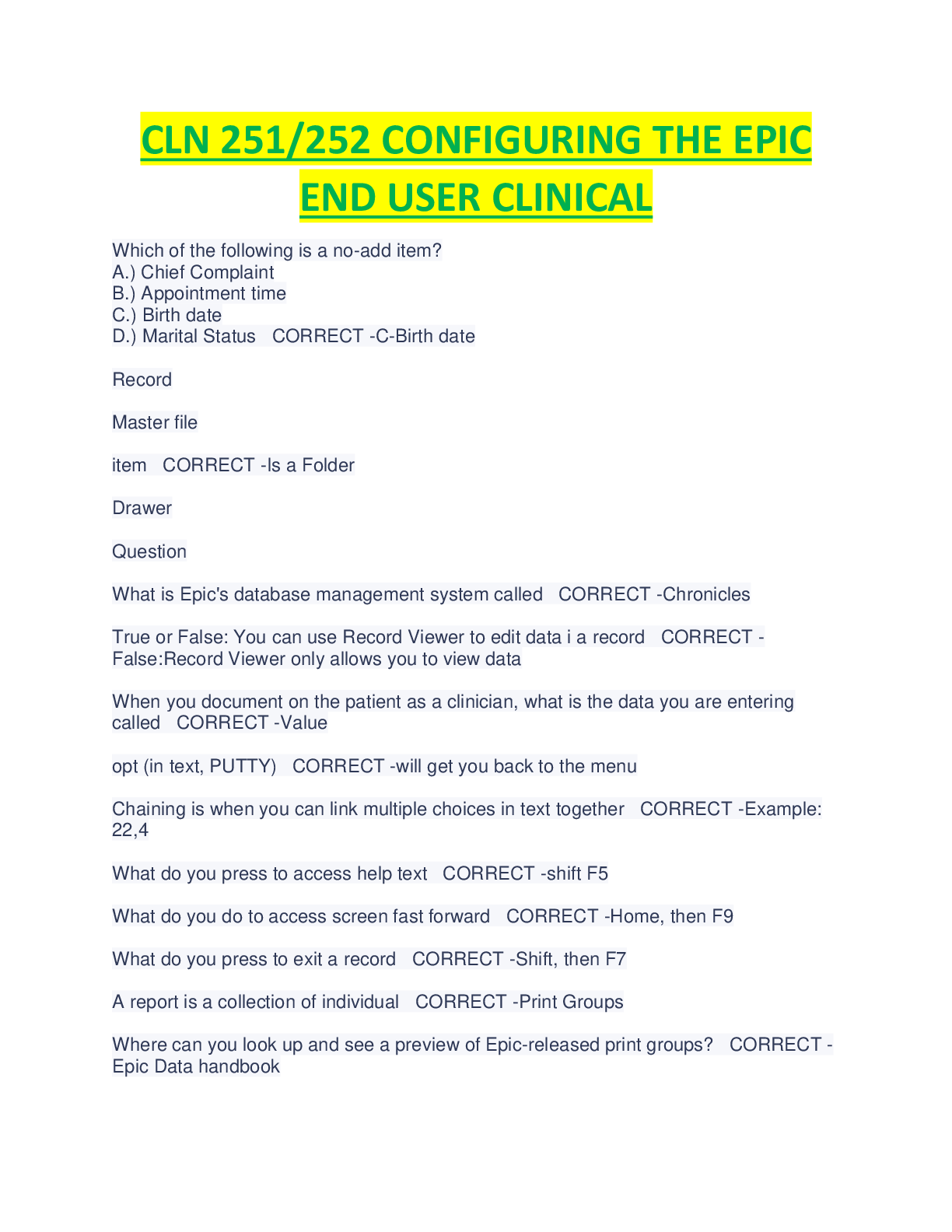
Which of the following is a no-add item?
A.) Chief Complaint
B.) Appointment time
C.) Birth date
D.) Marital Status - ✔✔C-Birth date
Record
Master file
item - ✔✔Is a Folder
Drawer
Question
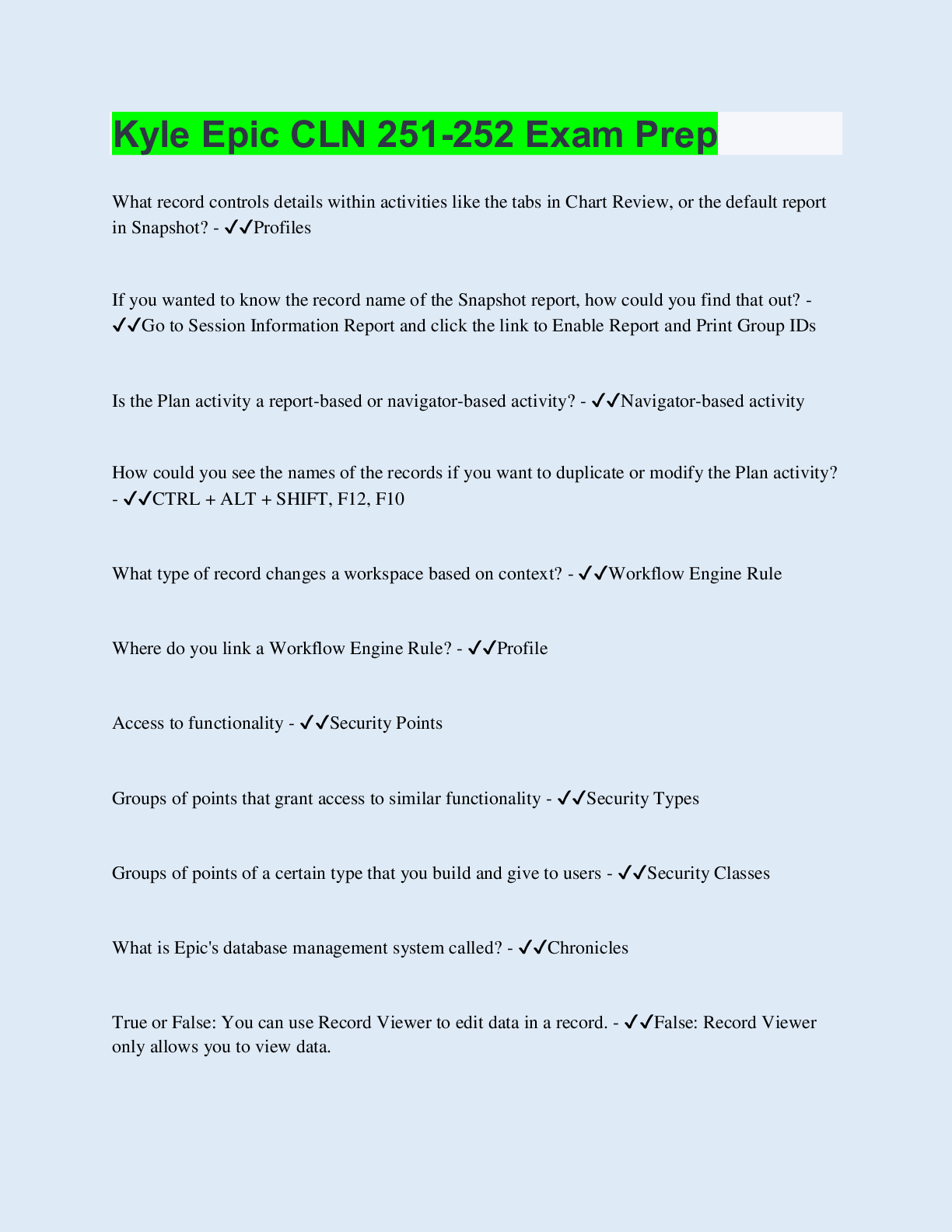
What is Epic's database management system called - ✔✔Chronicles
True or False: You can use Record Viewer to edit data i a record - ✔✔False:Record Viewer only
allows you to view data
When you document on the patient as a clinician, what is the data you are entering called -
✔✔Value
opt (in text, PUTTY) - ✔✔will get you back to the menu
Chaining is when you can link multiple choices in text together - ✔✔Example: 22,4
What do you press to access help text - ✔✔shift F5
What do you do to access screen fast forward - ✔✔Home, then F9
What do you press to exit a record - ✔✔Shift, then F7
A report is a collection of individual - ✔✔Print Groups
Where can you look up and see a preview of Epic-released print groups? - ✔✔Epic Data
handbook
What activity should an end user use to view the names and ID numbers of print goups in
Hyperspace - ✔✔Session Information report
Facility Structure - ✔✔General to Specific
Facility>Service Area>Location>Department>Room>Bed
True or False: Hovering over a section name in the table of contents and clicking the arrow next
to it opens the section in edit mode - ✔✔False-Using the arrow opens the section in read-only
mode to more easily review information previously documented on the patient.
Navigators allow you to
a.) Review information
b.) Document information
c.) Access other activities
d.) All of the above - ✔✔All of the above
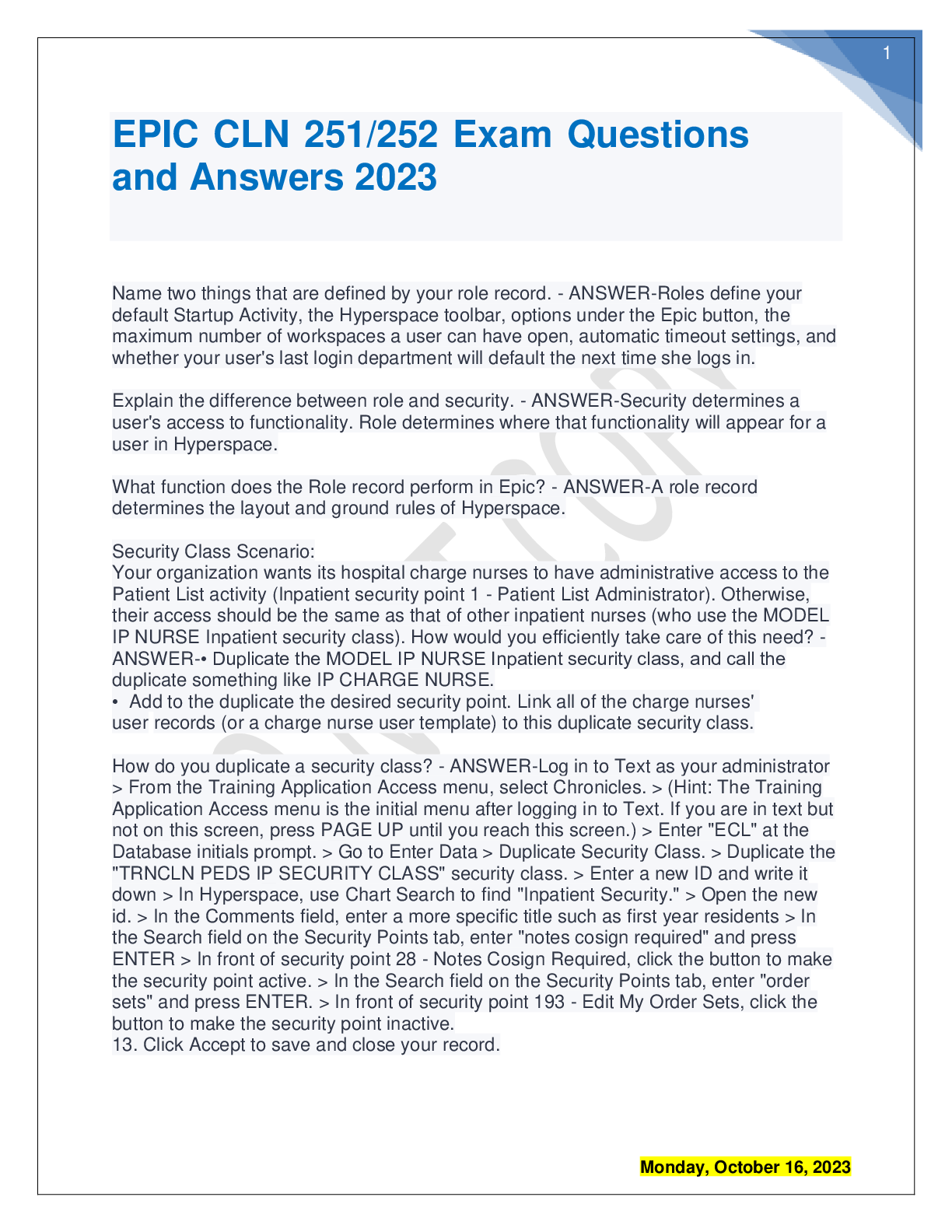
Dr. Scan does not have an Imaging tab in the Chart Review activity and requests this tab be
added. To modify the Chart Review tabs that appear for Dr. Scan, an administrator would change
what type of record (Profile, User, Security, or Role) - ✔✔Profile Record
When Dr. Hart writes notes in Hyperspace, her name should appear as the author followed by the
letters "MD". What record(s) is/are necessary for her to be able to log in to Hyperspace and for
her name and credentials to appear on notes? (Provider, User, or Both) - ✔✔Both provider &
user
Nurse Denver and Nurse Apple work in the Emergency Department. Both have access to the
same activities. When Nurse Denver logs in, the first screen she sees is the ED Manager, while
Nurse Apple's first screen is the ED Track Board. This is because they have different... ( Security
Classes, Roles, or Profiles) - ✔✔Roles
Dr. Cloud is a new physician who will be seeing patients in a clinic and a hospital. Which types
of security will Dr. Cloud need to have access to the proper functionality for his work? Could be
multiple answers. (EpicCare, Reporting Workbench, In Basket, Shared, & Inpatient) - ✔✔All of
them EpicCare, Reporting Workbench, In Basket, Shared, & Inpatient
security class - ✔✔access
role - ✔✔layout
profile - ✔✔details
in which order does the system look to determine a users compiled profile at login? - ✔✔user,
epic care security class,
department,
location,
service area,
system
role settings - ✔✔start up activities,
hyperspace tool bar,
maximum number of workspaces
security related issues - ✔✔open security points dictionary downloaded from galaxy.
profiles - ✔✔control options within and patient headers are within workspaces. or check profile
master file setup and support guide on galaxy. profiles do control patient headers.
profile - ✔✔you can use a report called session information report to see which profiles are
contributing to that users compiled profile
header problems are department wide, where do you edit it. - ✔✔clinical administration.
needs access to in basket, reporting workbench, and shared utilities - ✔✔security class
should not be the authorizing provider for medication orders or procedure orders - ✔✔provider
record
should be set up to be designated as an ordering provider in hospital - ✔✔provider record
in the most circumstances, scheduled and patient lists should be readily available upon logging in
- ✔✔role record
when marking navigator sections as reviewed, the residents name should be followed by MD -
✔✔provider record
the resident will spend a few weeks in the ED. When she chooses a login department of EMH
emergency department she should have the ED track board as her start up activity - ✔✔role
specified per department
the residents should not be able to close a visit without a cosign. the residents have not obtained
a license from the state to prescribe medications and are operating under a training license issued
to the hospital. Thus any prescription order needs cosign. - ✔✔security class
type - epic care
for their inpatient based work, residents notes require a cosign. they should not be able to edit
their own order set. - ✔✔security class
in patient
your resident needs access to emergency department functionality - ✔✔security class
asap
when residents access the snapshot activity or the summary activity, they should have a report
available that consolidates all obstetric related information onto one page. - ✔✔report linked to a
profile
your resident would like to have a section of OB info report, focused on obstetric history
including information about the patients past pregnancies as well as when the OB history was
last reviewed and by whom - ✔✔print group within report
the existing reports should always be available from the snapshot or summary - ✔✔profile
[Show More]