Computer Science  >  QUESTIONS & ANSWERS  >  Excel Chapter 1: End-of-Chapter Quiz Already Passed (All)

Excel Chapter 1: End-of-Chapter Quiz Already Passed

Document Content and Description Below

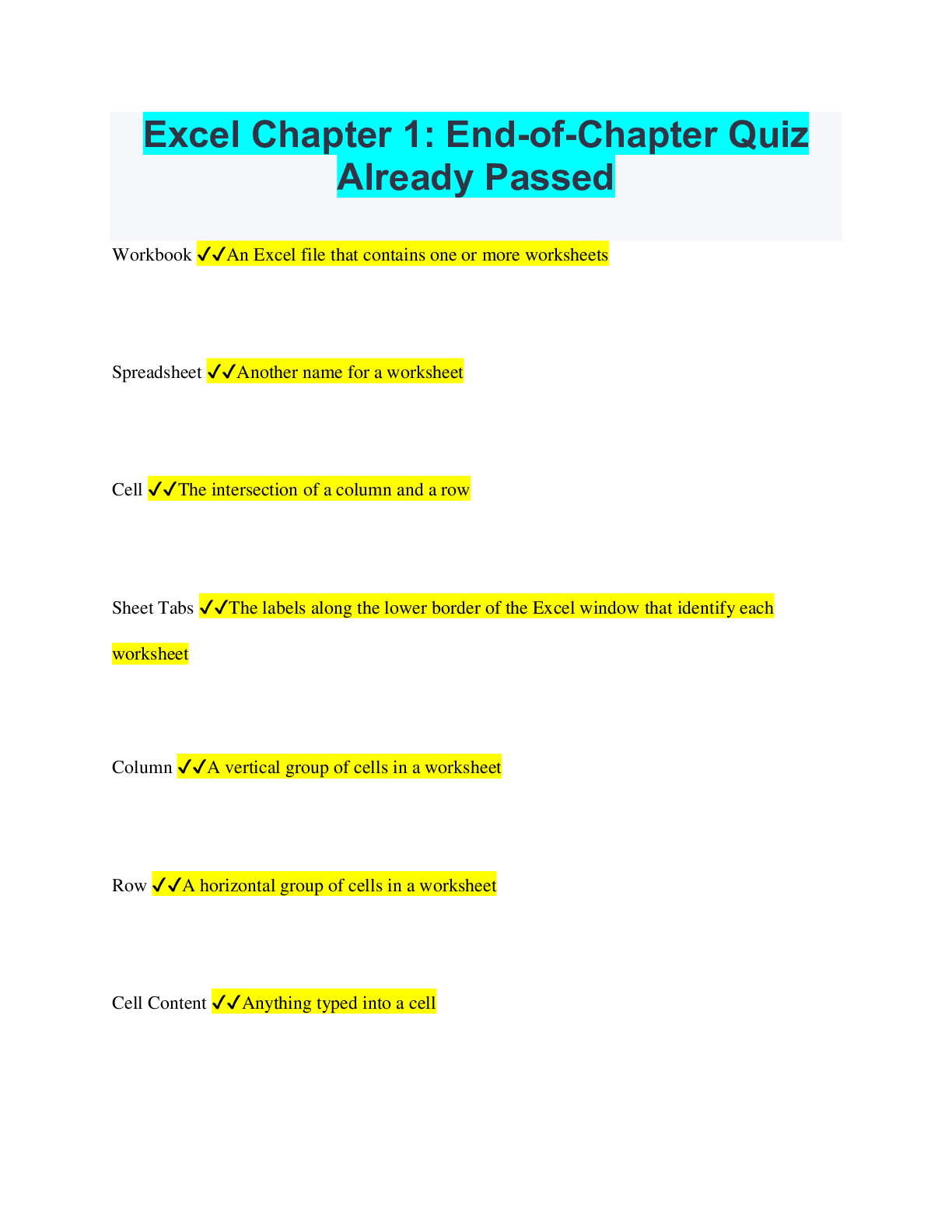
Excel Chapter 1: End-of-Chapter Quiz Already Passed Workbook ✔✔An Excel file that contains one or more worksheets Spreadsheet ✔✔Another name for a worksheet Cell ✔✔The intersection of ... a column and a row Sheet Tabs ✔✔The labels along the lower border of the Excel window that identify each worksheet Column ✔✔A vertical group of cells in a worksheet Row ✔✔A horizontal group of cells in a worksheet Cell Content ✔✔Anything typed into a cell Data ✔✔Text or numbers in a cell Constant Value ✔✔Numbers, text, dates, or times of day that you type into a cell Formula ✔✔An equation that performs mathematical calculations on values in a worksheet Number values ✔✔Constant values consisting of only numbers Cell address ✔✔Another name for a cell reference Value ✔✔Another name for a constant value Fill handle ✔✔The small black square in the lower right corner of a selected cell Chart ✔✔The graphic representation of data in a worksheet Workbook (2) ✔✔On startup, Excel displays a blank.. Formula bar ✔✔An element in the Excel window that displays the value or formula contained in the active cell Name box ✔✔An element of the Excel window that displays the name of the selected cell, table, chart, or object Select all box ✔✔A box in the upper left corner of the worksheet grid that selects all the cells in a worksheet Active cell ✔✔A cell surrounded by a black border and ready to receive data AutoFill ✔✔The Excel feature that generates and extends values into adjacent cells based on the values of selected cells General Format ✔✔The default format that Excel applies to numbers Underlying value ✔✔The data that displays in the Formula Bar Absolute ✔✔The type of cell reference that refers to cells by their fixed position in a worksheet Sparklines ✔✔Tiny charts embedded in a cell that give a visual trend summary alongside your data AutoFit ✔✔An Excel feature that adjusts the width of a column to fit the cell content of the widest cell in the column Operators ✔✔The symbols with which you can specify the type of calculation you want to perform in an Excel formula Quick Analysis tool ✔✔A feature that displays in the lower right corner of a selected range with which you can analyze your data by using Excel tools such as charts, color-coding, and formulas Category Axis ✔✔The area along the bottom of a chart that identifies the categories of data Range Finder ✔✔A feature that outlines cells in color to indicate which cells are used in a formula [Show More]

Last updated: 2 years ago

Preview 1 out of 4 pages

Buy Now

Instant download

We Accept:

Payment methods accepted on Scholarfriends (We Accept)
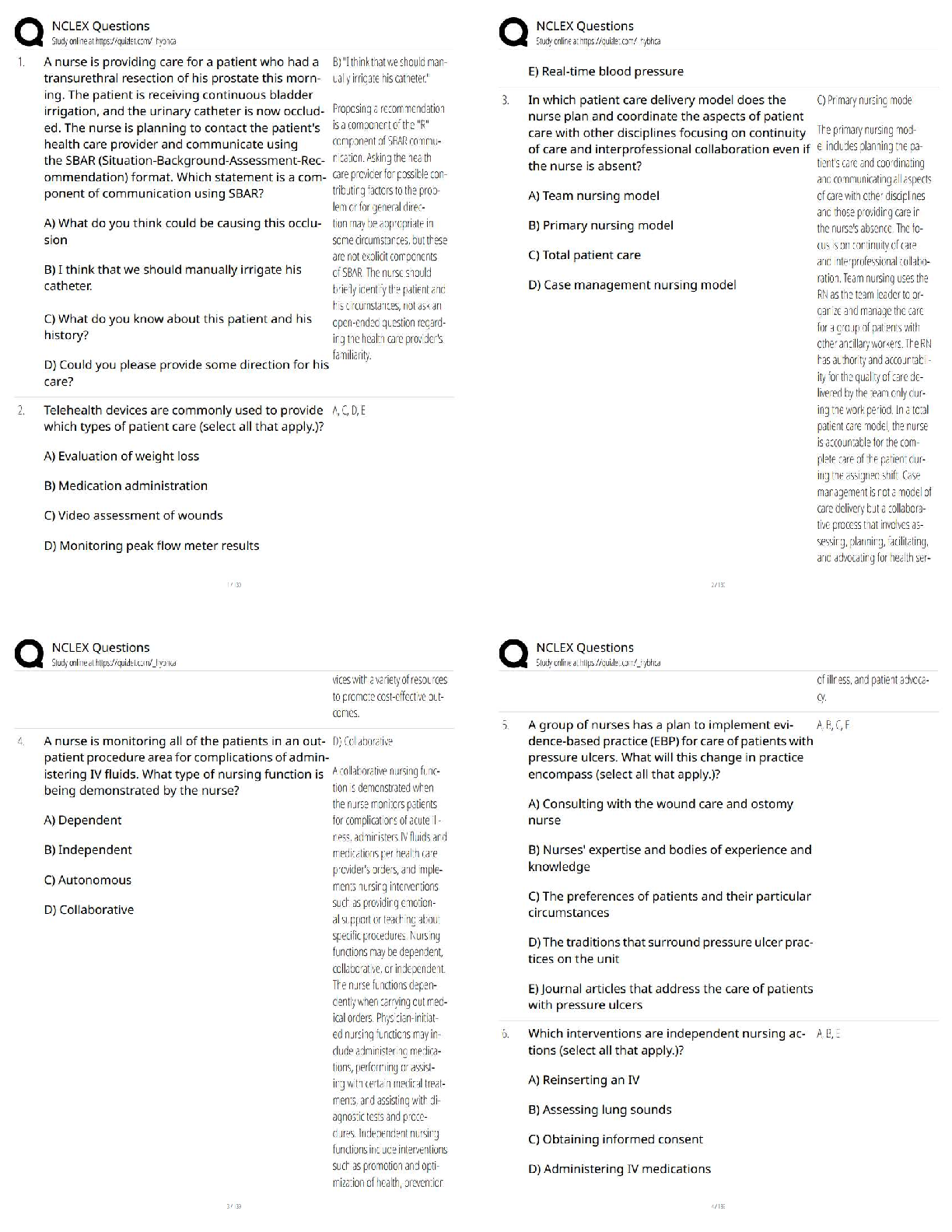
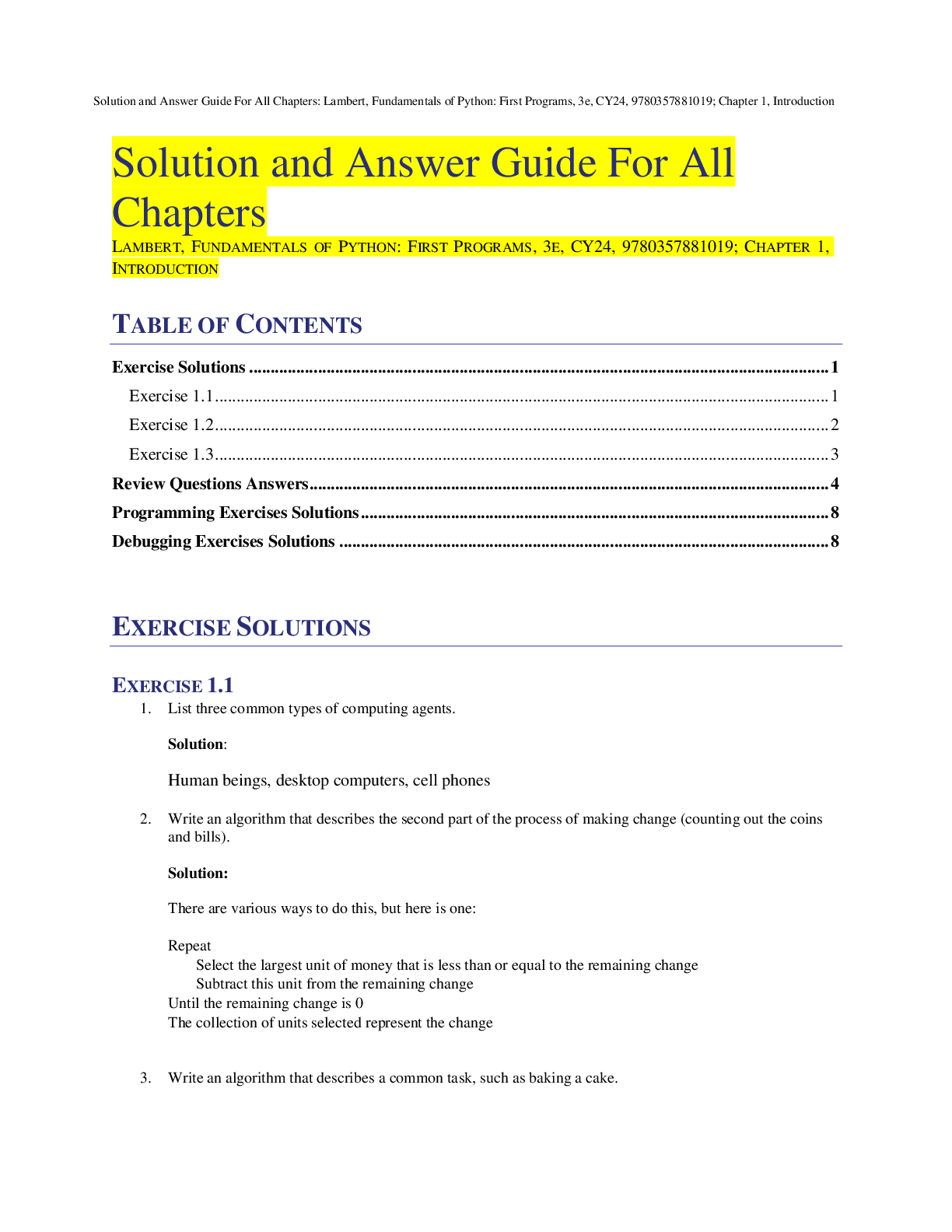
Preview image of Excel Chapter 1: End-of-Chapter Quiz Already Passed document

Buy this document to get the full access instantly

Instant Download Access after purchase

Buy Now

Instant download

We Accept:

Payment methods accepted on Scholarfriends (We Accept)

Also available in bundle (1)

Click Below to Access Bundle(s)

EXCEL BUNDLED EXAMS QUESTIONS AND ANSWERS (2022/2023) WITH VERIFIED SOLUTIONS

EXCEL BUNDLED EXAMS QUESTIONS AND ANSWERS (2022/2023) WITH VERIFIED SOLUTIONS

By Nutmegs 2 years ago

$30

29  

Reviews( 0 )

$8.50

Buy Now

We Accept:

Payment methods accepted on Scholarfriends (We Accept)

Instant download

Can't find what you want? Try our AI powered Search

147
0

Document information


Connected school, study & course


About the document


Uploaded On

Apr 26, 2023

Number of pages

4

Written in

All

Seller


Profile illustration for Nutmegs
Nutmegs

Member since 4 years

605 Documents Sold

Reviews Received
77
14
8
2
21
Additional information

This document has been written for:

Uploaded

Apr 26, 2023

Downloads

 0

Views

 147

Document Keyword Tags


$8.50
What is Scholarfriends

Scholarfriends.com Online Platform by Browsegrades Inc. 651N South Broad St, Middletown DE. United States.

We are here to help

We're available through e-mail, Twitter, Facebook, and live chat.
 FAQ
 Questions? Leave a message!

Follow us on
 Twitter

Copyright © Scholarfriends · High quality services·