Microsoft Excel Terminology 100% Pass
Styles
Premade text, SmartArt, chart, table or image formatting so you can make objects look good
quickly and easily
Export
To format data in such a way that it can be used by a
...
Microsoft Excel Terminology 100% Pass
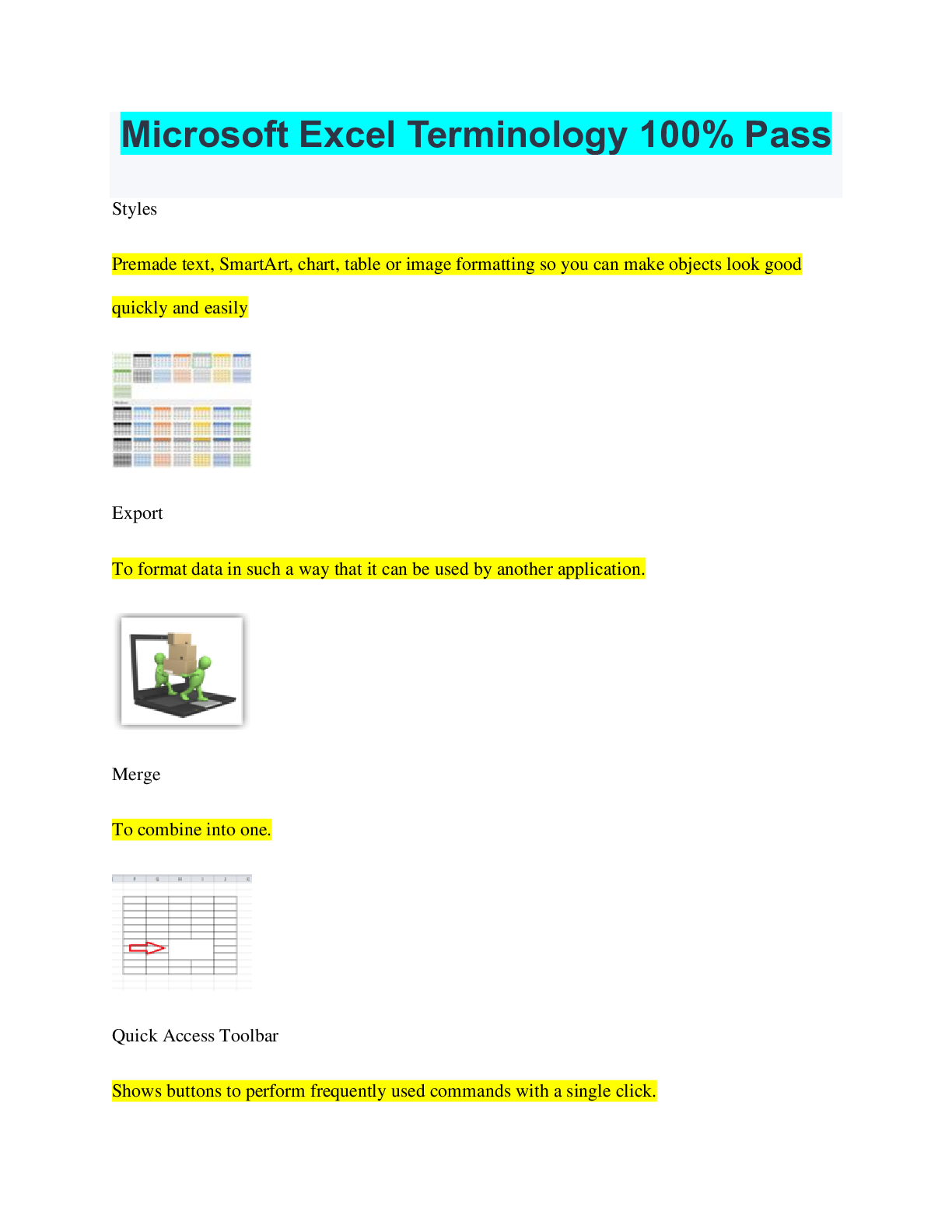
Styles
Premade text, SmartArt, chart, table or image formatting so you can make objects look good
quickly and easily
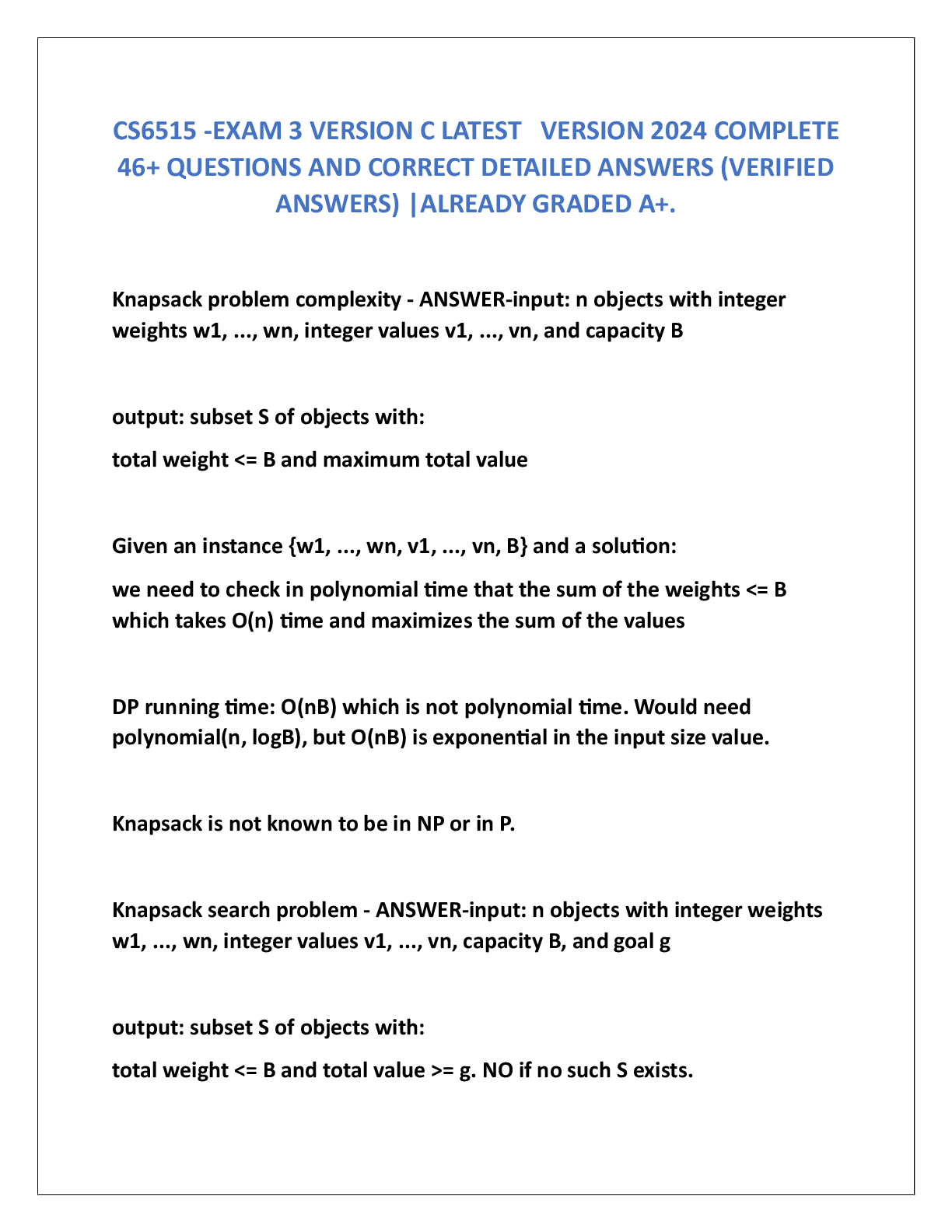
Export
To format data in such a way that it can be used by another application.
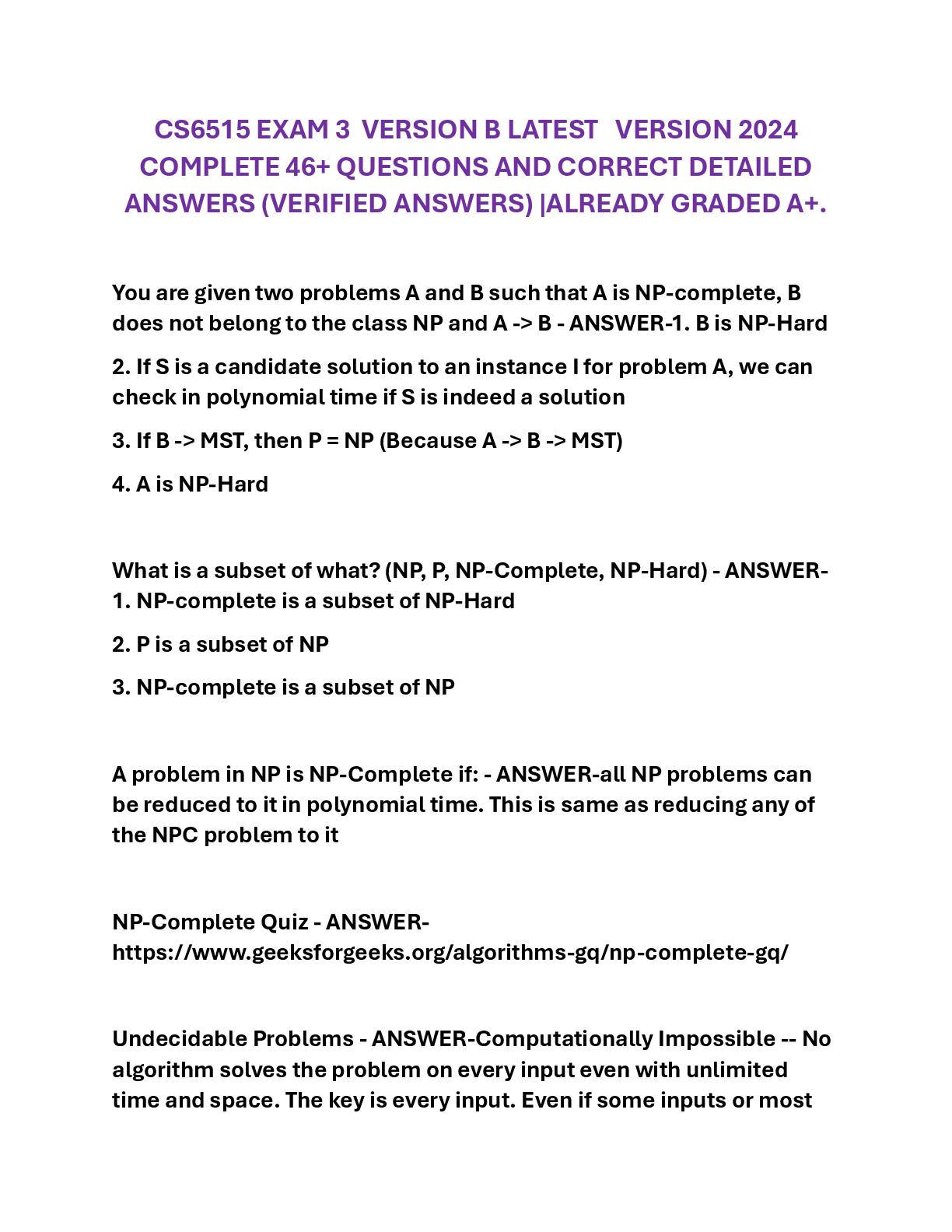
Merge
To combine into one.
Quick Access Toolbar
Shows buttons to perform frequently used commands with a single click.
Function
A formula or equation use to generate an answer.
Quick Parts
Gallery used to create, store, and find reusable pieces of content, including AutoText, document
properties such as title and author, and fields.
Concatenate
To combine strings of text, usually used when combing a last name and first name in 2 separate
cells into one full name in one cell.
Autofill
A tool which fills in a field or cells automatically.
Cell
The rectangular fields you can type in on a spreadsheet formed when a column intersects with a
row.
Backstage
A place to manage your slideshow's data and information— create, save, and send documents,
inspect documents for hidden stuff or personal information and set options such as turning on or
off AutoComplete.
Ribbon
The horizontal space at the top of the window that organizes commands on tabs, and then groups
the commands by topic. It's where all of your tabs and menus are.
Workbook
The entire Excel spreadsheet file you are working in, it can contain one or more worksheets.
00:0201:22
Sparklines
Small graphic designed to give a quick representation of numerical or statistical information
taking the form of a graph without axes.
Sort
To put in order.
SmartArt
A cool way to representing your information.
PDF
A file format that provides an electronic image of text or text and graphics that looks like a
printed document and can be viewed, printed or emailed.
Worksheet
A part/page on an excel spreadsheet file you are working in.
Filter
To remove unwanted pieces of data from view in a table.
Absolute Value
A spreadsheet cell that does not change regardless of its attributes.
Header
Any information at the top margin of a page that is repeated on every page like a book title or
author name or page number.
Cell Reference
Refers to a cell or a range of cells on a worksheet and can be used in a formula so that Excel can
find the values or data that you want that formula to calculate.
COUNTIF
A function that adds how many cells contain a value that meets a specific criteria.
Conditional Formatting
Apply a format to a cell or a range of cells based on certain criteria.
Relative Value
A spreadsheet cell that changes depending on what changes were made to the spreadsheet it is
located on.
Markup
Also known as comments, these are notes other people can leave you on your document.
[Show More]









![Preview of [SOLVED] EDCO 740 / EDCO740 Quiz 1 (LATES 2021/2022 Graded A)](https://scholarfriends.com/storage/EDCO_740_Quiz_1.png)