Computer Networking > QUESTIONS & ANSWERS > IS 4440 Networking & Servers - University of Utah. Server Lab 4 Guide v2. Gather information about t (All)
IS 4440 Networking & Servers - University of Utah. Server Lab 4 Guide v2. Gather information about the Linux system running in Windows 10 through Windows Subsystem Linux (WSL). Create, edit, and move files within the system. Search for files. Run scripts within the system and manage processes that were created by the scripts.
Document Content and Description Below
Last updated: 3 years ago
Preview 1 out of 5 pages
Instant download
Buy this Document to get the Full Access Instantly
Provided by Students Who Aced it
We Verify Document Content to Gurantee Accuracy
Reviews( 0 )
Document information
Connected school, study & course
About the document
Uploaded On
Apr 29, 2023
Number of pages
5
Written in
All

Additional information
This document has been written for:
Uploaded
Apr 29, 2023
Downloads
0
Views
165
Topic Tags
Recommended For You
Get more on QUESTIONS & ANSWERS »
IS 4440 Networking & Servers - Win Financial Group (WFG) is a...
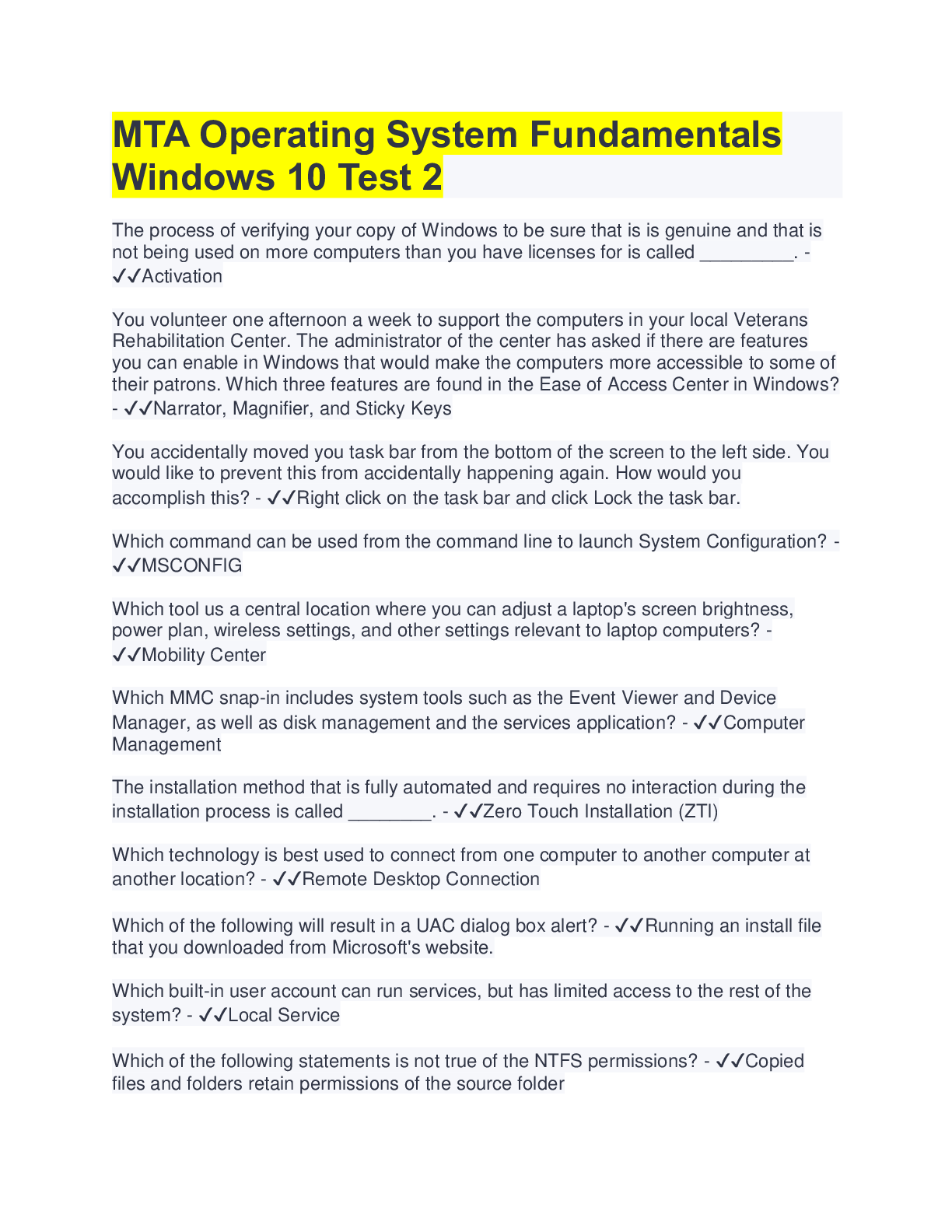
MTA Operating System Fundamentals Windows 10 Test 2, Questions...
.png)
MTA Operating System Fundamentals Windows 10 Test 2(QUESTIONS...
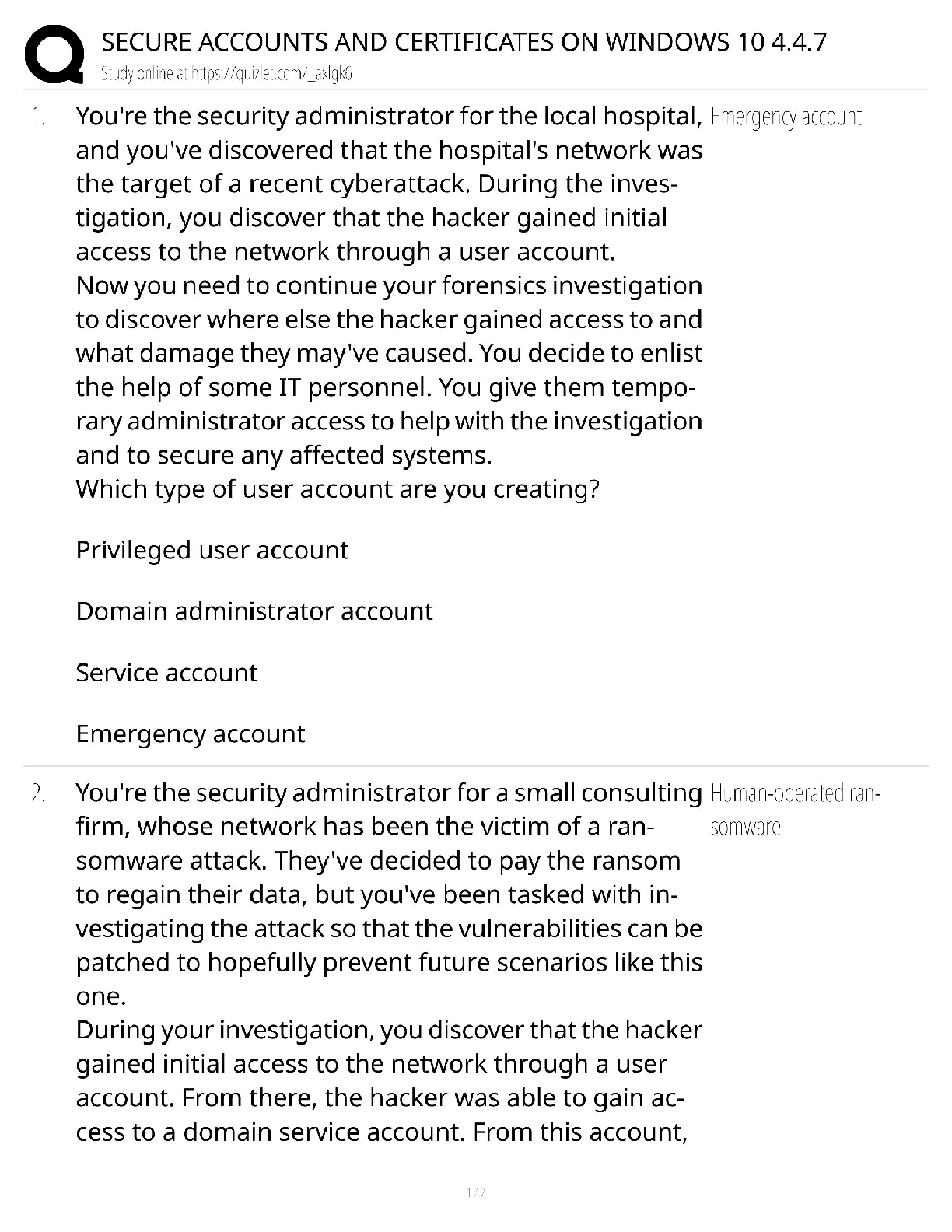
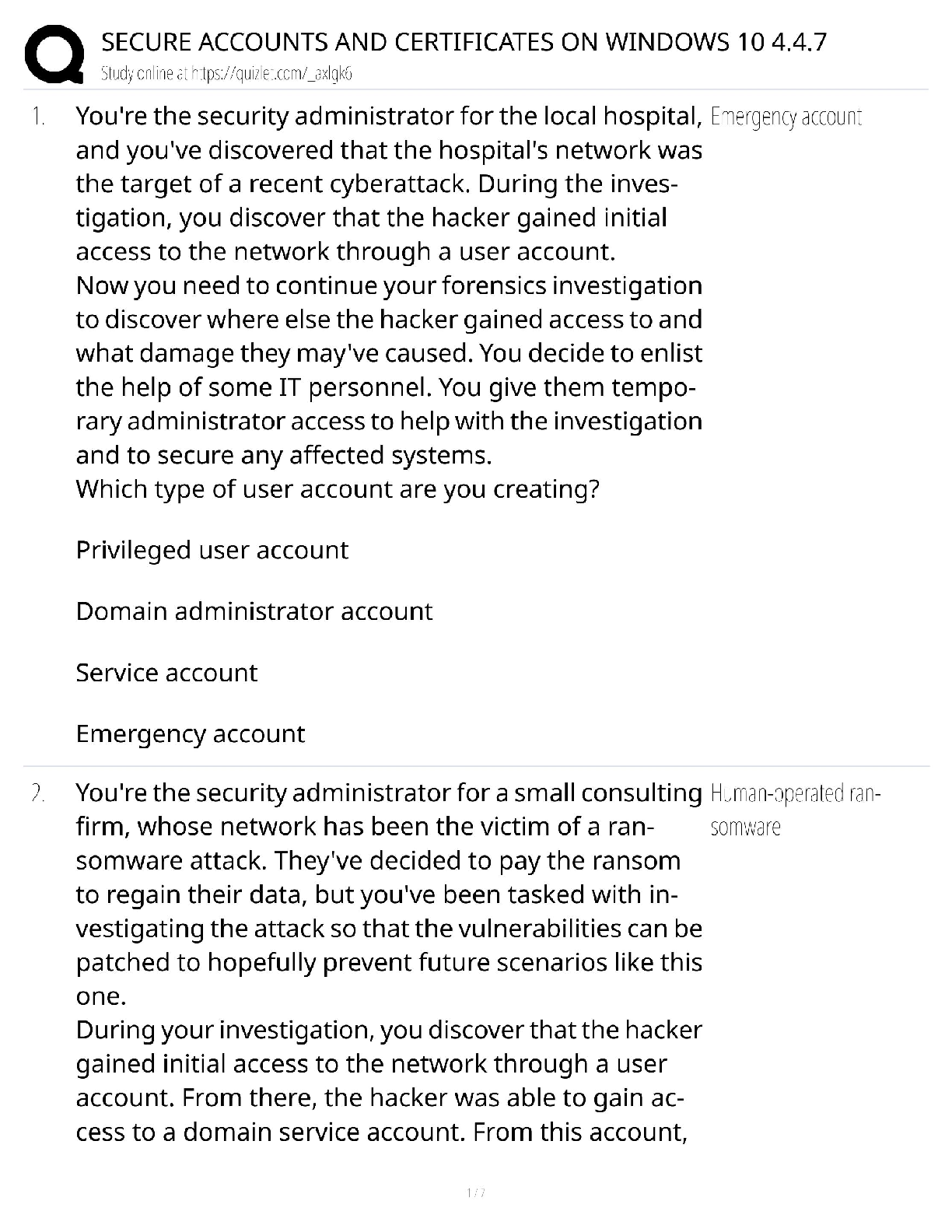
Windows 10 Secure Accounts & Certificates (4.4.7) / 2025 Exam...
MTA Operating System Fundamentals Windows 10 Test 2(questions...
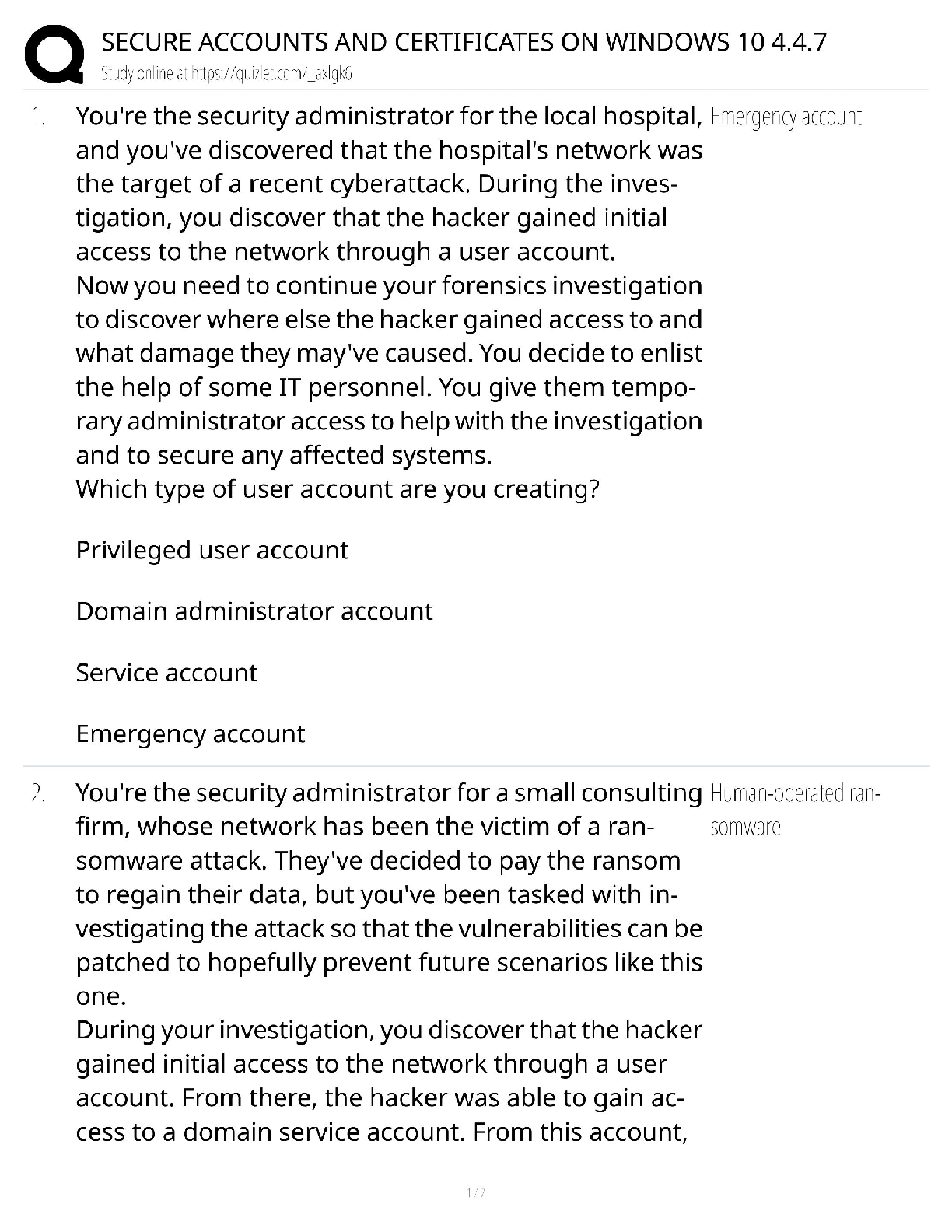
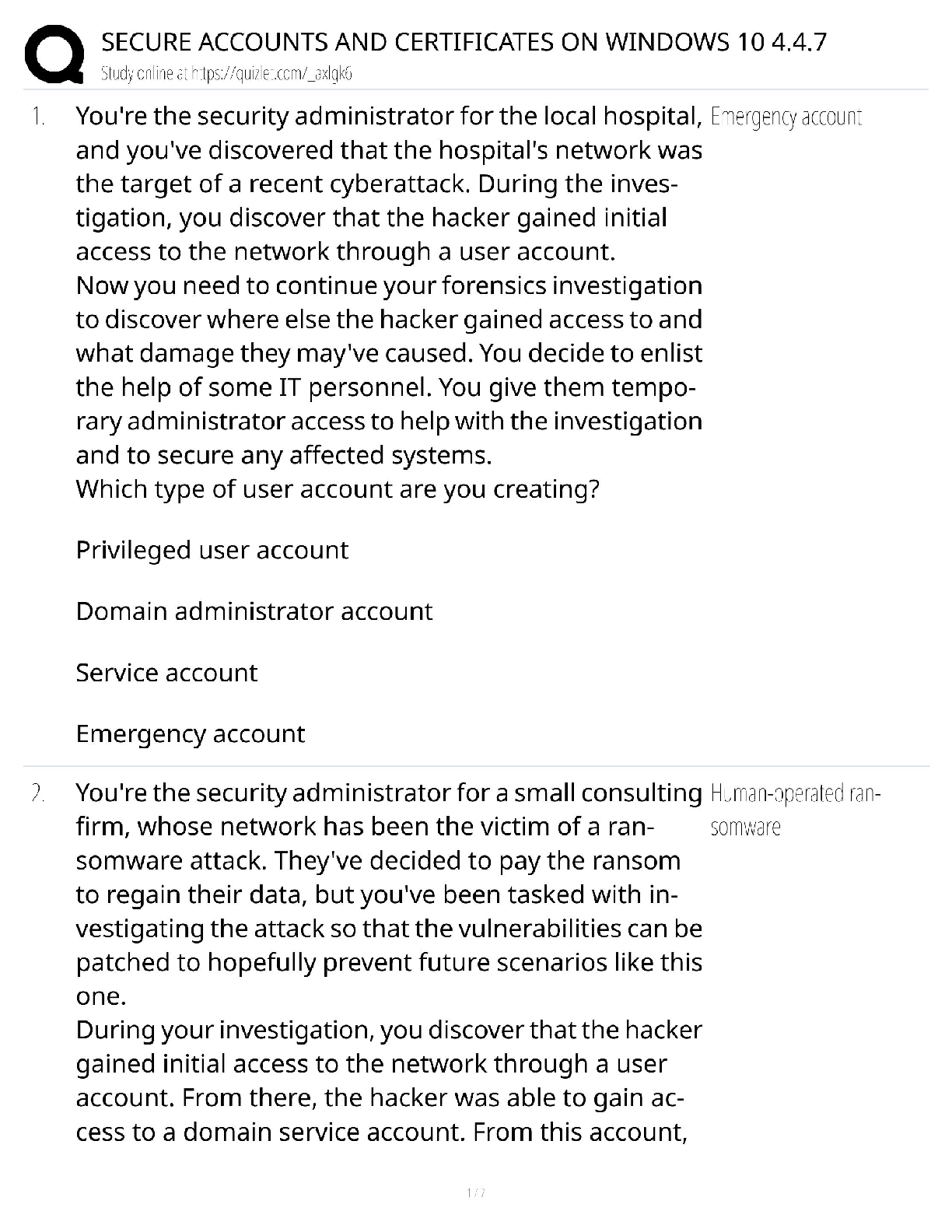
MTA Operating System Fundamentals Windows 10 Test 2 2022 ( wit...
Digital License Key for Windows 10 Professional: Life Time Act...
Test Bank for Computer Security Fundamentals 5th Edition By Wi...
Test Bank for Computer Security Fundamentals 4th Edition By Wi...
 2022 test Bank.png)
AI-900 Microsoft Azure AI Fundamentals Certification exam test...
COM 207 | COM207 EXAM 2 STUDY GUIDE - ARIZONA STATE UNIVERSITY
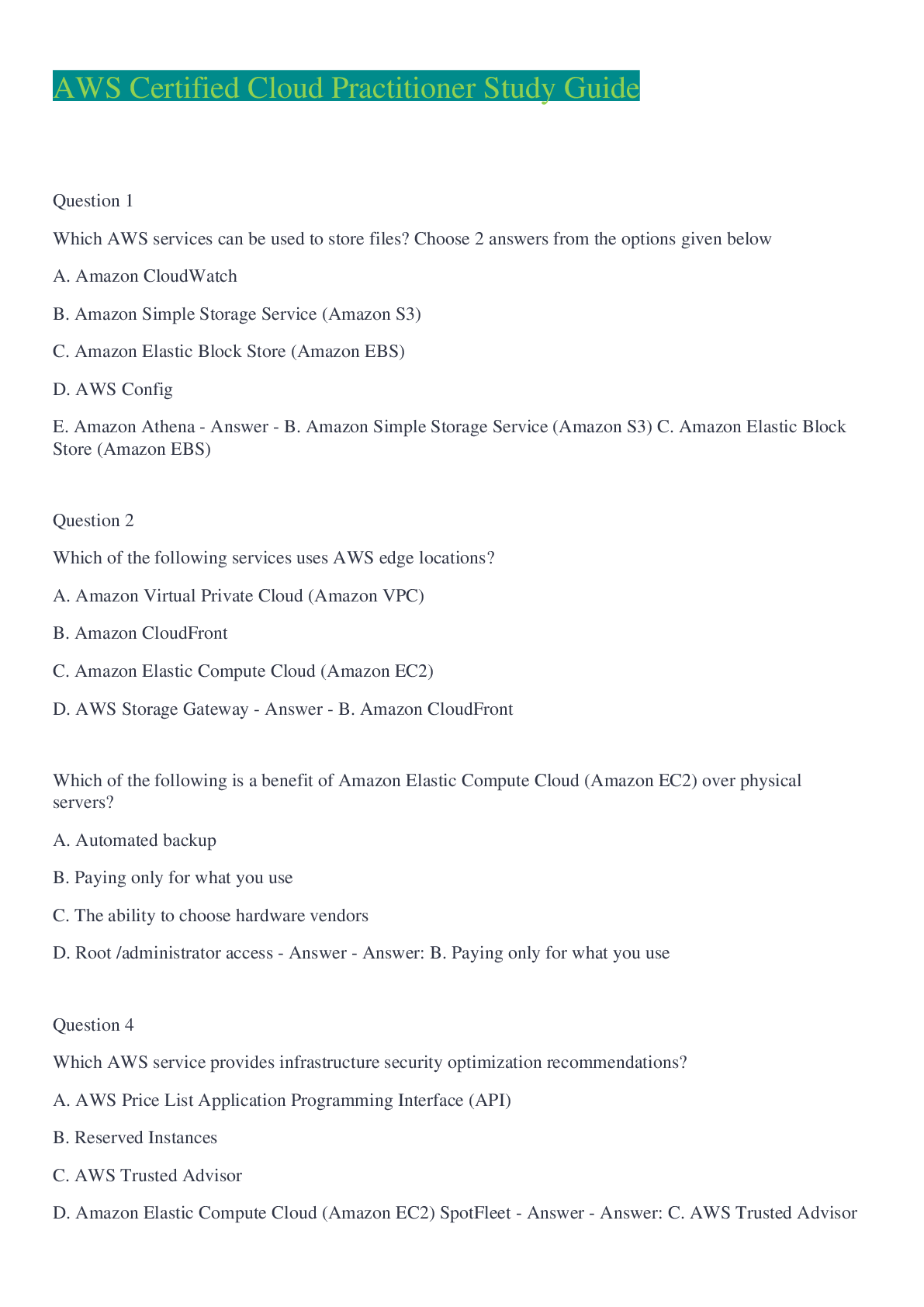
Computer Networks: AWS Certified Cloud Practitioner Study Guid...
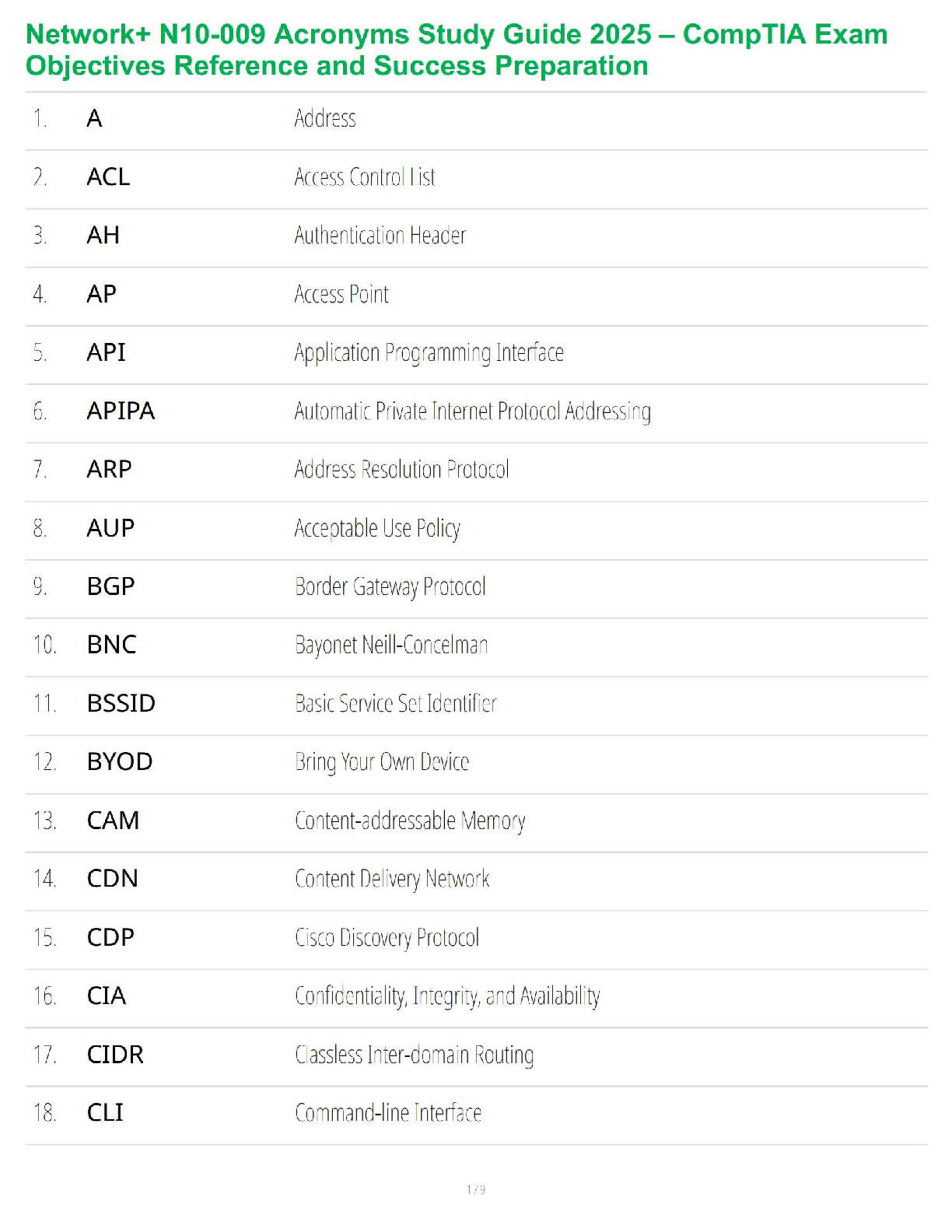
Network+ N10-009 Acronyms Study Guide 2025 – CompTIA Exam Obje...