BUS 375 Exam 1 Practice Questions and
Answers 100% Pass
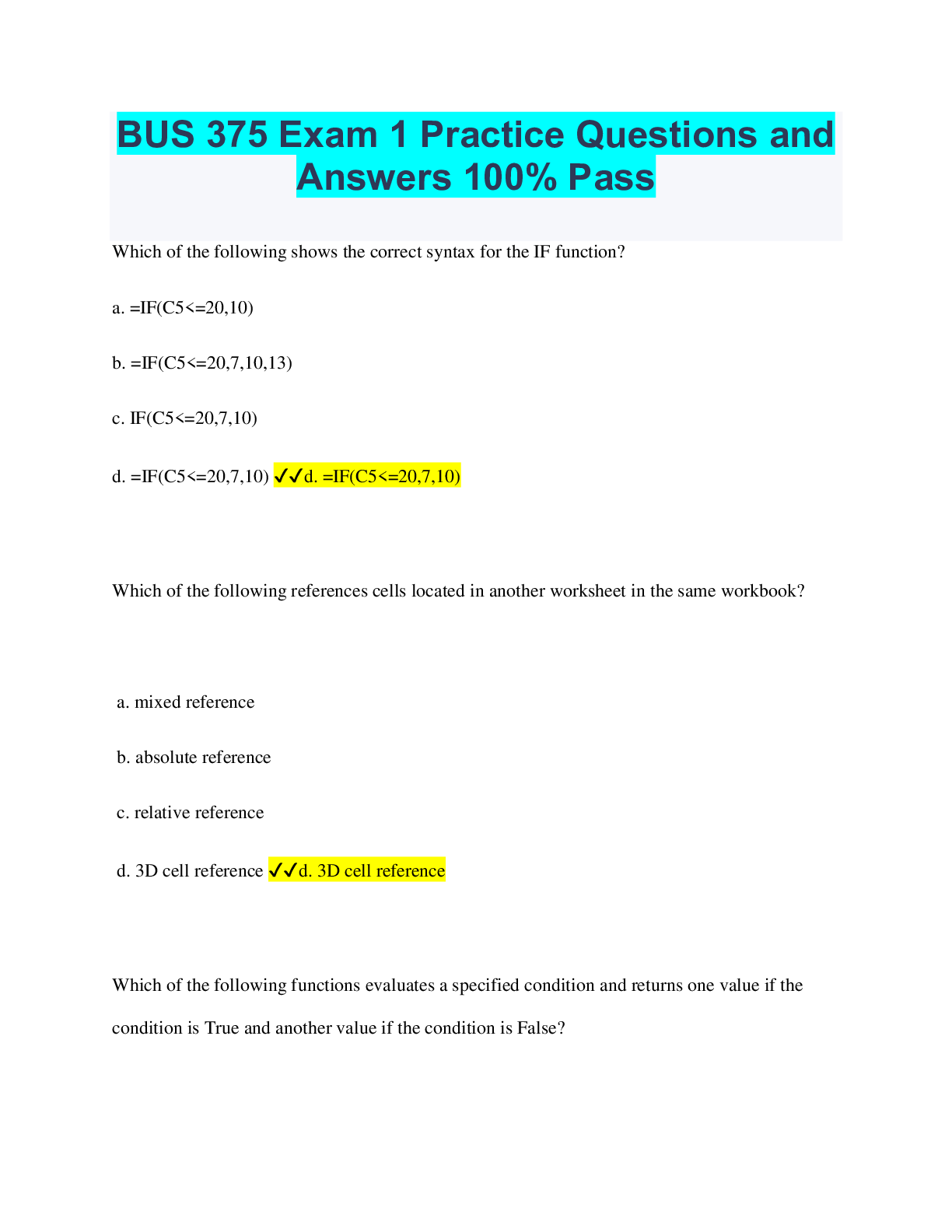
Which of the following shows the correct syntax for the IF function?
a. =IF(C5
BUS 375 Exam 1 Practice Questions and
Answers 100% Pass
Which of the following shows the correct syntax for the IF function?
a. =IF(C5<=20,10)
b. =IF(C5<=20,7,10,13)
c. IF(C5<=20,7,10)
d. =IF(C5<=20,7,10) ✔✔d. =IF(C5<=20,7,10)
Which of the following references cells located in another worksheet in the same workbook?
a. mixed reference
b. absolute reference
c. relative reference
d. 3D cell reference ✔✔d. 3D cell reference
Which of the following functions evaluates a specified condition and returns one value if the
condition is True and another value if the condition is False?
a. VLOOKUP
b. IF
c. PMT
d. LOOKUP ✔✔b. IF
Which of the following is a TRUE statement?
a. Cells that contain absolute references do not change when copied.
b. All of these are true.
c. The type of cell references included in a formula determines the result of a formula when it is
copied.
d. A relative cell reference is the location of a cell, such as cell B2. ✔✔b. All of these are true.
Which of the following statements is NOT True?
a. Do not name a range with a single character.
b. Range names can make it easier to interpret a formula.
c. Range names are used to identify a cell or group of cells.
d. It is best to name a range with a cell reference such as A7. ✔✔d. It is best to name a range
with a cell reference such as A7.
Which of the following shows the correct syntax for the ROUND function?
a.=ROUND(num_digits,number) b.=ROUND(number,num_digits) c.=ROUND(num_digits)
d. =ROUND(number) ✔✔b.=ROUND(number,num_digits)
Which of the following functions uses a lookup table that is organized in columns?
a. VHLOOKUP
b. VLOOKUP
c. HLOOKUP
d. LOOKUP ✔✔b. VLOOKUP
In cell D10, Rachel entered the following formula: =D8+D9+D10. Which of the following terms
describes what is going on with this formula?
a.Mixed reference
b.Absolute reference
c.None of these
d.Circular reference ✔✔d.Circular reference
Which of the following functions counts the number of cells in a range that contain any data
type, text, or numbers?
a.DCOUNT
b.COUNTA
c.COUNTIF
d.COUNTBLANK ✔✔b.COUNTA
Which of the following Formula Auditing tools displays arrows to all cells that use the active cell
directly or indirectly in a formula?
a.Trace Precedents
b.Trace Dependents
c.Error Checking
d.Evaluate Formula ✔✔b.Trace Dependents
1.Which of the following displays the result of a formula?
a. range
b. Fill Handle
c. cell
d. Formula Bar ✔✔c. cell
2.Which of the following simplifies the process of entering the months of the year in a
worksheet?
a. Headings option
b. AutoSum button
c. Fill Handle tool
d. Freeze Panes option ✔✔c. Fill Handle tool
3.Which of the following displays in a cell when you click AutoSum?
a. =ADD()
b. =AUTOADD()
c. =SUM()
d. =AUTOSUM() ✔✔c. =SUM()
4.Which of the following statements is TRUE?
a. Workbooks can hold a maximum of 29 sheets.
b. Workbooks can hold a maximum of 16,000 sheets.
c. The number of sheets you can insert in a workbook is limited only by the amount of memory
available on your computer.
d. By default, a workbook contains five sheet. ✔✔c. The number of sheets you can insert in a
workbook is limited only by the amount of memory available on your computer.
5.Which of the following keyboard shortcuts opens the Format Cells dialog box?
a. Ctrl+2 (cmd+2)
b. Ctrl+1 (cmd+1)
c. Ctrl+3 (cmd+3)
d. Ctrl+4 (cmd+4) ✔✔b. Ctrl+1 (cmd+1)
6.Which of the following characters precedes Excel functions?
a. =
b. -
c. '
d. ( ✔✔a. =
7.Which of the following is NOT part of an Excel function?
a. function name
b. argument
c. theme
d. = ✔✔c. theme
8.Which of the following must you press to enter a manual line break in a cell?
a. Ctrl+F4 (cmd+F4)
b. Alt+Enter
c. Ctrl+Enter (cmd+Enter)
d. Ctrl+F5 (cmd+F5) ✔✔b. Alt+Enter
9.Which of the following is the name used to describe a rectangular group of cells?
a. range
b. columns
c. rows
d. none of these ✔✔. range
10.In the Excel window, which of the following continuously displays the buttons for switching
views?
a. Ribbon
b. Status bar
c. Menu bar
d. Shortcut menu ✔✔b. Status bar