QuickBooks Online Certification Section
5 Latest 2023 Already Passed
How can you filter the For Review tab to see all the transactions QuickBooks Online thinks it
has found a good match for?
Select the All transactio
...
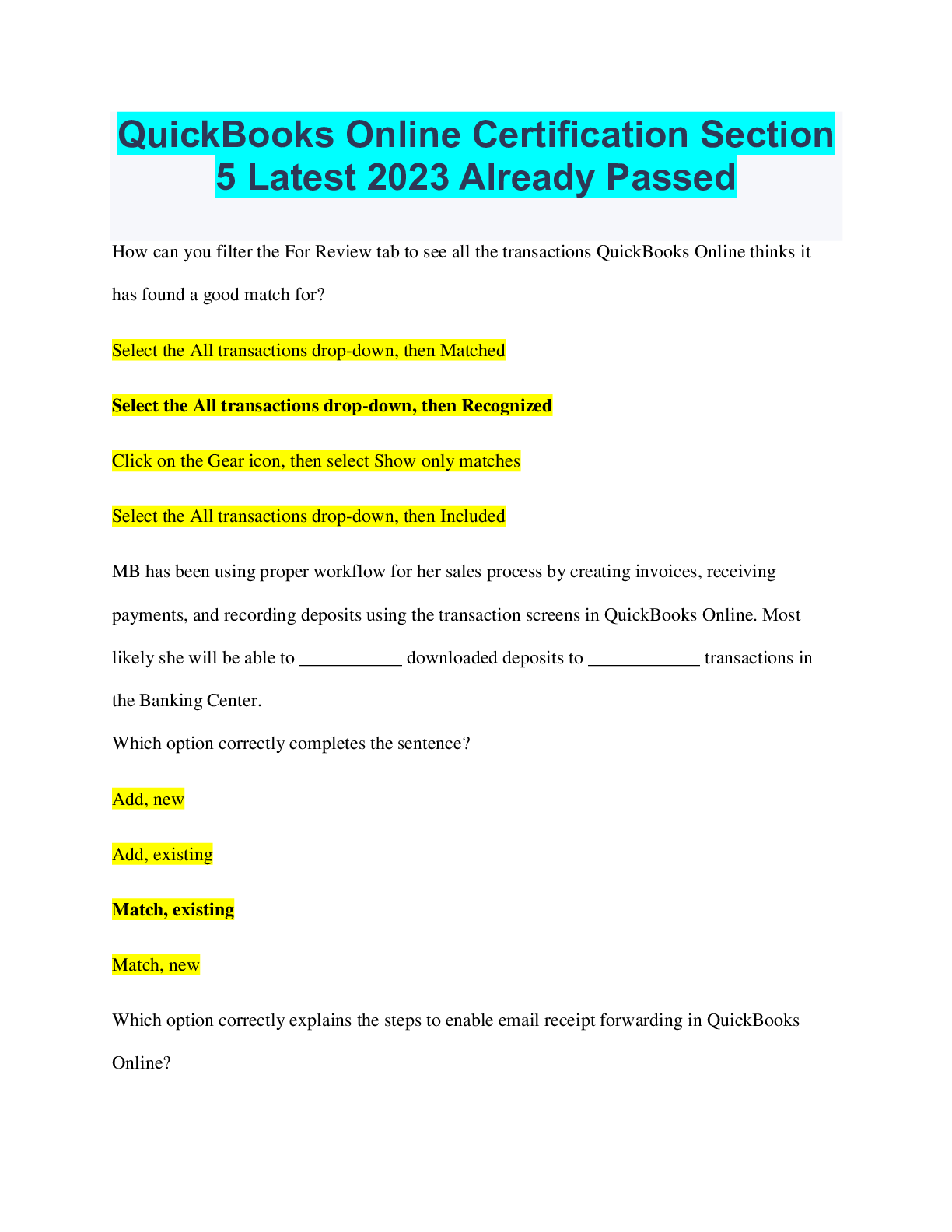
QuickBooks Online Certification Section
5 Latest 2023 Already Passed
How can you filter the For Review tab to see all the transactions QuickBooks Online thinks it
has found a good match for?
Select the All transactions drop-down, then Matched
Select the All transactions drop-down, then Recognized
Click on the Gear icon, then select Show only matches
Select the All transactions drop-down, then Included
MB has been using proper workflow for her sales process by creating invoices, receiving
payments, and recording deposits using the transaction screens in QuickBooks Online. Most
likely she will be able to ___________ downloaded deposits to ____________ transactions in
the Banking Center.
Which option correctly completes the sentence?
Add, new
Add, existing
Match, existing
Match, new
Which option correctly explains the steps to enable email receipt forwarding in QuickBooks
Online?
Gear icon > Account and Settings > Expenses > Receipts > Register your email to get
started
Gear icon > Account and Settings > Advanced > Automation > Turn on receipt forwarding
Banking > Receipts > Turn on receipt forwarding
Banking > Receipts > Forward from email
The Receipt Capture feature in QuickBooks Online allows users to add receipts to QuickBooks
using which 3 methods?
By forwarding an email to [youruniquename]@qbodocs.com from a registered email
By forwarding an email to
[email protected] from a registered email
By snapping a picture via the mobile app
By snapping a picture via a browser
By uploading a file via a browser
By texting to
[email protected]
Mariette would like to add a bill that she just received via email to her QuickBooks Online
company.
What are the correct steps to add the bill using the Receipt Capture feature?
Forward the email to [yourcompany]@qbodocs.com > Review > Set Document Type to Bill >
Assign payee, payment date, account/category, description, amount, and memo > Select Save
and Close
Forward the email to [yourcompany]@qbodocs.com > Review > Set Document Type to Bill
> Assign payee, payment date, account/category, description, amount, and memo > Select
Save and Next > Create bill
Forward the email to [yourcompany]@qbodocs.com > Review > Set Document Type to Bill >
Assign payee, bank/credit account, payment date, account/category, description, amount, and
memo > Select Save and Next > Create bill
Forward the email to [yourcompany]@qbodocs.com > Review > Set Document Type to Receipt
> Assign payee, payment date, account/category, description, amount, and memo > Select Save
and Next > Add Expense
In which 2 situations might a transaction need to be excluded from bank feeds?
If the downloaded transaction was already recorded and reconciled in QuickBooks Online
If the bank downloads the same transaction more than once
If the posting date and actual payment date don't match in the bank feed
If the bank description doesn't match the payee name
Which 3 statements regarding bank rules are true?
Bank rules can be prioritized
Bank rules are only included in QuickBooks Online Plus or Advanced subscriptions
Bank rules can be copied, edited, or deleted
Only an Accountant user can set up bank rules in QuickBooks Online
There is an additional fee to use bank rules in QuickBooks Online
You can automatically add transactions to the register using bank rules
What are 3 important reasons to reconcile bank and credit card accounts at set dates?
To verify transactions have the correct date assigned to them
To verify that an account balance is within its credit limit
To verify that all transactions have been recorded for the period
To verify that previously reconciled transactions have not been changed since the last
reconciliation
To verify that the bank has not lost its connection to QuickBooks Online
Which 2 statements are correct regarding reconciling a bank account in QuickBooks Online?
You can only undo a bank reconciliation via a link in Accountant Tools
To successfully reconcile and run a reconciliation report, you need to enter the Statement
Ending Date and Ending Balance from the relevant bank statement
Reconciliations must only be run at period end to estimate tax owed
To see the Reconciliation report, select View report after you've successfully reconciled the
account
How would you begin setting up a recurring transaction in QuickBooks Online?
Select Create > Recurring Transactions
Select the Gear icon > Recurring Transactions
Select Accountant Tools > Recurring Transactions
Select the Gear icon > Account and Settings > Advanced > Enable Recurring Transactions
What are the names of the three tabs listed across the top of the Reports Center?
Favorites, Custom reports, Management reports
Business overview, Favorites, Custom reports
Standard, Business overview, Custom reports
Standard, Custom reports, Management reports
Which report accounting method shows an overview of the money received and spent for a
specific period?
Hybrid basis
Accrual basis
Modified basis
Cash basis
What report in QuickBooks Online will show whether a client was profitable for a specific
period?
Balance Sheet
Accounts Receivable Aging
Profit and Loss
Trial Balance