QuickBooks Chapter 3 Questions and
Answers Already Graded A
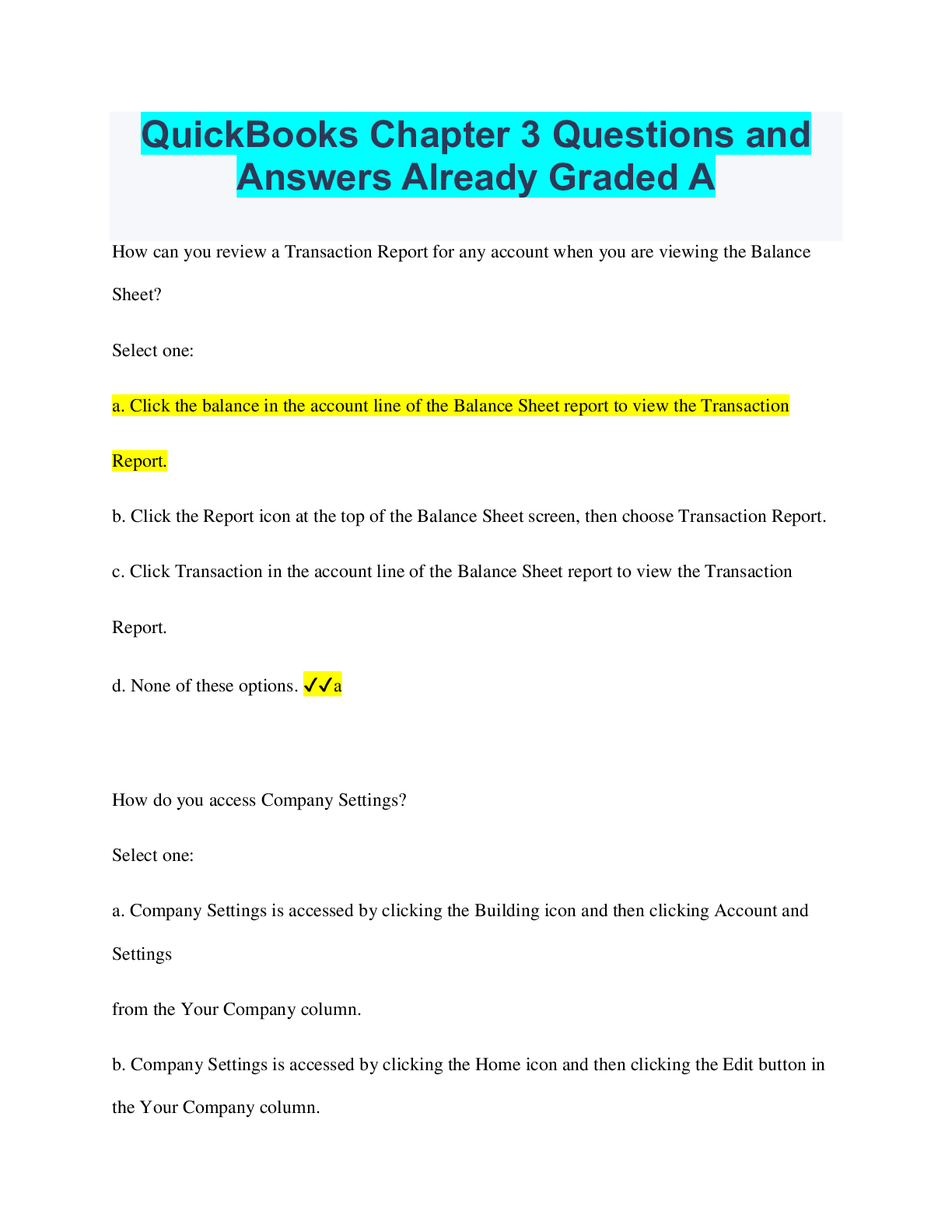
How can you review a Transaction Report for any account when you are viewing the Balance
Sheet?
Select one:
a. Click the balance in the account line of the
...
QuickBooks Chapter 3 Questions and
Answers Already Graded A
How can you review a Transaction Report for any account when you are viewing the Balance
Sheet?
Select one:
a. Click the balance in the account line of the Balance Sheet report to view the Transaction
Report.
b. Click the Report icon at the top of the Balance Sheet screen, then choose Transaction Report.
c. Click Transaction in the account line of the Balance Sheet report to view the Transaction
Report.
d. None of these options. ✔✔a
How do you access Company Settings?
Select one:
a. Company Settings is accessed by clicking the Building icon and then clicking Account and
Settings
from the Your Company column.
b. Company Settings is accessed by clicking the Home icon and then clicking the Edit button in
the Your Company column.
c. Company Settings is accessed by clicking the Gear icon and then clicking Account and
Settings
from the Your Company column.
d. None of these options. ✔✔c
How do you access the Balance Sheet report?
Select one:
a. Click on Balance Sheet from the Navigation bar, then press [Enter].
b. Type Balance Sheet into the Go to report search text box, then press [Enter].
c. Type Balance Sheet into the search bar, then press the Submit button.
d. None of these options. ✔✔b
What additional information is required when you add beginning balance amounts to the
accounts receivable account?
Select one:
a. When you add a beginning balance to accounts receivable you must also identify the name of
the customer who owes you.
b. When you add a beginning balance to accounts receivable you must also identify the payment
method of the of
the customer and the terms.
c. When you add a beginning balance to accounts receivable you must also identify the name of
the customer's financial institution.
d. When you add a beginning balance to accounts receivable you must also identify the
customer's ID number. ✔✔a
What additional information is required when you add beginning balance amounts to the
accounts payable account?
Select one:
a. When you add a beginning balance to accounts payable you must also identify the category
type.
b. When you add a beginning balance to accounts payable you must also identify the terms of
payment.
c. When you add a beginning balance to accounts payable you must also identify the vendor's ID
number.
d. When you add a beginning balance to accounts payable you must also identify the name of the
vendor you owe. ✔✔d
What information is required when adding a new product to QBO?
Select one:
a. When you add a new product you may provide an initial quantity on hand and a related as of
price and
date. You also provide the related inventory asset account, sales and purchase description
information, the price, the income account and the cost of goods sold account used. You must
also identify if the item is non-taxable.
b. When you add a new product, you provide the related inventory asset account, sales and
purchase description
information, the price, the cost, and the cost of goods sold account used. You must also identify
if the item is taxable.
c. When you add a new product you may provide the related inventory asset account, sales and
purchase description
information, the price, the cost, and the income account. You must also identify if the company
collects sales tax.
d. When you add a new product you may provide an initial quantity on hand and a related as of
date. You also provide the related inventory asset account, sales and purchase description
information, the price, the cost, the income account and the cost of goods sold account used.
You must also identify if the item is taxable if the company collects sales tax. ✔✔d
What steps need to be followed to add an account to the chart of accounts?
Select one:
a. Click Transactions and then click Chart of Accounts from the Navigation bar and then click
the
New button in the upper right-hand corner of the chart of accounts.
b. Click New Account from the Navigation bar and then click Add, and choose Chart of
Accounts.
New button in the upper right-hand corner of the chart of accounts.
c. In the search bar at the top of the screen type in Chart of Accounts, then click on Add New
Account.
d. Open the Chart of Accounts window from the navigation bar, click on New Account and Add.
✔✔a
When is it appropriate to add beginning balances to accounts?
Select one:
a. You can add beginning balances at any time.
b. Adding beginning balances at the beginning of each fiscal year.
c. Adding beginning balances only occurs when you are utilizing QBO for the first time.
d. Adding beginning balances only occurs when you are utilizing QBO for the first time and your
business has been in operation for some time. ✔✔d
When you add a beginning balance to an account, what other account is affected?
Select one:
a. The Operating account is also affected when a beginning balance is entered into
an account.
b. The Opening Balance Equity account is also affected when a beginning balance is entered into
an account.
c. The Dividends Balance account is also affected when a beginning balance is entered into
an account.
d. None of these options. ✔✔b
Which additional account is used when you close Opening Balance Equity?
Select one:
a. Inventory is the additional account used when closing the Opening Balance Equity
account.
b. Assets is the additional account used when closing the Opening Balance Equity
account.
c. Retained Earnings is the additional account used when closing the Opening Balance Equity
account. ✔✔c
[Show More]