QuickBooks Desktop Questions and
Answers 100% Pass
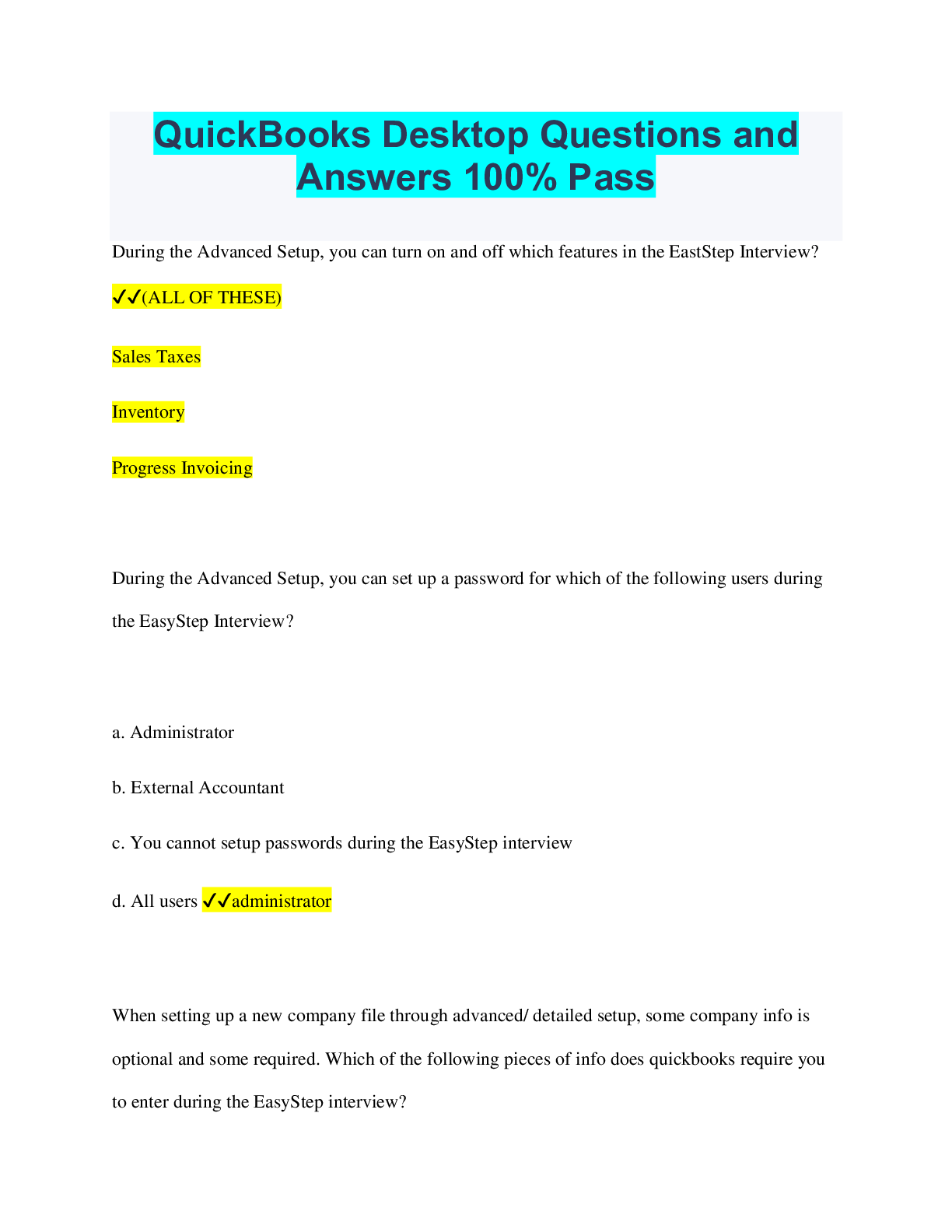
During the Advanced Setup, you can turn on and off which features in the EastStep Interview?
✔✔(ALL OF THESE)
Sales Taxes
Inventory
Progress Invoicing
During the
...
QuickBooks Desktop Questions and
Answers 100% Pass
During the Advanced Setup, you can turn on and off which features in the EastStep Interview?
✔✔(ALL OF THESE)
Sales Taxes
Inventory
Progress Invoicing
During the Advanced Setup, you can set up a password for which of the following users during
the EasyStep Interview?
a. Administrator
b. External Accountant
c. You cannot setup passwords during the EasyStep interview
d. All users ✔✔administrator
When setting up a new company file through advanced/ detailed setup, some company info is
optional and some required. Which of the following pieces of info does quickbooks require you
to enter during the EasyStep interview?
A. Company name
B. Company password
C. Tax ID
D. All the above ✔✔A. Company name
How do you set up multiple businesses in quickbooks? ✔✔Go through the advanced/ detailed
setup to go thru the EasyStep interview for each company to create a separate company file.
During the Advanced Setup, how do you setup a new account that is not on the default list of
accounts during the EasyStep Interview? ✔✔You can't add accounts that are not on the
QuickBooks default list. Finish the interview and add the accounts directly to the chart of
accounts.
How do you restore a company file from a backup copy? ✔✔File -> Open or Restore Company -
Restore a Backup Copy (or Portable File) -> Next -> Select the file to restore and click Open -
Choose where to restore the file to and Save.
Which of the following is NOT a backup option in quickbooks?
A manual
B. Automatically when closing
C. Schedule and unattended backup
D all the above ✔✔ALL OF THE ABOVE ARE QuickBooks BACKUP OPTIONS.
Why would you restore a data file from the backup file? ✔✔• You wish to review the company
data as it stood at an earlier date.
• The company data file on your hard drive is damaged and cannot be used
• Your computer crashed. You reloaded QuickBooks, and now you are ready to open the
company file.
How do you switch to Multi-User Mode? ✔✔Choose File > Sw
[Show More]