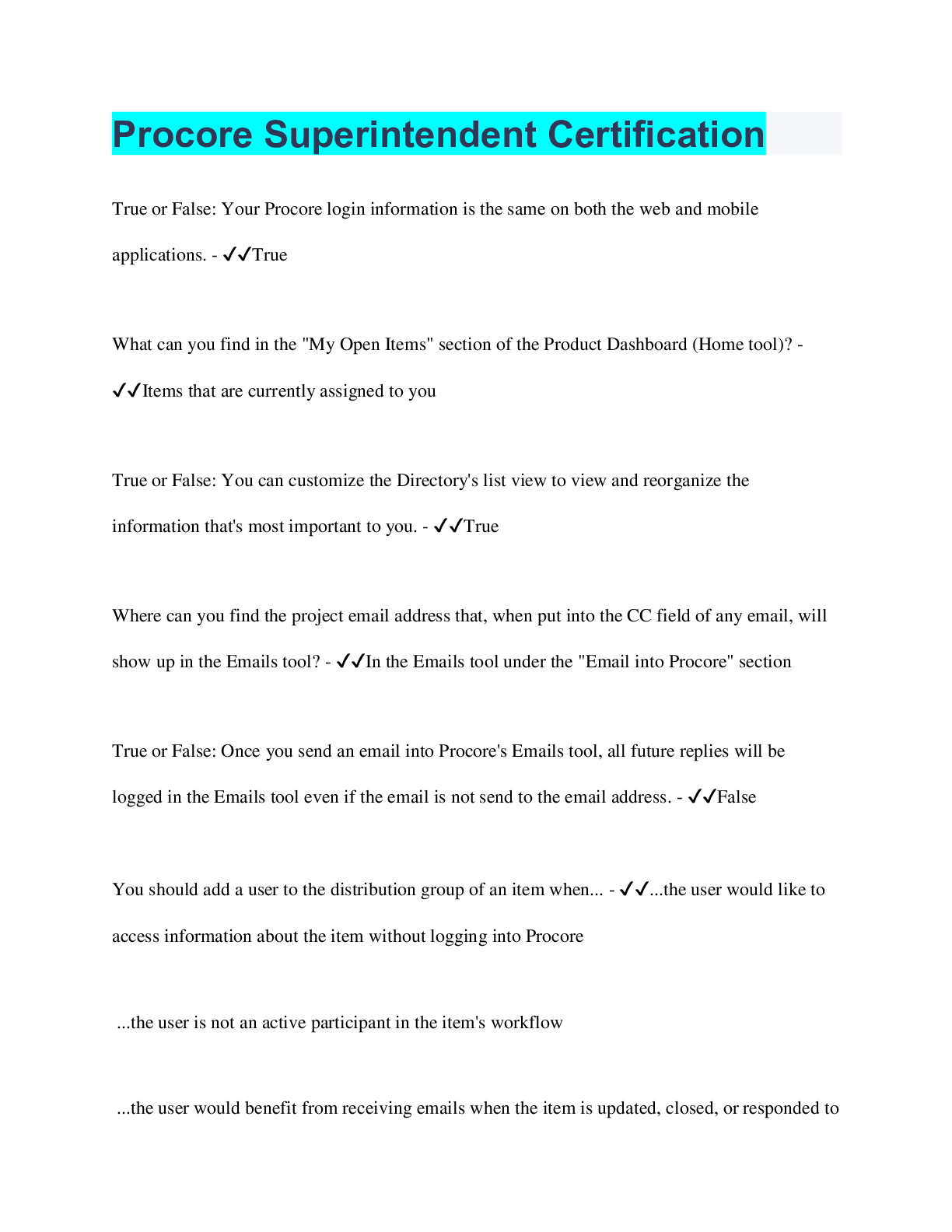
Procore Superintendent Certification
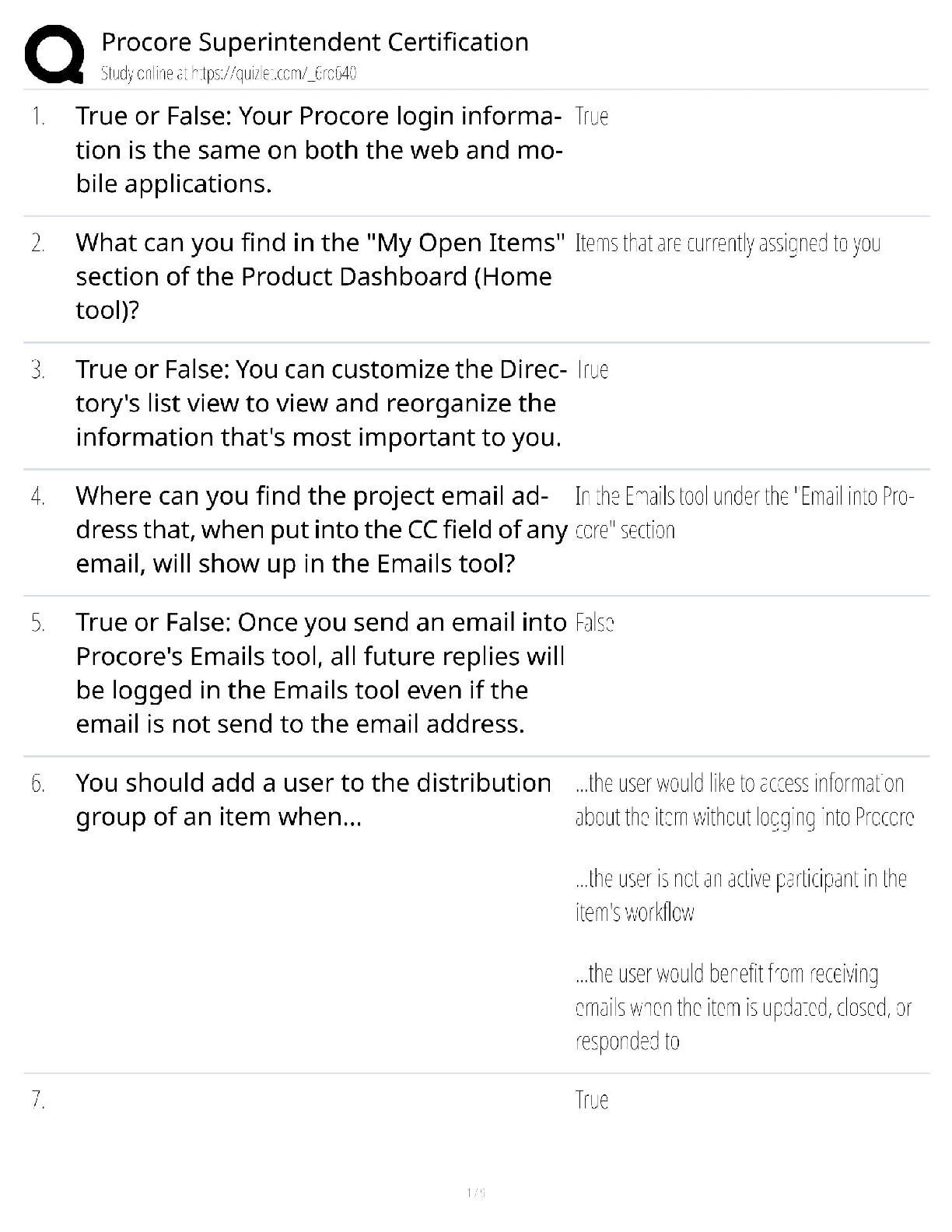
True or False: Your Procore login information is the same on both the web and mobile
applications. - ✔✔True
What can you find in the "My Open Items" section of the Product Dashboar
...
Procore Superintendent Certification
True or False: Your Procore login information is the same on both the web and mobile
applications. - ✔✔True
What can you find in the "My Open Items" section of the Product Dashboard (Home tool)? -
✔✔Items that are currently assigned to you
True or False: You can customize the Directory's list view to view and reorganize the
information that's most important to you. - ✔✔True
Where can you find the project email address that, when put into the CC field of any email, will
show up in the Emails tool? - ✔✔In the Emails tool under the "Email into Procore" section
True or False: Once you send an email into Procore's Emails tool, all future replies will be
logged in the Emails tool even if the email is not send to the email address. - ✔✔False
You should add a user to the distribution group of an item when... - ✔✔...the user would like to
access information about the item without logging into Procore
...the user is not an active participant in the item's workflow
...the user would benefit from receiving emails when the item is updated, closed, or responded to
True or False: Procore offers free, unlimited storage in the Documents tool for all customers. -
✔✔True
What does it mean when a document has a padlock icon over the folder or file? - ✔✔The file or
folder is only visible to Document 'Admin' users and other users specifically granted access
True or False: When a newer version of a file is uploaded, you cannot download any of the
previously uploaded versions. - ✔✔False
If you are tracking a folder (not a file), when will you receive an email notification from
Procore? - ✔✔All of the above
True or False: A custom report allows you to report on multiple tools at once. - ✔✔True
True or False: A custom report can only be created at the Project level. - ✔✔False
If you generate the same reports on a regular basis, what is the best way to distribute these
reports to the team? - ✔✔Create a recurring custom report with an appropriate distribution list
True or False: You can create a custom calculation using existing data/values from other
columns. - ✔✔True
What is the best way to view the changes between different revisions of an uploaded drawing? -
✔✔Use the "Compare Revisions" feature to view highlighted changes.
How can you draw a straight line while marking up your drawing? - ✔✔Hold the SHIFT key
while drawing
Who can view drawing markups on your 'Personal' layer? - ✔✔Only you
True or False: When you add a markup to a drawing, it will be immediately available to your
team without further action on your part. - ✔✔False
True or False: Before you can add measurements to your drawing, you must first calibrate a
known distance on the drawing. - ✔✔True
Why are some action buttons inactive and gray? - ✔✔Because certain actions require that you
first select one or more spec sections before the button becomes orange/clickable
Which action are you unable to perform from the PDF viewer of a spec section? - ✔✔Export as a
CSV file
True or False: You can search the contents of spec section PDFs in Procore. - ✔✔True
True or False: You can expect Procore's Schedule tool to be a replacement for any of your
industry standard scheduling tools. - ✔✔True
Which is the recommended view for finding a specific calendar event across the entire schedule?
- ✔✔All
True or False: If you send an email in Procore using the Email button (without including yourself
on the CC list), you will receive a copy of the email in the "Sent" folder of your email account. -
✔✔True
How can you change the view under the RFI's tool to ONLY show "Closed" RFIs? - ✔✔Change
the "Filter RFIs By" option to "Status: Closed"
True or False: If an RFI's "Ball in Court" is assigned to you, it means you are responsible for
performing the next action. - ✔✔True
If a response to an RFI has been marked as the official, approved response, where can you view
the RFI's "Official Response" in Procore? - ✔✔Directly under the RFI's original question
Where should you create an RFI so that it is automatically linked to the correct location on the
project's drawings? - ✔✔Drawings Tool
Which field is used to allow a user to add a response to the RFI? - ✔✔Assignee
True or False: You can only link a drawing to a "Draft" RFI. - ✔✔False
Mark all that apply: When viewing an RFI, what information are you able to view? - ✔✔Copies
of all related emails
The original RFI question
Related Items
The designated "official response(s)"
Which view should you use if you want to view photos in chronological order based on when
they were taken? - ✔✔Timeline
How can you upload photos into Procore? - ✔✔All of the above
If you don't select an album when uploading photos where will the photos will be uploaded? -
✔✔"Unclassified" Album
What is the easiest way to keep track of project progress photos? - ✔✔Add yourself and any
relevant team members as subscribers to the Photos tool
What is the best way to call someone's attention to a specific photo? - ✔✔@mention them on the
photo in the Comments section
What is the best way to find out which actions you can perform offline on your mobile device? -
✔✔Go to https://support.procore.com and view the Mobile Permissions Matrix
What permission level will you need to create new meetings and view all of the meetings in the
project, even if they're marked private? - ✔✔Admin
When you see a text field in Procore that has a blue caret in the top right corner of the cell, what
does it mean? - ✔✔The field can be edited
Who can view meetings that are marked as private? (Mark all that apply) - ✔✔Scheduled
attendees
Distribution list members
The creator of the meeting
Users with 'Admin' permissions on the Meetings tool
What does it mean when a meeting is in "Minutes" mode? - ✔✔Meeting notes have been logged
or are currently being logged
True or False: You can only create follow-up meetings from a meeting in "Agenda" mode. -
✔✔False
What information is NOT carried forward when you create a follow up meeting? - ✔✔Closed
items
True or False: When a meeting is in "draft" mode, you will not be able to distribute the agenda to
any attendees. - ✔✔True
True or False: When you save the agenda/minutes of a meeting, it will automatically send update
emails to the assignee and distribution list. - ✔✔False
Why would you want to add a star next to previously entered meeting minutes? - ✔✔To mark
these minutes as important and make sure that they appear on all future meeting minutes for that
business item until the star is removed
True or False: You will be able to add minutes to the meeting while it's in agenda mode. -
✔✔False
True or False: You will be able to distribute the meeting minutes on your mobile device. -
✔✔False
True or False: You must specify a Crew Lead for each crew. - ✔✔False
True or False: A crew will show as an option to select in the Timesheets tool. - ✔✔True
True or False: A user can be added in the Crews tool without an email address. - ✔✔True
True or False: You can enter time information once and have it apply to all employees on a
single timesheet. - ✔✔True
True or False: You can copy the most recent timesheet that you created. - ✔✔True
True or False: Time entries can only be signed on a mobile device. - ✔✔True
True or False: When viewing a timesheet, you can only select and view a single day at a time. -
✔✔False
True or False: Users can create a change event from an RFI. - ✔✔True
What does "In Scope" mean for a change event? - ✔✔The change falls within the scope of the
contract; the cost will not be submitted to the client
True or False: You can create a Daily Log entry from either Procore's web or mobile
applications. - ✔✔True
Fill in the blank: Typically, most superintendents will have _______ level permissions on the
project's Daily Log tool. - ✔✔Admin
True or False: You can create a new log entry by copying entries from a previous day's log. -
✔✔True
Which of the following Settings can be configured for your project's Daily Log tool. - ✔✔The
project's weather information
The display and order of the logs
Your job site's daily work hours
True or False: Project level inspection templates are not available at the Company level. -
✔✔True
True or False: Users with 'Read only' permissions and above can be added as signers on an
inspection. - ✔✔True
Who can access inspections marked as 'Private'? - ✔✔All of the above
Fill in the blank: Generally, most superintendents will have at least ______ level permissions on
the Inspections tool. - ✔✔Standard
True or False: Users can fill out forms through Procore's Web and Mobile application. - ✔✔True
True or False: Once you fill out and save a form, you cannot modify the form's information. -
✔✔False
True or False: Since the Incidents tool often includes sensitive information, Procore recommends
that all incidents are set to 'Private' by default. - ✔✔True
Fill in the blank: Users must have at least _________ level permissions or higher on the Project
level Forms tool in order to fill out a form. - ✔✔Standard
Generally, most Superintendents will have ___________ level permissions on the project's
Punch List tool. - ✔✔Admin
True or False: You can only create a punch list from a Punch List templates on Procore's iOS and
Android mobile applications. - ✔✔True
True or False: Punch List items marked as 'Closed' indicate that all required work has been
completed, resolved, and accepted. - ✔✔True
[Show More]



![Preview of Deviant Behavior, 12th Edition, By Alex Thio, Jim Taylor, Martin Schwartz [PDF] [eBook]](https://scholarfriends.com/storage/[PDF] [eBook] for Deviant Behavior, 12th Edition, By Alex Thio, Jim Taylor, Martin Schwartz.png)








![Preview of Introduction to Social Problems, 10th Edition, By Thomas J Sullivan, [PDF] [eBook]](https://scholarfriends.com/storage/[PDF] [eBook] for Introduction to Social Problems, 10th Edition, By Thomas J Sullivan,.png)


![Preview of Consumer behavior, 12th Edition, By Leon Schiffman, Joseph Wisenblit [PDF] [eBook]](https://scholarfriends.com/storage/[PDF] [eBook] for Consumer behavior, 12th Edition, By Leon Schiffman, Joseph Wisenblit.png)