Electrical Engineering > Lab Report > University of Wollongong ECTE 1624-lab vervication-sheets (All)
University of Wollongong ECTE 1624-lab vervication-sheets
Document Content and Description Below
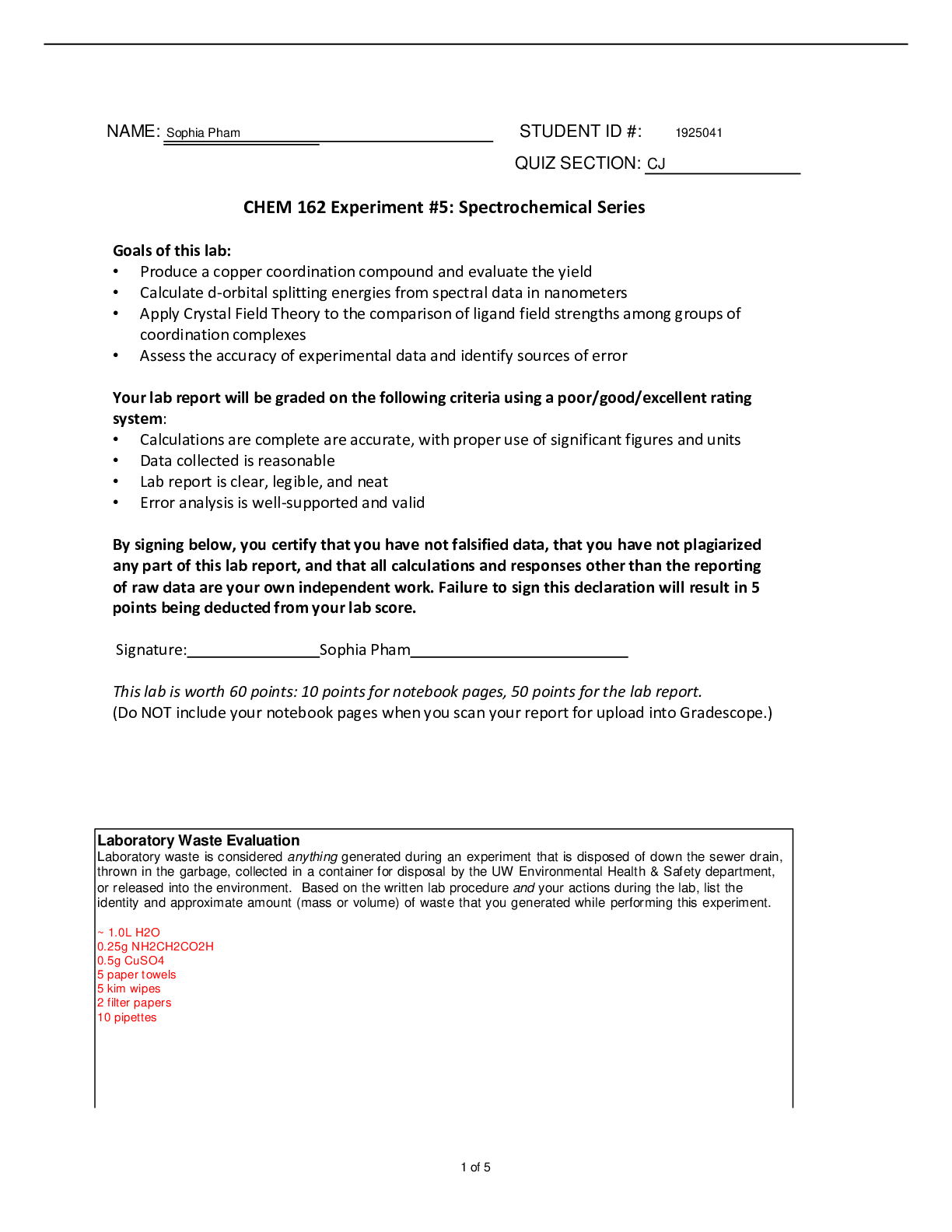
School of Electrical, Computer and Telecommunications Engineering, University of Wollongong ECTE906: Lab Work Verification Sheets & Short Laboratory Report Laboratory Exercise: Lab 10 Two Convoluti ... on GUIs (DT and CT) Family Name/First Name: (block letters) FAISEL TUBBAL Student Number: 3713945 Date: 14/05/2012 Program Undertaken (and Major (s)) Master of Engineering (Telecommunication) Make sure you write down the log of your Laboratory activity in response to questions asked in this form. Your writing should be a clear indication of work completed in the Laboratory. It is suggested you roughly sketch outputs, write code) and a brief interpretation of results you obtain. These sheets should have the Lab supervisor’s signature. NOTE: Make sure in your MATLAB installation you have dspfirst toolbox. This toolbox contains new functions. NOTE: Lab. Exercise 10 involves convolution in DT and CT domains. Students are required to focus on discrete convolution first. Questions on CT one can be completed using the GUI though its background theory will be covered in the future. 3.Warm-up: Run the GUIs 3.1 Continuous-Time Convolutions GUI (a) Use GUI (run cconvdemo) to produce the output signal and identify the different regions during the convolution integral as well as the boundaries (in secs) of the second region. Explain why there are only 4 regions in this case. Paste plots you obtain in this section. • Input Signal Signal= exponential, Scaling Factor=1, Exponential constant=0.25, Length=6, Delay=0, Causality= causal. • Filter impulse response Signal= exponential, Scaling Factor=1, Exponential constant=1, Length=6, Delay=-1, Causality= causal. Figure(3.1): Interference for continuous-time convolution GUI The convolution integral must be evaluated in five different regions, however, in our case as shown in figure (2.2) there are only four regions which are as following: 1- Region1: no overlap (on the left side) 2- Region2: partial overlap (on the left side) 3- Region3: partial overlap (on the right side) ( 4- Region4: no overlap (on the right side) ( So as it can be seen there is no exit for region five which i [Show More]
Last updated: 3 years ago
Preview 1 out of 5 pages

Buy this document to get the full access instantly
Instant Download Access after purchase
Buy NowInstant download
We Accept:

Reviews( 0 )
$7.00
Can't find what you want? Try our AI powered Search
Document information
Connected school, study & course
About the document
Uploaded On
May 09, 2021
Number of pages
5
Written in
All

Additional information
This document has been written for:
Uploaded
May 09, 2021
Downloads
0
Views
73

 (1).png)
.png)





.png)



.png)