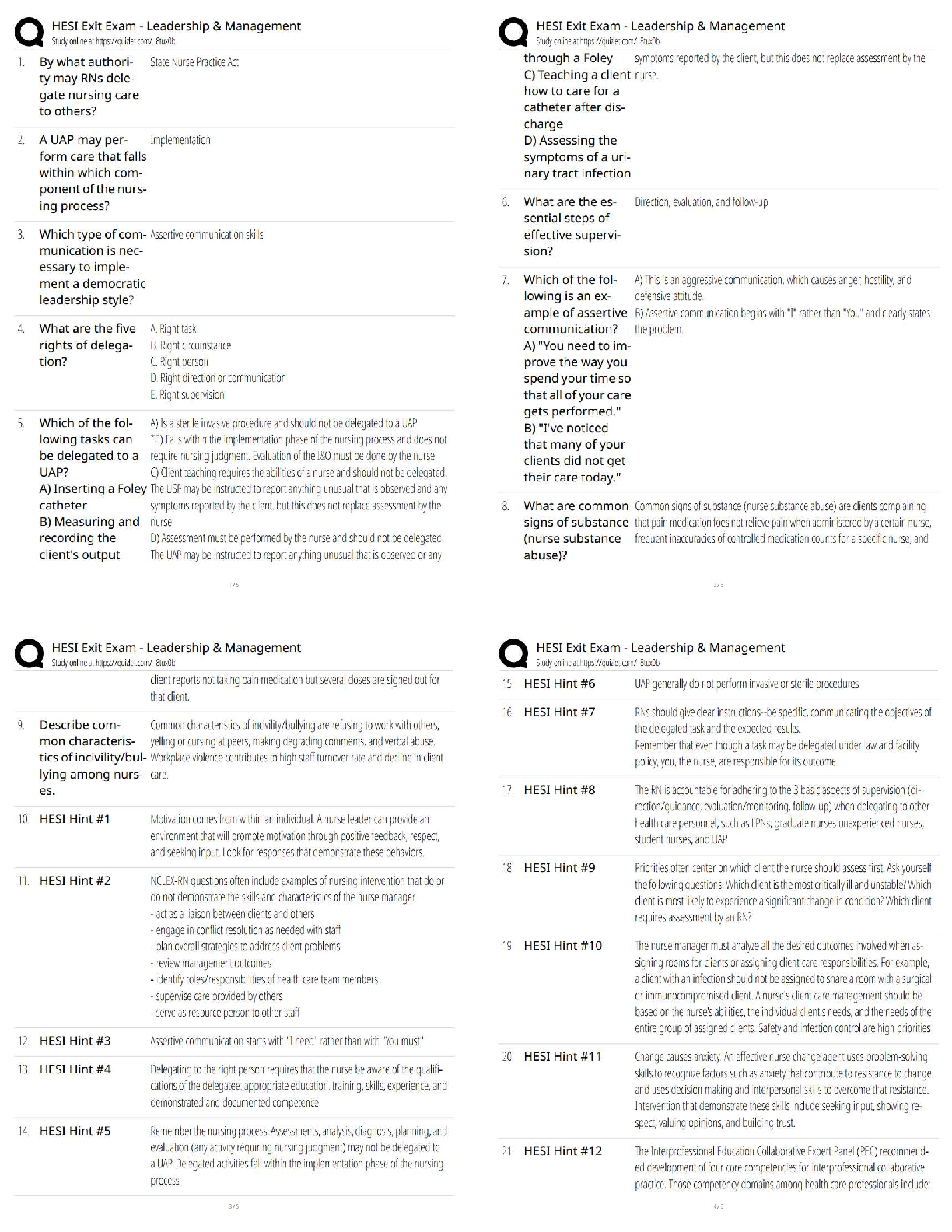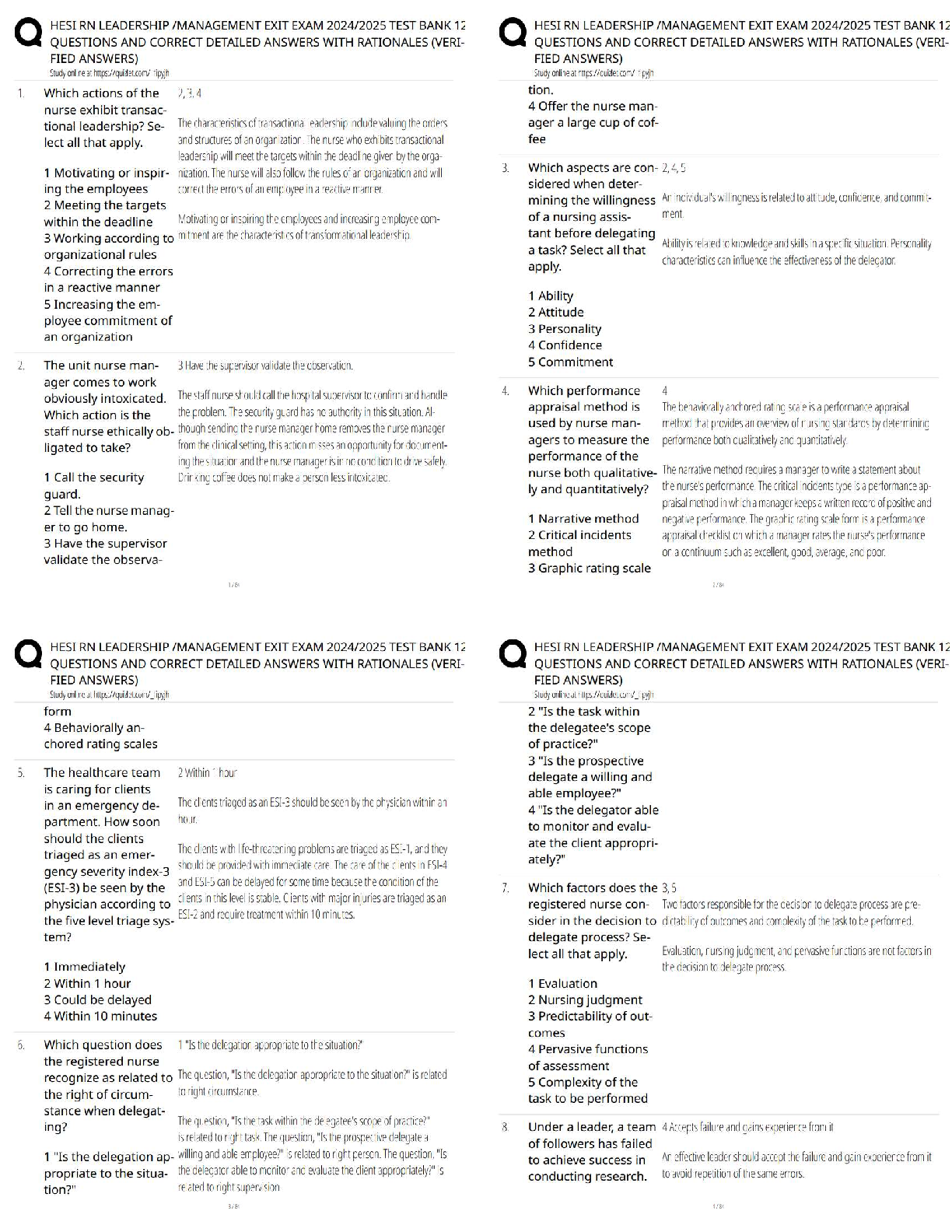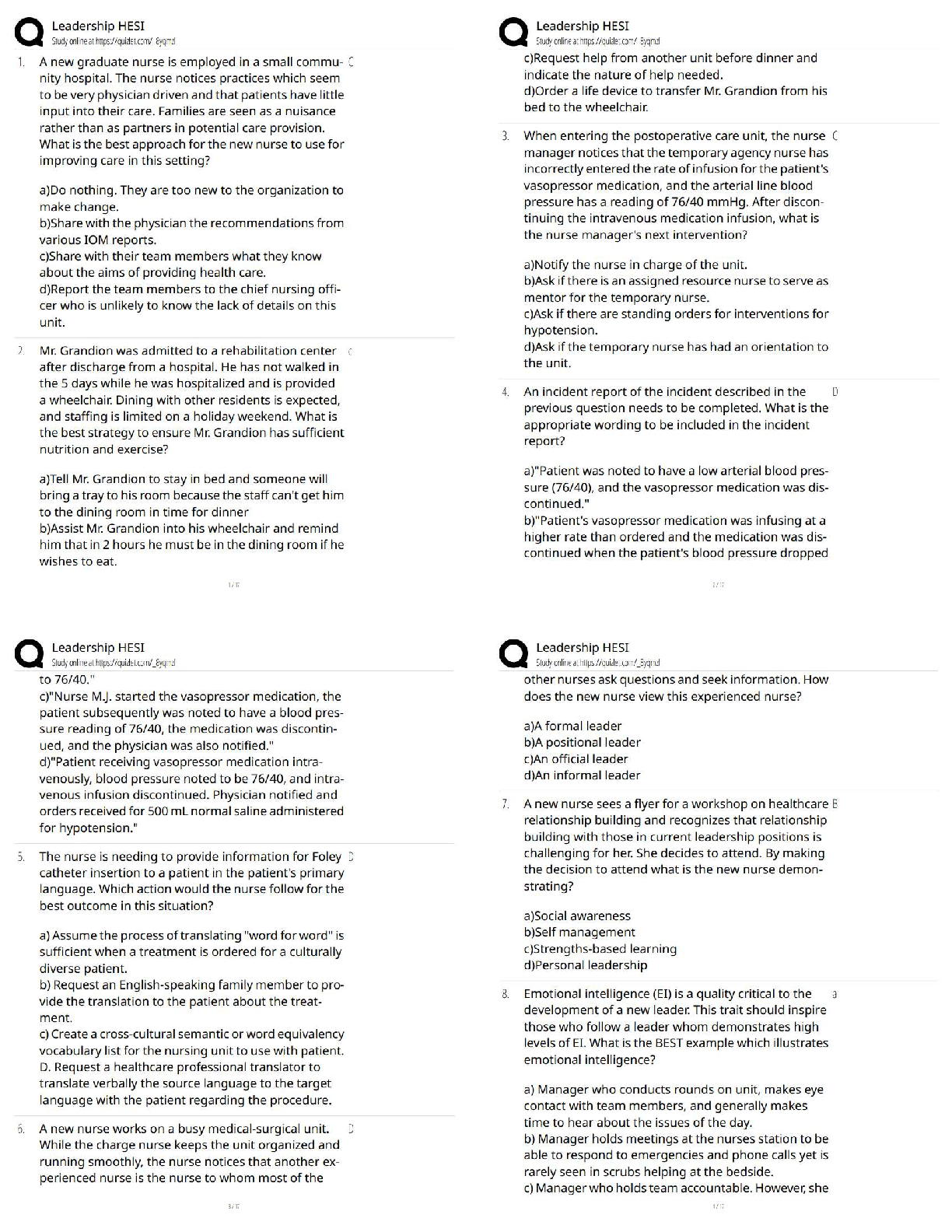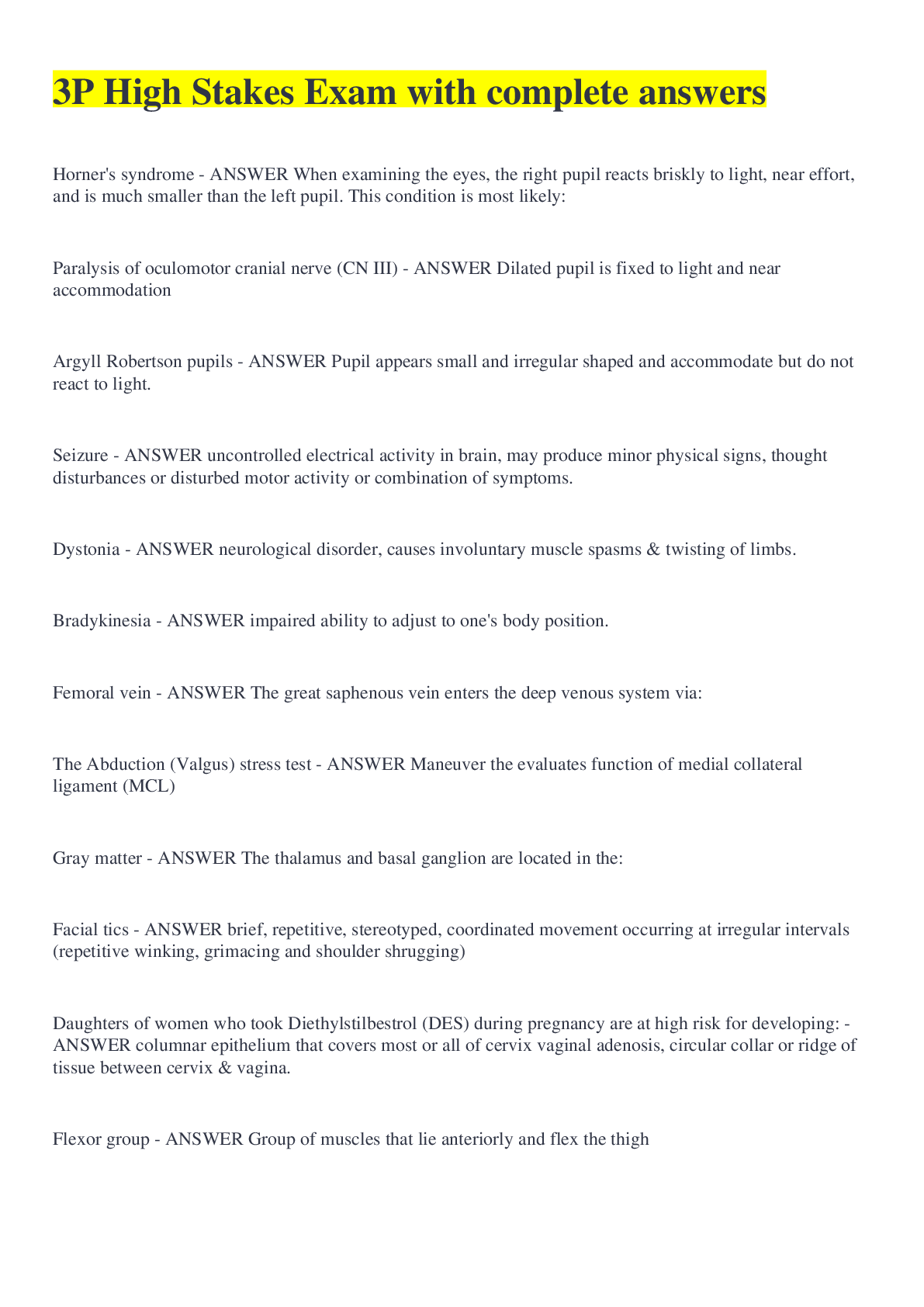
3P High Stakes Exam with all answers correct
Computer Science > QUESTIONS & ANSWERS > Tableau Desktop Specialist Exam Questions and Answers Already Passed (All)
Tableau Desktop Specialist Exam Questions and Answers Already Passed Live vs. extracts data connection ✔✔LIVE - Changes will be shown automatically - creates slower performance for huge data ... - Server availability could be a problem - Best to use when numbers HAVE to be correct EXTRACT - creates a static snapshot of your data - better performance and portability - save and refresh the snapshot - best to use when numbers aren't as important How to save metadata properties in a .TDS ✔✔1. go to the sheet 2. right click on the data source 3. select 'Add to Saved Data Sources' 4. make sure the end of the file ends in .TDS When is it best to use a blend? ✔✔1. Cross-database join is not supported 2. Tables are at different LOD 3. Joins create duplicate data or data cleaning is required 4. If you have a lot of data and the join is time consuming How do you rename a data field? ✔✔Right click on the data field and select 'rename' How to assign an alias to a data value? ✔✔Right click a dimension and select 'Aliases". In the edit aliases dialog box, under value, select a member and enter a new name How to assign a geographic role to a data field? ✔✔click the data type icon next to the field and select 'geographic role'. then select the geographic role you want to assign to that field Change data type for a data field (number, date, string, boolean, etc) ✔✔A. On the data source page, click on the icon associated with the field and select the new data type B. In the data pane, if you right click on the field and scroll down to 'change data type' [Show More]
Last updated: 2 years ago
Preview 1 out of 24 pages
.png)
Buy this document to get the full access instantly
Instant Download Access after purchase
Buy NowInstant download
We Accept:

[SOLVED] TABLEAU DESKTOP BUNDLED EXAMS QUESTIONS AND ANSWERS WITH VERIFIED SOLUTIONS
By Nutmegs 2 years ago
$20
11
Can't find what you want? Try our AI powered Search
Connected school, study & course
About the document
Uploaded On
Jan 08, 2023
Number of pages
24
Written in
All
This document has been written for:
Uploaded
Jan 08, 2023
Downloads
0
Views
145
Scholarfriends.com Online Platform by Browsegrades Inc. 651N South Broad St, Middletown DE. United States.
We're available through e-mail, Twitter, Facebook, and live chat.
FAQ
Questions? Leave a message!
Copyright © Scholarfriends · High quality services·



.png)