Computer Science  >  QUESTIONS & ANSWERS  >  Tableau Desktop Specialist Certification Questions and Answers Rated A (All)

Tableau Desktop Specialist Certification Questions and Answers Rated A

Document Content and Description Below

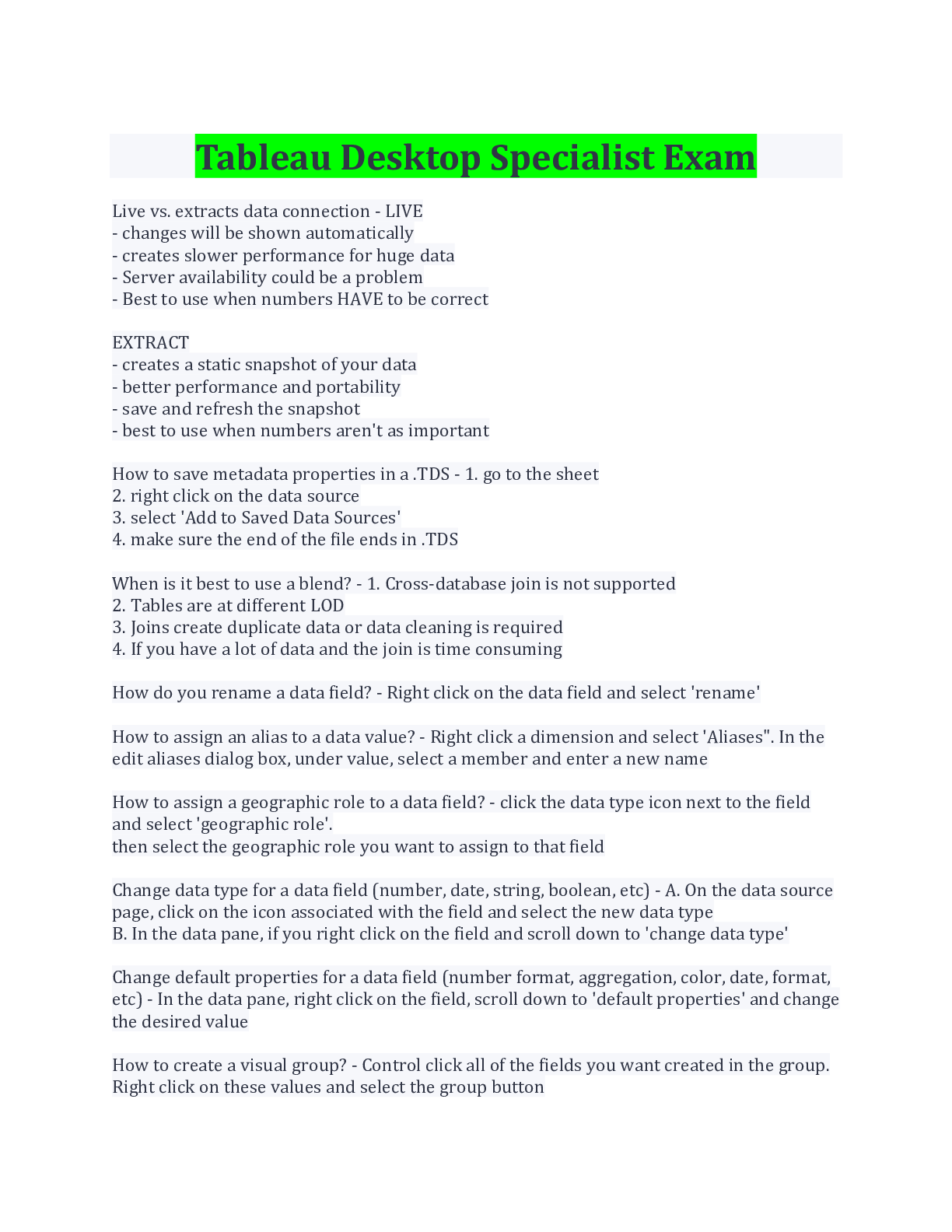
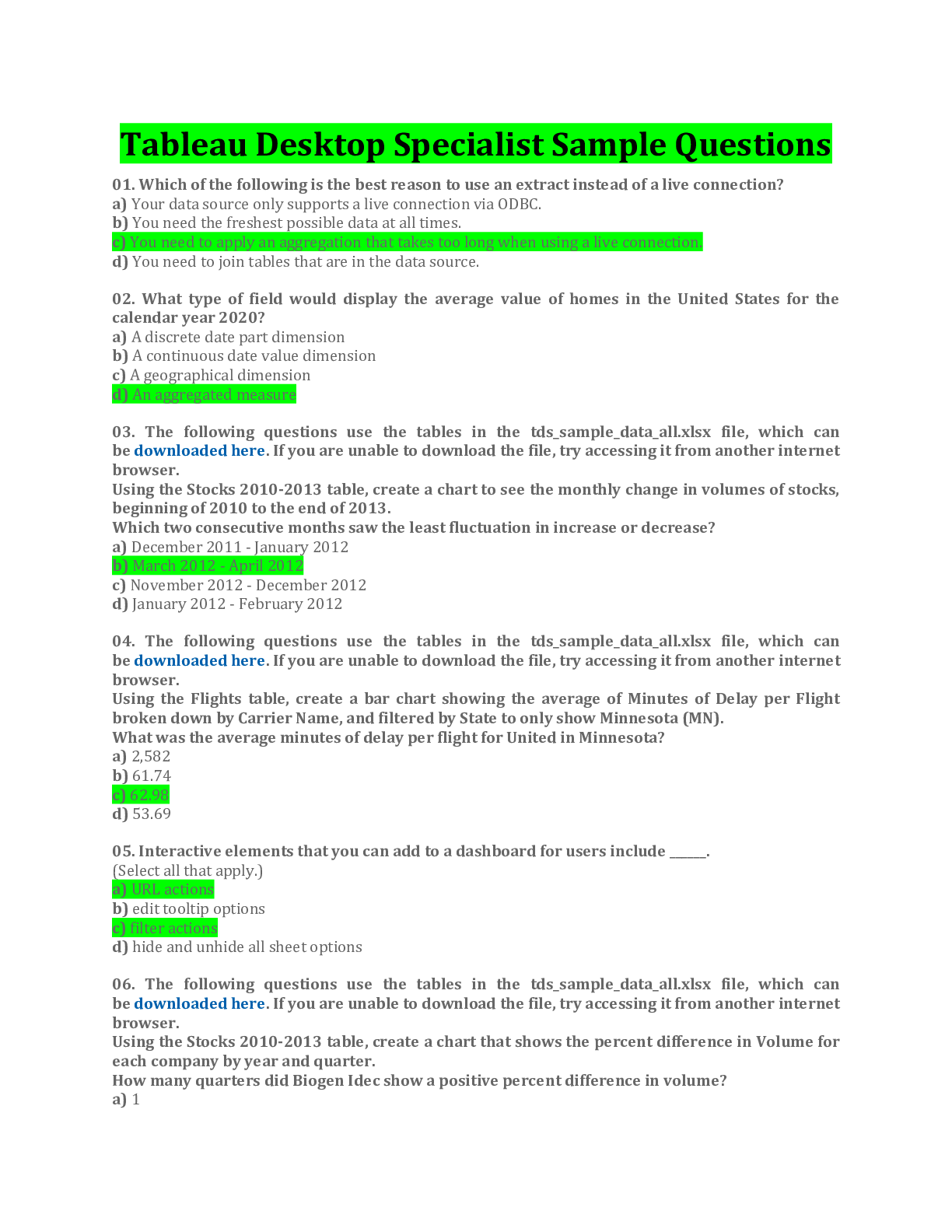
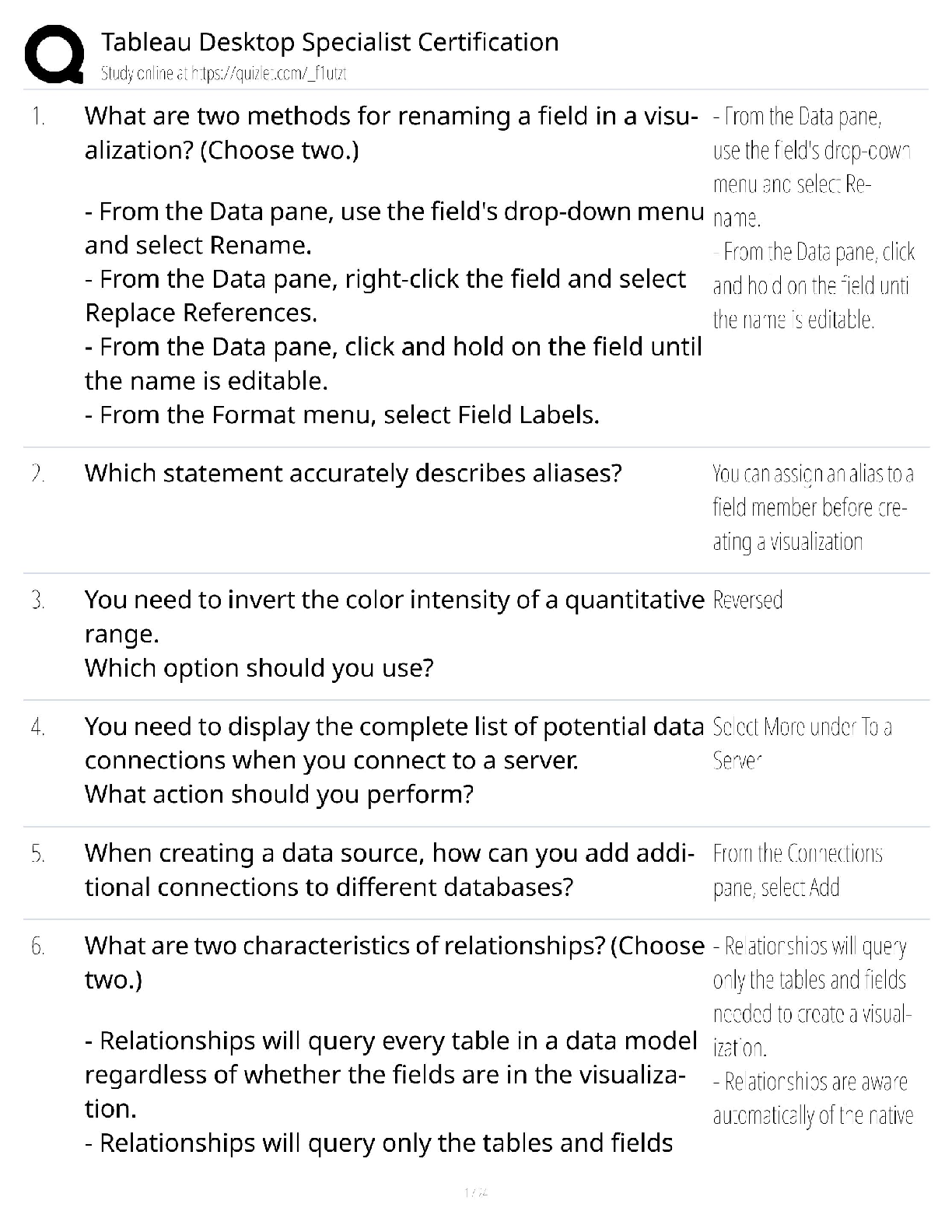
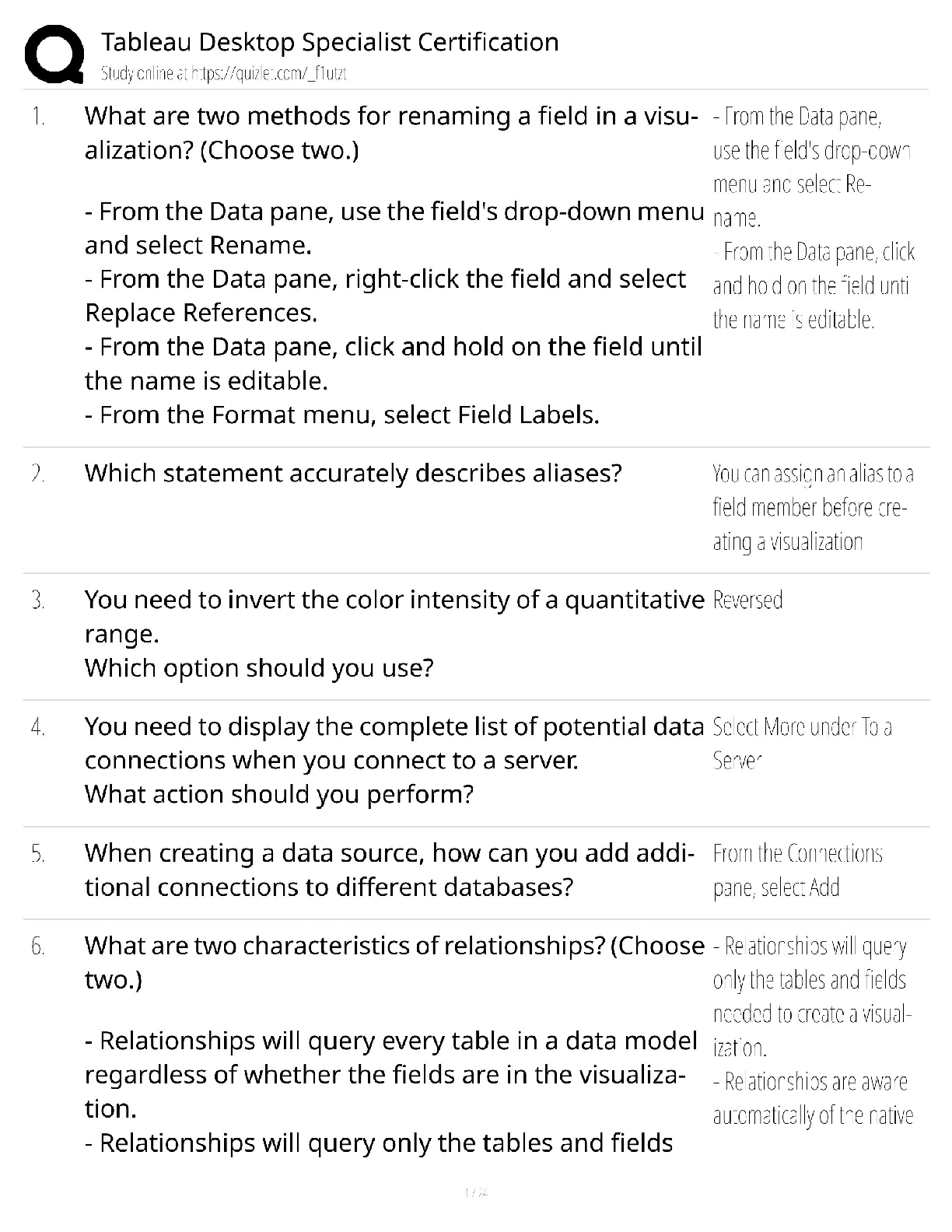
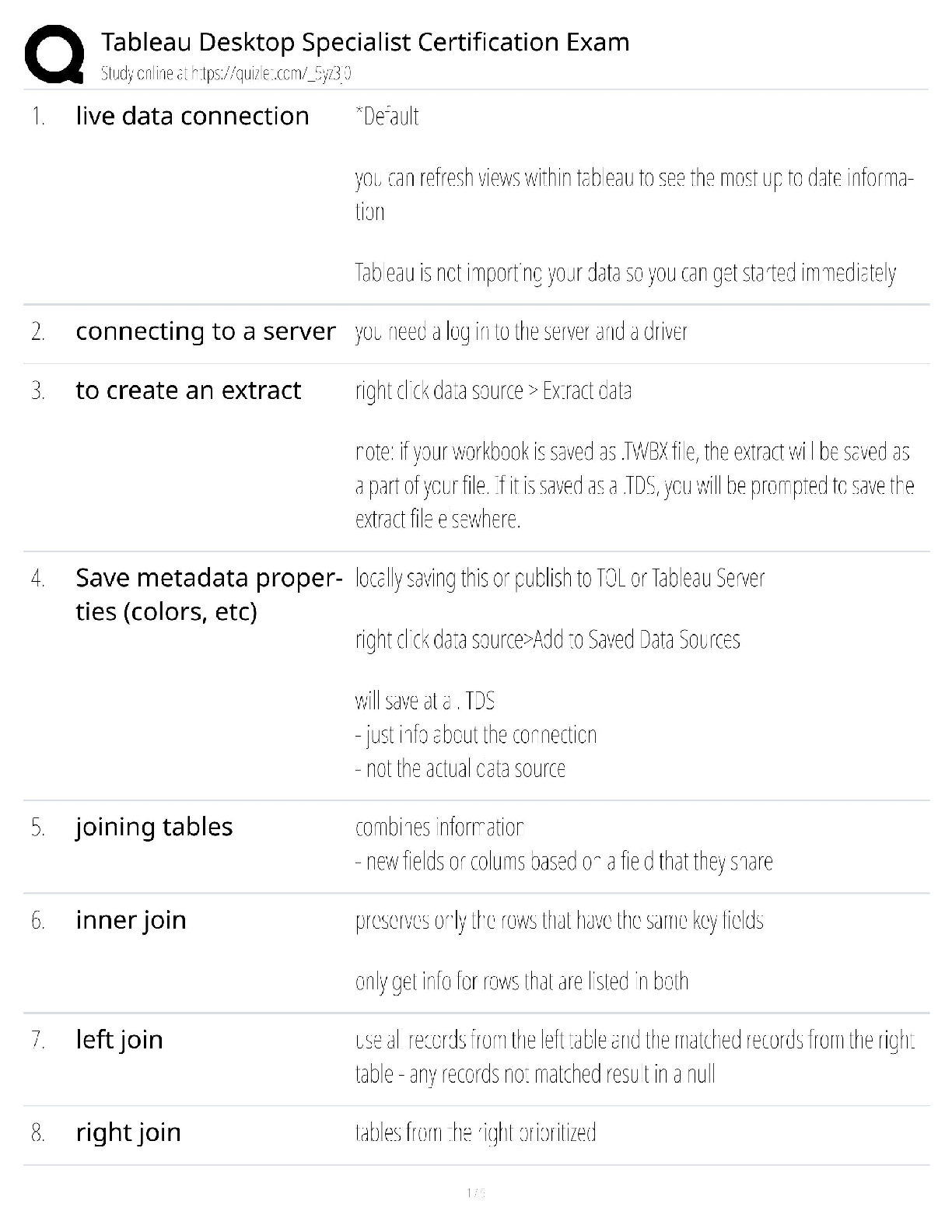
Tableau Desktop Specialist Certification Questions and Answers Rated A What is the data source page? This is where you connect to a data source and see sheets from the data source (on left , shown) ... to bring into the join area. Drag or double click sheets to bring onto the canvas. What is a mark? The shape used to represent data in the viz (bar, line, pie, etc) see "marks card" for full menu of marks features Dimensions Qualitative or categorical data Measures Quantitative data Remember the Undo button Click to undo any action Best view for showing Trends over Time? Best choices are line, area and bar charts, with time on the X-axis and the measure on the Y-axis. Note that area and bar charts treat data differently. Best view for Comparison and ranking? Bar Charts are best Best view to show Correlations between measures? Use a scatter plot Best view to show a Distribution of data? Use a Box-and-whisker plot or histogram Part to whole Avoid pie charts, use bar charts Geographical data Use maps and add pie charts Connecting to data on a server You will need your usual server login credentials and a driver for that server installed on the machine your connecting from Bullet chart A bar chart with a reference line ideal for comparing actual and target numbers Metadata Metadata such as data type and field names displayed in the data source. Tableau indicates number, date, string and geographic metadata by icon below each field name. You can How to manage metadata? To edit metadata either click directly in the data source view or click the manage metadata button to (for example) change the data type or rename the field. Note that you cannot edit the table or remote field names. How do you refresh the data source while you work in Tableau? Right Click the connection on the data pane (in a worksheet) and click "refresh". Tableau will automatically refresh the data each time you open the workbook. Tableau Desktop Workspace This is where you Analyze and visualize your data. Remember that a field is... Just the name of any dimension or measure in the data pane of a worksheet How to change dimensions to measures Click and drag a dimension to the measures area, or vice versa Change default properties of a field Right click the field and select "Default Properties" then change things like numbers format, colors or aggregation. These changes will work across all worksheets. However, if you make changes to field properties by right clicking a pill in the view, the changes only apply to that worksheet. How to create folders [Show More]

Last updated: 2 years ago

Preview 1 out of 34 pages

Buy Now

Instant download

We Accept:

Payment methods accepted on Scholarfriends (We Accept)
Preview image of Tableau Desktop Specialist Certification Questions and Answers Rated A document

Buy this document to get the full access instantly

Instant Download Access after purchase

Buy Now

Instant download

We Accept:

Payment methods accepted on Scholarfriends (We Accept)

Also available in bundle (1)

Click Below to Access Bundle(s)

[SOLVED] TABLEAU DESKTOP BUNDLED EXAMS QUESTIONS AND ANSWERS WITH VERIFIED SOLUTIONS

[SOLVED] TABLEAU DESKTOP BUNDLED EXAMS QUESTIONS AND ANSWERS WITH VERIFIED SOLUTIONS

By Nutmegs 2 years ago

$20

11  

Reviews( 0 )

$10.00

Buy Now

We Accept:

Payment methods accepted on Scholarfriends (We Accept)

Instant download

Can't find what you want? Try our AI powered Search

963
0

Document information


Connected school, study & course


About the document


Uploaded On

Jan 08, 2023

Number of pages

34

Written in

All

Seller


Profile illustration for Nutmegs
Nutmegs

Member since 4 years

607 Documents Sold

Reviews Received
77
14
8
2
21
Additional information

This document has been written for:

Uploaded

Jan 08, 2023

Downloads

 0

Views

 963

Document Keyword Tags


$10.00
What is Scholarfriends

Scholarfriends.com Online Platform by Browsegrades Inc. 651N South Broad St, Middletown DE. United States.

We are here to help

We're available through e-mail, Twitter, Facebook, and live chat.
 FAQ
 Questions? Leave a message!

Follow us on
 Twitter

Copyright © Scholarfriends · High quality services·