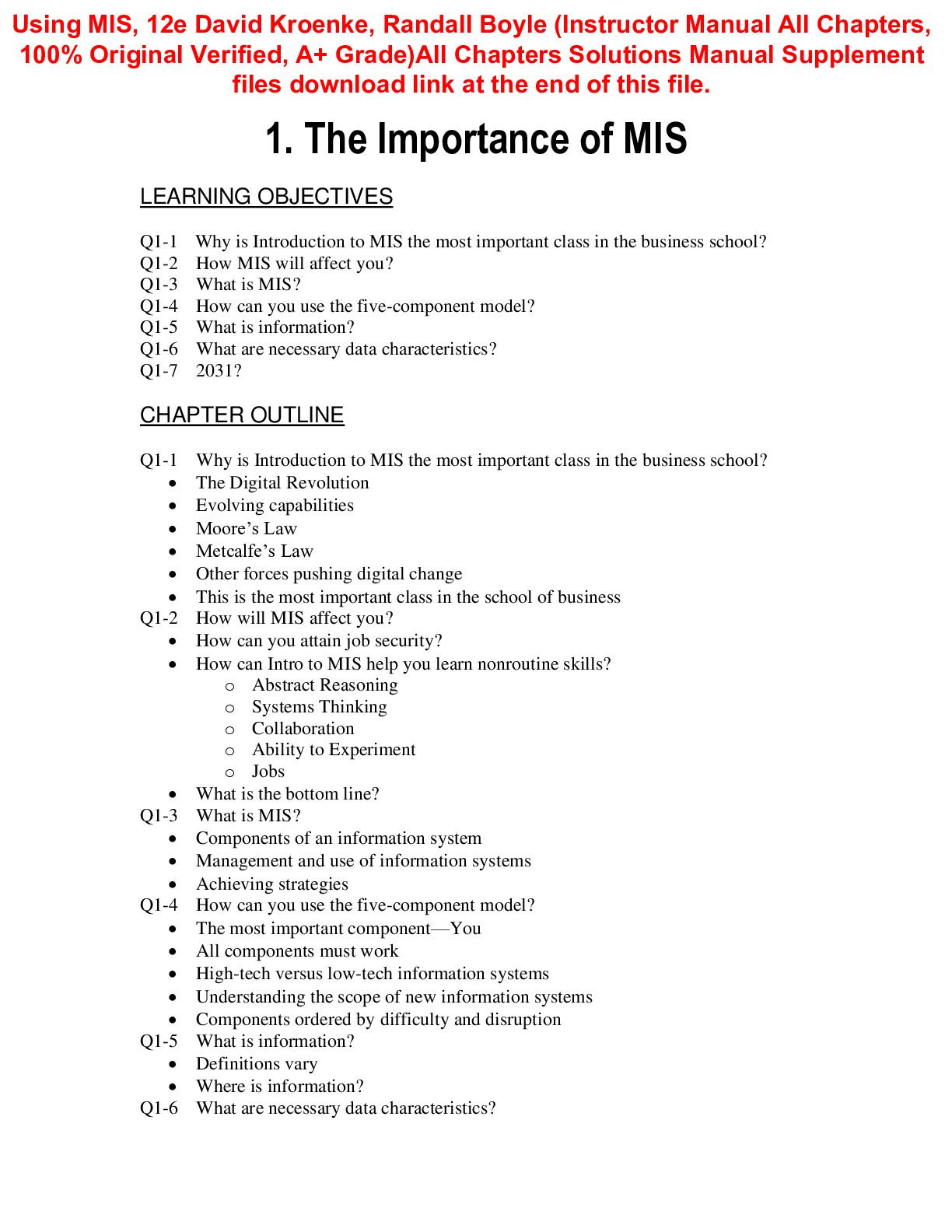
Instructor Manual for Using MIS, 12th edition By David M. Kroenke, Randall J. Boyle, All Chapters-LEARNING OBJECTIVES
Q1-1 Why is Introduction to MIS the most important class in the business school? Q1-2 How MIS will
...
Instructor Manual for Using MIS, 12th edition By David M. Kroenke, Randall J. Boyle, All Chapters-LEARNING OBJECTIVES
Q1-1 Why is Introduction to MIS the most important class in the business school? Q1-2 How MIS will affect you?
Q1-3 What is MIS?
Q1-4 How can you use the five-component model? Q1-5 What is information?
Q1-6 What are necessary data characteristics? Q1-7 2031?
CHAPTER OUTLINE
Q1-1 Why is Introduction to MIS the most important class in the business school?
• The Digital Revolution
• Evolving capabilities
• Moore’s Law
• Metcalfe’s Law
• Other forces pushing digital change
• This is the most important class in the school of business Q1-2 How will MIS affect you?
• How can you attain job security?
• How can Intro to MIS help you learn nonroutine skills?
o Abstract Reasoning
o Systems Thinking
o Collaboration
o Ability to Experiment
o Jobs
• What is the bottom line? Q1-3 What is MIS?
• Components of an information system
• Management and use of information systems
• Achieving strategies
Q1-4 How can you use the five-component model?
• The most important component—You
• All components must work
• High-tech versus low-tech information systems
• Understanding the scope of new information systems
• Components ordered by difficulty and disruption Q1-5 What is information?
• Definitions vary
• Where is information?
Q1-6 What are necessary data characteristics?
• Accurate
• Timely
• Relevant
• Just barely sufficient
• Worth its cost Q1-7 2031?
SECURITY GUIDE
Passwords and Password Etiquette
1. Here is a line from Shakespeare’s Macbeth: “Tomorrow and tomorrow and
tomorrow, creeps in its petty pace.” Explain how to use these lines to create a password. How could you add numbers and special characters to the password in a way that you will be able to remember?
There are several correct ways to create a password from this line. One way might be to take the first letters from each word. The password would then be “tatatciipp.” You could then capitalize a couple of the letters and add in a special character or numbers. The resulting password could be “T&2morrow&tciiPP.” This would be a very secure password.
2. List two different phrases that you can use to create a strong password. Show the password created by each.
There will be many correct answers to this question. Using a passphrase to create a password is done by using the first letters in the phrase, then changing some of the letters by substituting in special characters, numbers, or changes of case. For example, the phrase, “I never count my chickens before the eggs have hatched!” could create the password “iNcmCHKNSb4t3ggsHH!” This would be a great password.
3. One of the problems of life in the cyberworld is that we all are required to have multiple passwords—one for work or school, one for bank accounts, another for eBay or other auction sites, and so forth. Of course, it is better to use different passwords for each. But in that case, you have to remember three or four different passwords. Think of different phrases you can use to create a memorable, strong password for each of these different accounts. Relate the phrase to the purpose of the account. Show the passwords for each.
There will be many correct answers to this question. For example, a passphrase for a university account may look something like, “I will graduate from state university before 2020 or bust!” This could yield a password that would look like “IwgfSUb42020ORB!”
4. Explain proper behavior when you are using your computer and you need to enter, for some valid reason, another person’s password.
In this case, say to the other person, “We need your password,” and then get out of your chair, offer your keyboard to the other person, and look away while she enters the password. Among professionals working in organizations that take security seriously, this little “do-si-do” move—one person getting out of the way so another person can enter her password—is common and accepted.
[Show More]