Part 1: Competitive Exclusion
Exercise 1. Rabbits and Their Habits: Competitive Exclusion
[ 2.1 ] Do the graphs indicate that any species (=colors) are at a greater risk of going extinct
than any others? If so, which
...
Part 1: Competitive Exclusion
Exercise 1. Rabbits and Their Habits: Competitive Exclusion
[ 2.1 ] Do the graphs indicate that any species (=colors) are at a greater risk of going extinct
than any others? If so, which one(s) and why?
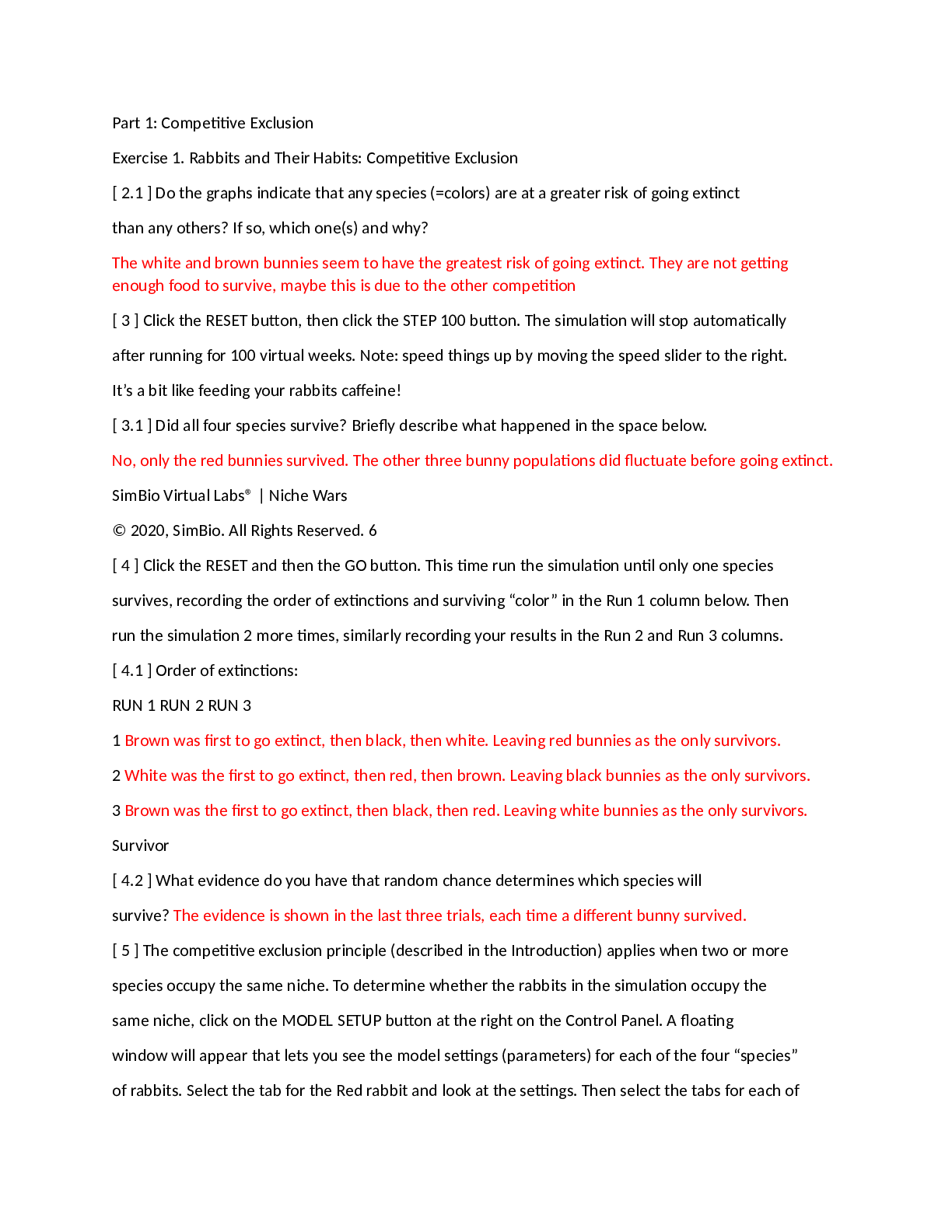
The white and brown bunnies seem to have the greatest risk of going extinct. They are not getting
enough food to survive, maybe this is due to the other competition
[ 3 ] Click the RESET button, then click the STEP 100 button. The simulation will stop automatically
after running for 100 virtual weeks. Note: speed things up by moving the speed slider to the right.
It’s a bit like feeding your rabbits caffeine!
[ 3.1 ] Did all four species survive? Briefly describe what happened in the space below.
No, only the red bunnies survived. The other three bunny populations did fluctuate before going extinct.
SimBio Virtual Labs® | Niche Wars
© 2020, SimBio. All Rights Reserved. 6
[ 4 ] Click the RESET and then the GO button. This time run the simulation until only one species
survives, recording the order of extinctions and surviving “color” in the Run 1 column below. Then
run the simulation 2 more times, similarly recording your results in the Run 2 and Run 3 columns.
[ 4.1 ] Order of extinctions:
RUN 1 RUN 2 RUN 3
1 Brown was first to go extinct, then black, then white. Leaving red bunnies as the only survivors.
2 White was the first to go extinct, then red, then brown. Leaving black bunnies as the only survivors.
3 Brown was the first to go extinct, then black, then red. Leaving white bunnies as the only survivors.
Survivor
[ 4.2 ] What evidence do you have that random chance determines which species will
survive? The evidence is shown in the last three trials, each time a different bunny survived.
[ 5 ] The competitive exclusion principle (described in the Introduction) applies when two or more
species occupy the same niche. To determine whether the rabbits in the simulation occupy the
same niche, click on the MODEL SETUP button at the right on the Control Panel. A floating
window will appear that lets you see the model settings (parameters) for each of the four “species”
of rabbits. Select the tab for the Red rabbit and look at the settings. Then select the tabs for each ofthe other 3 species and look at their settings.
[ 5.1 ] Based on the model parameters, are there any differences in the niches of the 4 rabbit
species? If so, what are they?
[Show More]