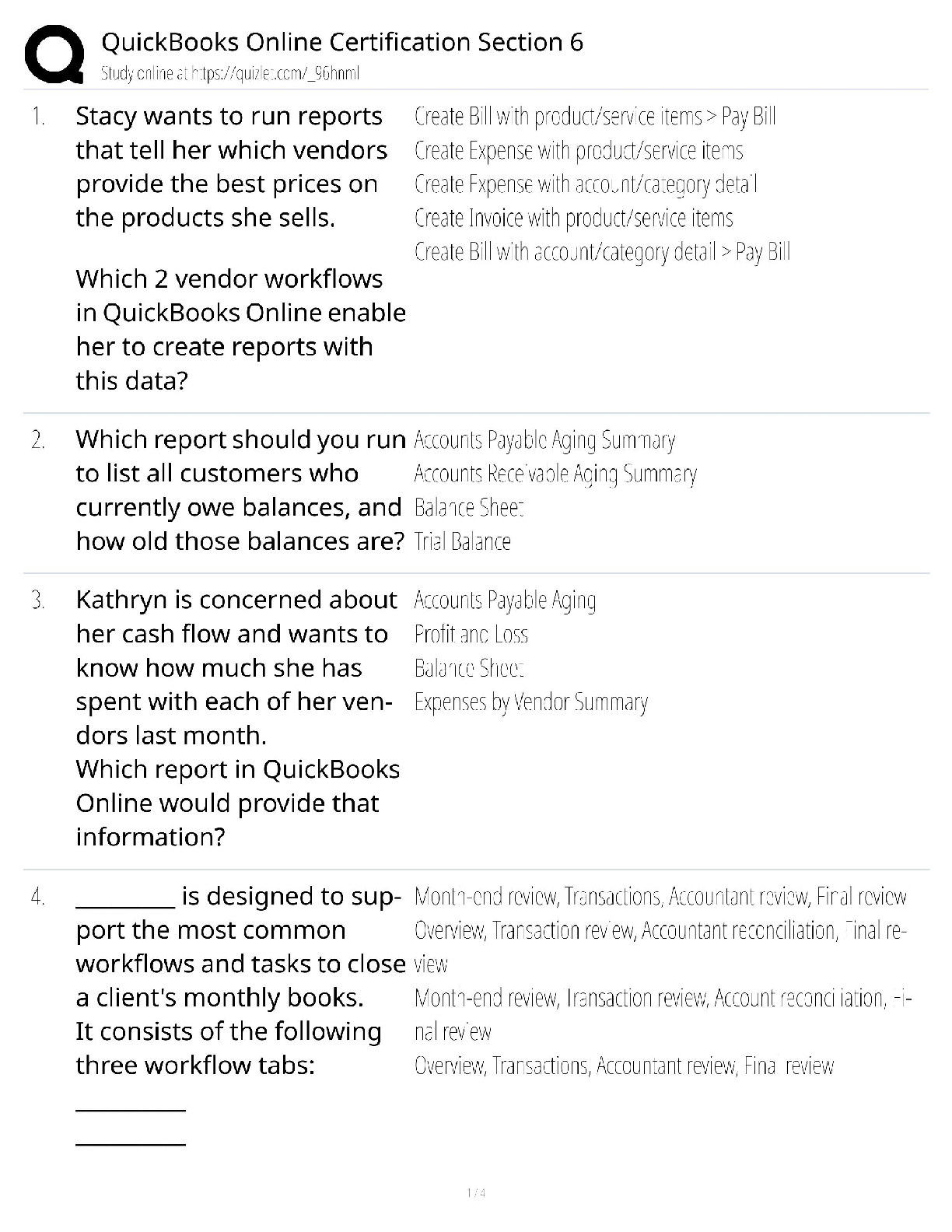
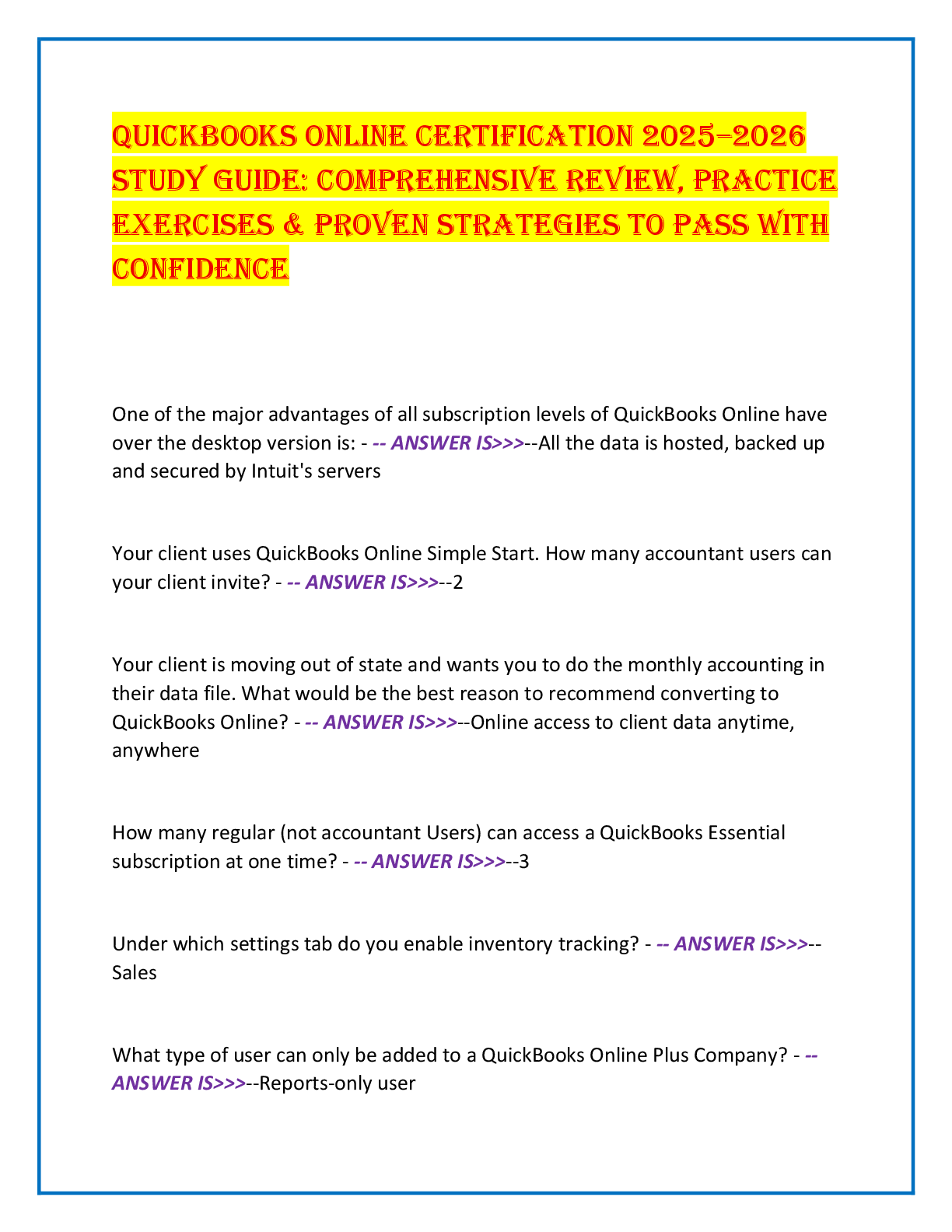
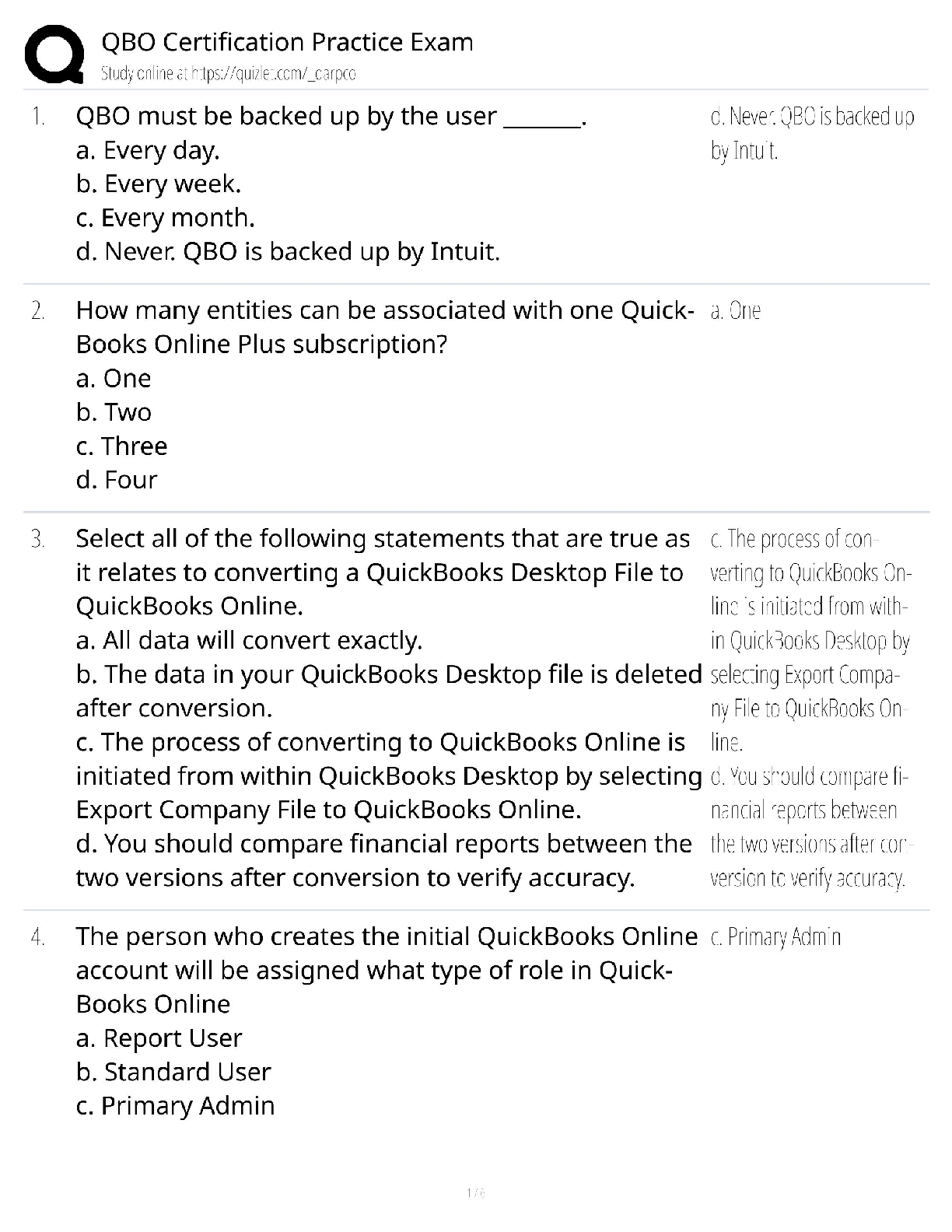
QuickBooks Online Certification Section
2 Questions and Answers Rated A+
You want to add a new Product and Services entry to your client's QuickBooks Online company.
The service is installation of a server that doesn'
...
QuickBooks Online Certification Section
2 Questions and Answers Rated A+
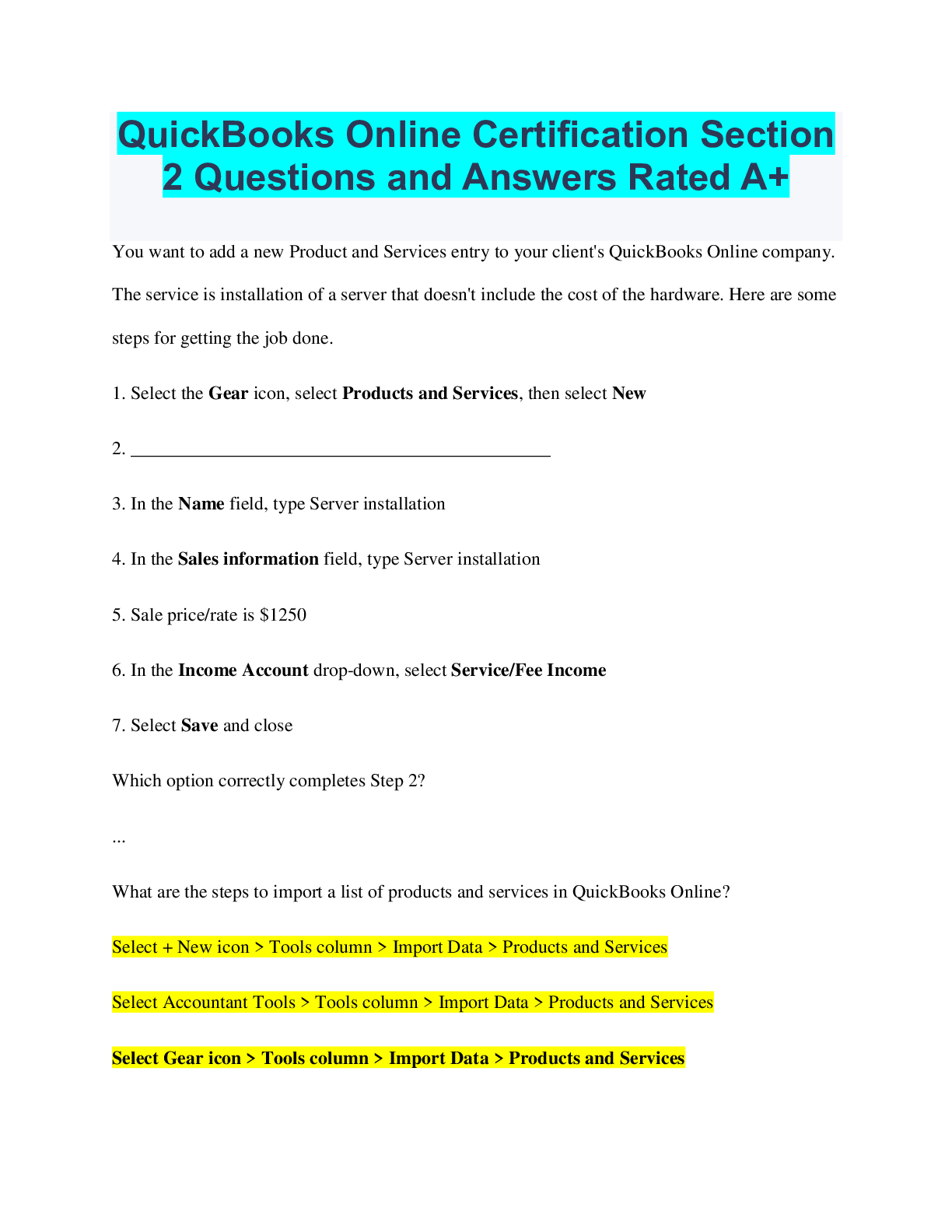
You want to add a new Product and Services entry to your client's QuickBooks Online company.
The service is installation of a server that doesn't include the cost of the hardware. Here are some
steps for getting the job done.
1. Select the Gear icon, select Products and Services, then select New
2. _____________________________________________
3. In the Name field, type Server installation
4. In the Sales information field, type Server installation
5. Sale price/rate is $1250
6. In the Income Account drop-down, select Service/Fee Income
7. Select Save and close
Which option correctly completes Step 2?
...
What are the steps to import a list of products and services in QuickBooks Online?
Select + New icon > Tools column > Import Data > Products and Services
Select Accountant Tools > Tools column > Import Data > Products and Services
Select Gear icon > Tools column > Import Data > Products and Services
Select Gear icon > Account and Settings > Advanced > Import
Which statement is true regarding the Preferred Vendor field in Product and Services items?
You can add more than one preferred vendor to each product/service item
You can create a new vendor from the product/service information screen
Preferred vendors must be assigned to utilize the Price rules feature
You can reorder your list of preferred vendors
What are 2 ways to add a customer to QuickBooks Online?
Sales > Customers > Add New
+ New > Add Customer
Sales > All Sales
Gear icon > Add Customer
Gear icon > Import Data
Which of the following buttons could you use to add a new vendor or find the link to import a
vendor list into QuickBooks Online?
The New Vendor button in the Vendors tab of the Sales screen
The New Vendor button in the Vendors tab of the Expenses screen
The New Vendor button in the Expenses tab of the Expenses screen
The Enter Vendor Details button in the Expenses tab of the Sales screen
Where should you go to set up a new bank feed or link to a bank account in a client's
QuickBooks Online company?
Expenses Center
Accounting Center
Sales Center
Banking Center
In QuickBooks Online, what 4 data points do you need to set up sales tax for a client who only
does business in their home state?
Their company address
Whether they have any criminal convictions
Whether they travel to other countries
When their last sales tax period started
How often they have to file a sales tax return
When they started collecting sales tax for the agency
Which 4 methods allow clients to process digital payments from customers using QuickBooks
Online Payments?
Running a card through a card reader attached to a mobile device
Entering payments manually as a Receive Payment
Taking client payment via cryptocurrency
Entering payments manually as a Sales Receipt
Entering payments manually as a Credit Memo
Sending a Sales Receipt to a customer via email
Taking client payment via the Pay Now button on an emailed Invoice
Your client wants to open a new QuickBooks Payments merchant account. From inside
QuickBooks Online, where can they go to sign up?
In the Usage tab of Account and Settings
In the Advanced tab of Account and Settings
In the Payment tab of the Account and Settings
In the Billing and Subscription tab of Account and Settings
Which 2 team user roles have permission to view and search for apps using the Apps tab in
QuickBooks Online Accountant?
Firm Master Admin
Full Access Team User
Custom Team User
Basic Team User
Where can a Master Admin Accountant User view the apps connected to a client's QuickBooks
Online account from within QuickBooks Online Accountant?
Select the client from the Client List to open the Client Detail Page > Bookkeeping > View
Connected Apps
Left Navigation Bar > Apps > Client Apps
In the Connected Apps column on the Client List dashboard
Gear icon > Apps > Client Apps
Where would you go in QuickBooks Online to see the range of default and extra lists that are
available?
Sales Center > Settings > All Lists
+ New button > All Lists
Gear icon > All Lists
Sales Center > Settings > Add Lists
00:0501:11
Which are the 3 payroll options available inside QuickBooks Online companies?
QuickBooks Online Do-it-Yourself Payroll
QuickBooks Online Core Payroll
QuickBooks Online Premium Payroll
QuickBooks Online Elite Payroll
QuickBooks Online Self-Service Payroll
Where would you go to find all the lists you can use to fill in forms in QuickBooks Online?
Gear icon > All Lists
+ New icon > All Lists
Accounting screen > All Lists
Reports screen > All Lists
Which 3 features should you suggest to your clients to build their brand recognition on sales
forms?
Customize your fonts and use a font type that matches the company's branding scheme
Add company logo to customer sales forms
Use the standard template with no customization
Add a splash of color that matches the company's branding scheme
Select a default payment method
[Show More]