QuickBooks Chapter 10 Questions and
Answers Rated A+
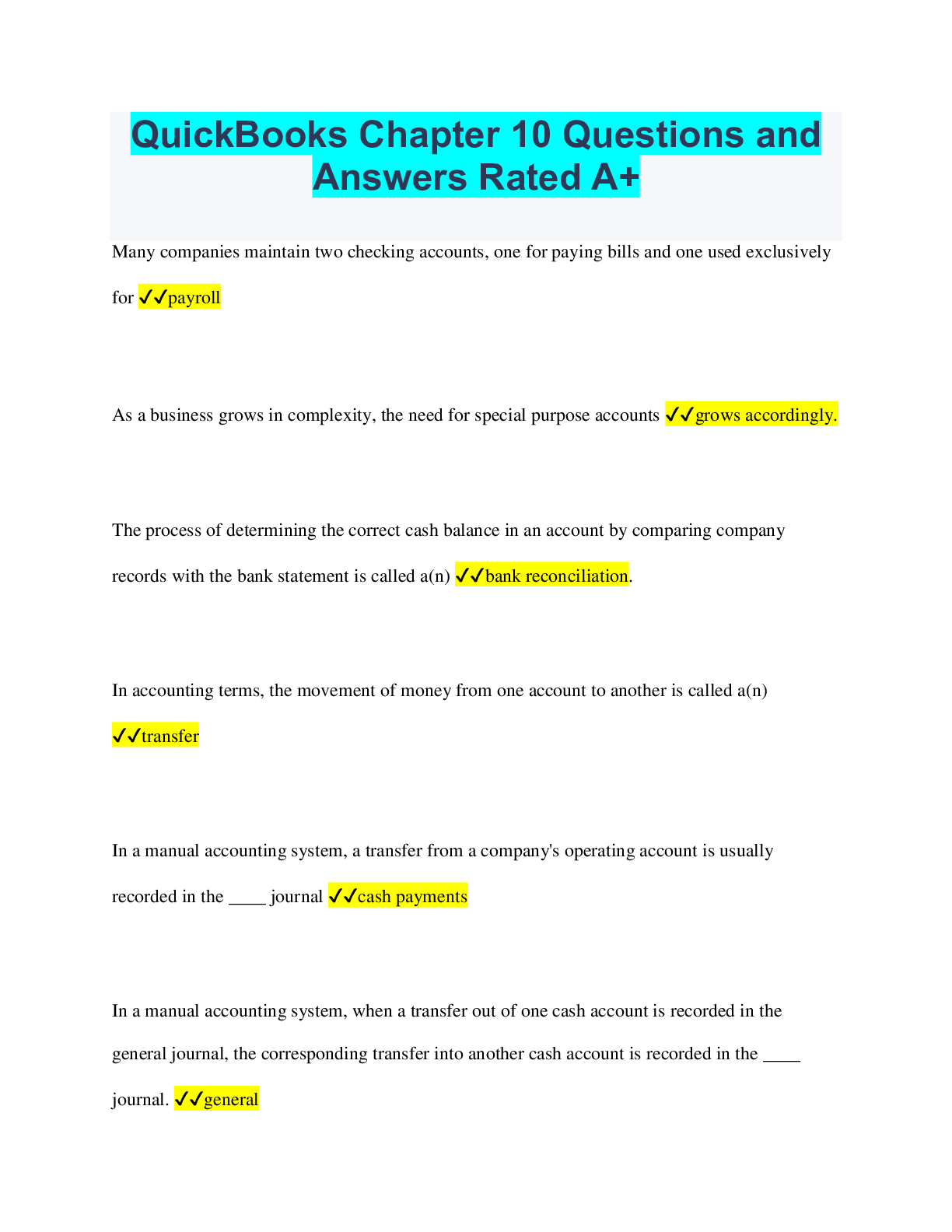
Many companies maintain two checking accounts, one for paying bills and one used exclusively
for ✔✔payroll
As a business grows in complexity, the need for special
...
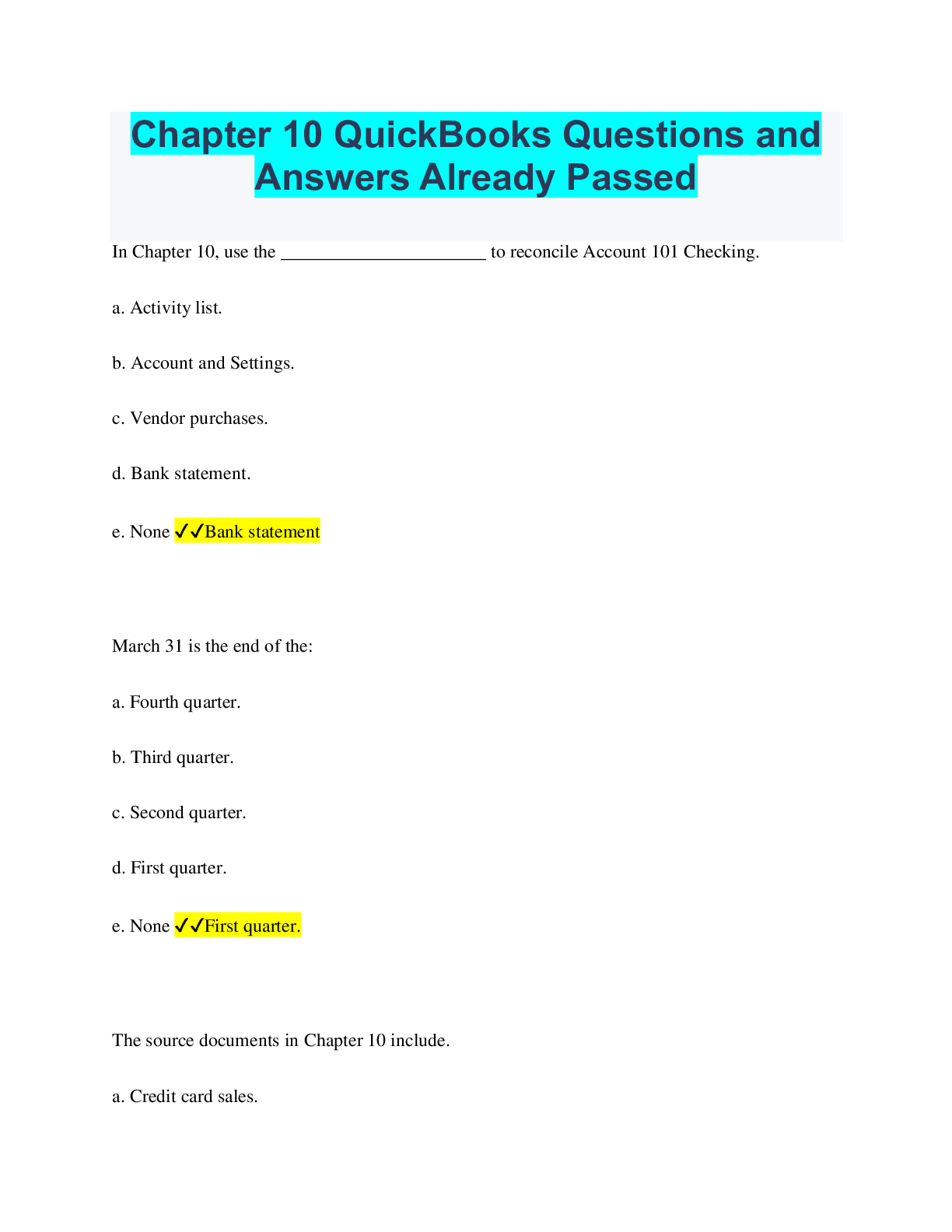
QuickBooks Chapter 10 Questions and
Answers Rated A+
Many companies maintain two checking accounts, one for paying bills and one used exclusively
for ✔✔payroll
As a business grows in complexity, the need for special purpose accounts ✔✔grows accordingly.
The process of determining the correct cash balance in an account by comparing company
records with the bank statement is called a(n) ✔✔bank reconciliation.
In accounting terms, the movement of money from one account to another is called a(n)
✔✔transfer
In a manual accounting system, a transfer from a company's operating account is usually
recorded in the ____ journal ✔✔cash payments
In a manual accounting system, when a transfer out of one cash account is recorded in the
general journal, the corresponding transfer into another cash account is recorded in the ____
journal. ✔✔general
In QuickBooks, transfers between bank accounts are recorded in the ____ window, unless the
transfer is done by check ✔✔Transfer Funds Between Accounts
Balance differences identified during a bank reconciliation fall into three categories: ✔✔timing
differences, omissions, and errors.
Using QuickBooks' Enter Credit Card Charges window to immediately record a company's credit
card charges ensures that ✔✔the expenses are recorded in the proper time period.
A check written and recorded by the company but not yet paid by the bank is referred to as a(n)
✔✔outstanding check.
In QuickBooks, when you write a check from one cash account to deposit into another cash
account, you use the ____ window. ✔✔Write Checks
Besides allowing you to identify the source and receiving accounts, the Transfer Funds window
also shows you the ✔✔balance of the source account.
When you transfer funds from one cash account to another via an online banking transaction, you
record the transaction in QuickBooks in the ____ window. ✔✔Transfer Funds
What is the purpose of the reconciliation procedure in QuickBooks? ✔✔To ensure that a
company's cash records are correct
The Reconcile windows in QuickBooks do not display ____. ✔✔bad debts of an account
When QuickBooks' reconciliation process turns up transactions that were not recorded in the
company records, the user ✔✔has the opportunity to record them from within the Reconciliation
windows and adjust the company's accounts accordingly.
The QuickBooks Reconcile window consists of ____ parts. ✔✔2
Which of the following fields in the first of QuickBooks Reconcile windows should not be
edited? ✔✔Beginning Balance
In the first Reconcile window, where does the amount to be entered in the Interest Earned field
come from? ✔✔It comes from the bank statement.
Information for ____ bank account(s) at a time is displayed in the Reconciliation windows.
✔✔only one
A zero (0) in this field of the Reconcile window indicates that all reconciling items have been
accounted for ✔✔Difference
At what point is the user supposed to click the Reconcile Now button in the second of
QuickBooks' Reconcile window? ✔✔When the Difference field displays a zero (0).
To start the reconciliation process, begin by clicking ____ on the main menu bar. ✔✔Banking
In the Service Charge section of the Reconciliation window, the user enters the amount of the
charge as well as the ✔✔account it will be charged to.
What symbol is used in the Reconcile window to indicate that a check or deposit has been
recorded at the bank? ✔✔check mark
After completing the reconciliation process, the Reconciliation report is available from the
Reports menu until you ✔✔do the next reconciliation.
The Accounts Payable account ____ used to track a company's credit card liability. ✔✔is not
In QuickBooks, the Enter Credit Card Charges window is used to record ✔✔a company's credit
card purchases.
What two tabs are displayed in the bottom half of the Enter Credit Card Charges window?
✔✔Expenses and Items
In the Enter Credit Card Charges window, you would click Refund/Credit option when
✔✔processing a vendor credit.
When paying a credit card charge in the Write Checks window, you should specify this account
in the Expenses tab. ✔✔Credit Card Liability account
The fourth level of operations in QuickBooks is to ✔✔view and print reports.
QuickBooks allows you to print banking reports from these two menus. ✔✔Reports and Lists
The ____ report displays the components of all deposits to each cash account for a specified
period of time. ✔✔Deposit Detail
Which of the following reports is described in Chapter 10 as having a somewhat misleading
title? ✔✔Missing Checks
In its default setting, the Account QuickReport displays all transactions for the current ✔✔fiscal
year.
This reports displays for the cash accounts all checks written by the company and whether they
have cleared the bank. ✔✔Transaction Detail by Account
Chapter 10 indicates that the Transaction Detail by Account report can be helpful in ✔✔the
reconciliation process.
name some different checking accounts businesses use ✔✔-regular checking accounts-operating
--used to pay bills and collect and deposit receivables
-payroll checking accounts
--used to pay employee and payroll taxes
-Special purpose accounts
--needed when a business grows in complexity (interest-baring money market accounts)
Banking activities in both manual and computerized accounting systems require a company to:
✔✔-record transfers of funds among bank accounts
-reconcile each bank account balance to the company's balances
-track charges and payments by credit card
When transferring funds, a manual accounting system ✔✔-transfers from the company's
operating account can be recorded in the cash payments journal or general journal
When transferring funds with QuickBooks ✔✔-Transfers amount bank accounts, if done by
check, are recorded in the Transfer Funds Between Accounts activity window
-This window indicates:
--cash amounts involved in the transfer
--amount of the transfer
Bank Reconciliation with a manual accounting system ✔✔-company receives a statement from
the bank detailing the activity in the account for the month
-bank statement is compared to company's accounting records, and any differences identified
-if no errors, the adjusted bank balances will agree with the adjusted balance for the company's
books
--account is then reconciled
-If there is an error, a difference will remain until the source pf the mistake is found
--when mistake is corrected and the difference is zero, the account is then reconciled.
Credit Card Charges in a manual account system ✔✔-a credit card charge is usually recorded
when the bill is paid by the company or tracked as part of accounts payable.
List/Centers need to be revised periodically when: ✔✔-new accounts need to be added
-accounts not used in the business need to be deleted
-modifications need to be made to an account
When you make revisions to accounts what are you doing ✔✔updating the Chart of Accounts
List
In an accounting system, all of the individual accounts are placed together in ✔✔a book called
the general ledger
--shows all increases and decreases in the account, reflected as debits and credits, and the
balance in each account
The chart of accounts list displays ✔✔the balance next to each account name and consists of:
-account number
-name
-type
-balance
the Write Check Window ✔✔-used to transfer funds by writing a check from one cash account
to be deposited into another cash account
Transfer funds between accounts window ✔✔-used to record the movement of funds among the
cash accounts of business
-used to record the transaction when you transfer funds via bank memo, telephone, or online
services
The Transfer Funds Between Accounts window allows you to identify the following ✔✔-the
source (transferor) cash account
-the receiving (transferee) account
-the amount to be transferred
The reconciliation procedure in QuickBooks accomplishes two purposes: ✔✔-it ensures that the
company's cash records are correct and agree with that of the bank
-Transactions missing form the company's records that are discovered during the reconciliation
process can be recorded at this time
during the reconcile process what accounts do you adjust ✔✔-service charges
-interest income
-NSF Checks
When you add service charges, the default accounts are: ✔✔Bank Service Charges account and
the Cash Account
When QuickBooks records interest income the default accounts are ✔✔the cash account and
interest income account
If the back records an NSF from a customer: ✔✔-QuickBooks does not automatically record the
transaction.
-you must record the transaction in the Create Invoices window to re-establish the accounts
receivable for this customer and deduct the cash that was never actually collected.
---system default account is a debit to accounts receivable
---when you select an item, revenue account is credited
---you create an item for NSF's in the Item List and Identify default account as Cash
---Accounts Receivable is debited for the amount of the NSF item, will be to cash
The QuickBooks Reconcile window consists of two parts: ✔✔-begin reconciliation window
-reconcile window
if there are errors in a previous bank reconciliation: ✔✔QuickBooks allows you to undo that
reconciliation and make corrections.
The Begin Reconciliation window allows you to: ✔✔-select a bank account to reconcile
-add transactions such as service charges and interest income
-enter the bank statement balance
The reconcile window is used to indicate ✔✔which transactions recorded on the company's
books have cleared the bank.
Once all cleared or missing transactions have been accounted for, the difference amount should
be zero
Activities identifies as credit card purchases of goods or services are recorded in ✔✔the enter
credit card charges window
Activities identified as credit card purchases of goods or services are recorded in ✔✔the enter
credit card charges window
When the credit card bill is paid ✔✔the credit card liability is reduced by a cash payment
-default accounts are the credit to card liability account and the cash account
Reports for an activity can be access from the following menus ✔✔-reports
-lists
_________are printed as part of the reconciliation process ✔✔The reconciliation detail reports
What additional reports other than the reconciliation report are printed ✔✔Deposit Detail report
Missing Checks Report
Deposit Detail Report ✔✔Displays the components of all deposits to each cash account for a
specified period of time
it is helpful in tracing a collection from a customer to the actual bank deposit
Missing Checks Report ✔✔-display detailed information for all checks written from a specified
cash account
-is helpful in finding missing or duplicate checks
QuickReport ✔✔-Once you access a List, you can view a list of available reports by clicking the
Reports button in the List window
-The QuickReport of a cash account displays all the activity affecting the account.
Transaction Detail by account report ✔✔-displays, for the cash accounts, all checks written by
the company.
-indicated if checks have cleared the bank
-similar to the general ledger report
The movement of money form one account to another account ✔✔transfer fun
Differences between the bank statement and the company's records that have to be reconciled so
that the cash balance in the company's accounting records agrees with the balance in its bank
statement. ✔✔reconciling items
A deposit recorded on the company's books usually at the end of the month, yet deposited too
late to be on the current month's bank statement ✔✔deposit in transit
a check written and recorded by a company that has not yet been paid by the bank
✔✔outstanding check
When you are reconciling your bank accounts which figure do you type into the ending balance
blank ✔✔the cash figure per the bank statement.
How are cash transfers handled in a manual accounting system ✔✔they are recorded in the cash
payments journal
if the money is transferred out, it is recorded in the cash payments journal
cash receipts journal is used when cash is transferred into an account.
Where will you find the deposit detail report ✔✔Reports-Bankings
How do you access the QuickReports ✔✔through chart of accounts
what does the cash account report show ✔✔This report displays all the activities affecting the
account. The default setting is for all transactions for the whole year. you can edit this.
Which account would you find on a balance sheet report?
Payroll Liabilities
Utilities Expense
Sales
Cost of Goods Sold ✔✔Payroll Liabilities
What is a recommended first action to take if your cleared QuickBooks transactions and the bank
statement don't
balance during the reconciliation process?
Look for a transaction that is the same amount as the difference
Click the Unmark All button so you can start over
Go through all of the deposit transactions and make sure they are all checked
Review the payment transactions and make sure they are all the correct amounts ✔✔Look for a
transaction that is the same amount as the difference
In a manual accounting system, a credit card charge is usually recorded ✔✔when the bill is paid
by the company or tracked as part of accounts payable. This often results in expenses being
recorded in periods after they are actually incurred.
In QuickBooks, a credit card charge can be ✔✔recorded immediately when it is incurred by
using the Enter Credit Card Charges window. The program also tracks the resulting credit card
liability, which will be paid at a later date and separate from accounts payable.
What happens when you click Reconcile now ✔✔Service Charge- QuickBooks automatically
posts the expense and reduces the cash account
income earned- QuickBooks automatically posts the increase to both cash and interest earned.
[Show More]




![Preview of [SOLVED] HIEU 201 / HIEU201 Chapter 10 Quiz (LATEST 2022)](https://scholarfriends.com/storage/HIEU_201_Chapter_10_Quiz.png)
.png)