SOA-C03
Exam Practice Questions
This SOA-C03 exam PDF provides detailed practice questions, answers, and
explanations. These Amazon SOA-C03 exam practice questions are designed for
IT professionals, system administra
...
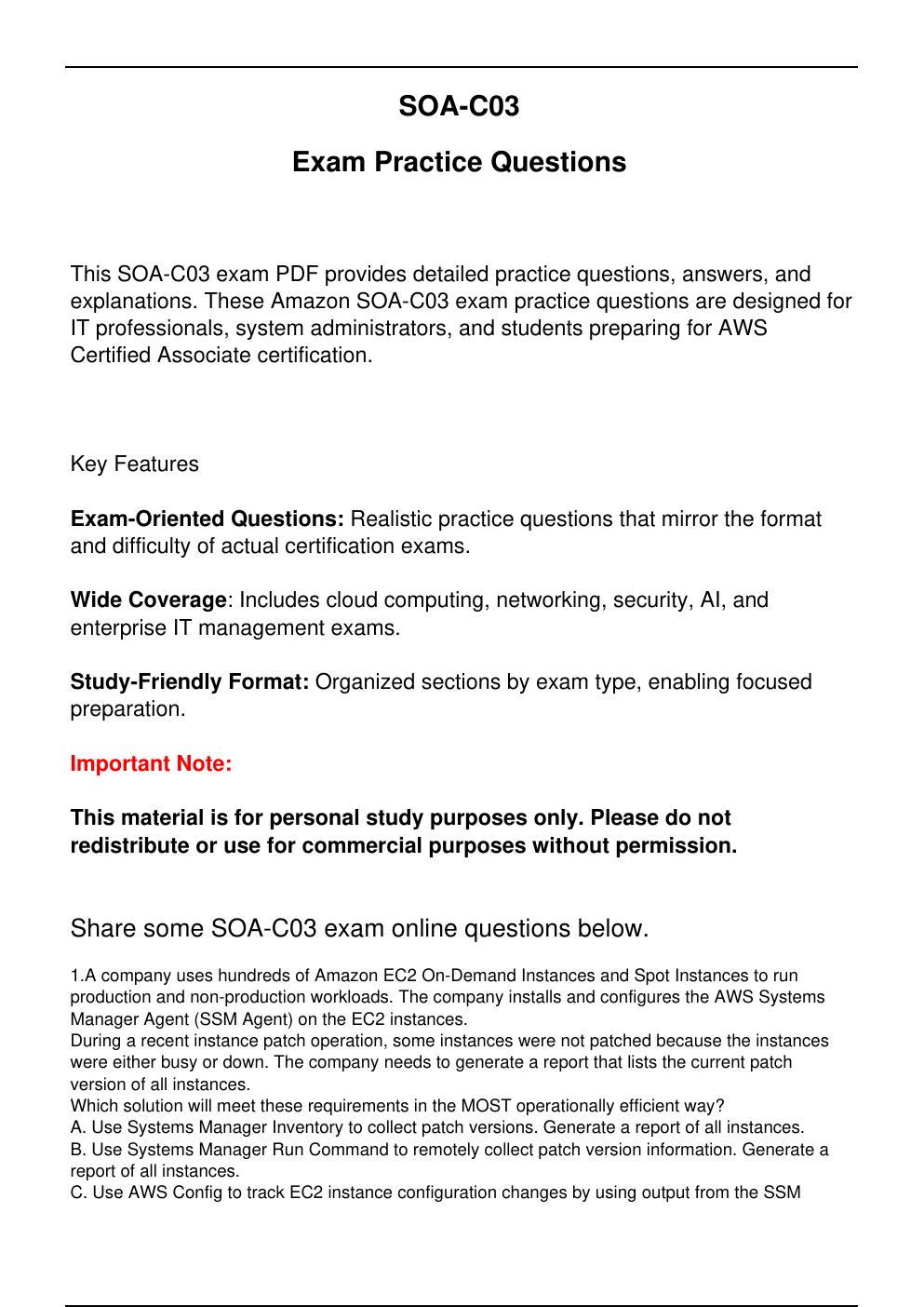
SOA-C03
Exam Practice Questions
This SOA-C03 exam PDF provides detailed practice questions, answers, and
explanations. These Amazon SOA-C03 exam practice questions are designed for
IT professionals, system administrators, and students preparing for AWS
Certified Associate certification.
Key Features
Exam-Oriented Questions: Realistic practice questions that mirror the format
and difficulty of actual certification exams.
Wide Coverage: Includes cloud computing, networking, security, AI, and
enterprise IT management exams.
Study-Friendly Format: Organized sections by exam type, enabling focused
preparation.
Important Note:
This material is for personal study purposes only. Please do not
redistribute or use for commercial purposes without permission.
Share some SOA-C03 exam online questions below.
1.A company uses hundreds of Amazon EC2 On-Demand Instances and Spot Instances to run
production and non-production workloads. The company installs and configures the AWS Systems
Manager Agent (SSM Agent) on the EC2 instances.
During a recent instance patch operation, some instances were not patched because the instances
were either busy or down. The company needs to generate a report that lists the current patch
version of all instances.
Which solution will meet these requirements in the MOST operationally efficient way?
A. Use Systems Manager Inventory to collect patch versions. Generate a report of all instances.
B. Use Systems Manager Run Command to remotely collect patch version information. Generate a
report of all instances.
C. Use AWS Config to track EC2 instance configuration changes by using output from the SSM
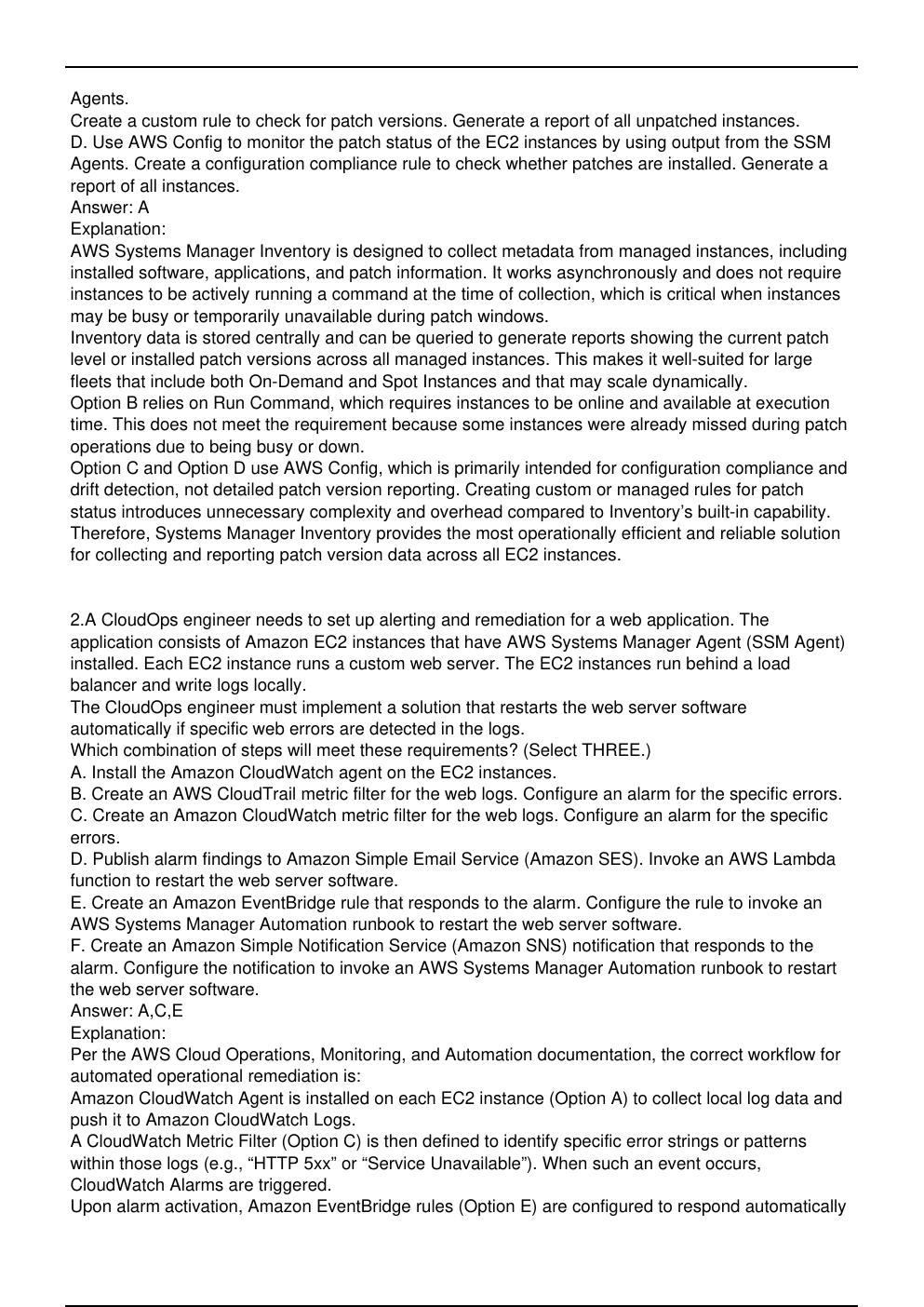
Agents.
Create a custom rule to check for patch versions. Generate a report of all unpatched instances.
D. Use AWS Config to monitor the patch status of the EC2 instances by using output from the SSM
Agents. Create a configuration compliance rule to check whether patches are installed. Generate a
report of all instances.
Answer: A
Explanation:
AWS Systems Manager Inventory is designed to collect metadata from managed instances, including
installed software, applications, and patch information. It works asynchronously and does not require
instances to be actively running a command at the time of collection, which is critical when instances
may be busy or temporarily unavailable during patch windows.
Inventory data is stored centrally and can be queried to generate reports showing the current patch
level or installed patch versions across all managed instances. This makes it well-suited for large
fleets that include both On-Demand and Spot Instances and that may scale dynamically.
Option B relies on Run Command, which requires instances to be online and available at execution
time. This does not meet the requirement because some instances were already missed during patch
operations due to being busy or down.
Option C and Option D use AWS Config, which is primarily intended for configuration compliance and
drift detection, not detailed patch version reporting. Creating custom or managed rules for patch
status introduces unnecessary complexity and overhead compared to Inventory’s built-in capability.
Therefore, Systems Manager Inventory provides the most operationally efficient and reliable solution
for collecting and reporting patch version data across all EC2 instances.
2.A CloudOps engineer needs to set up alerting and remediation for a web application. The
application consists of Amazon EC2 instances that have AWS Systems Manager Agent (SSM Agent)
installed. Each EC2 instance runs a custom web server. The EC2 instances run behind a load
balancer and write logs locally.
The CloudOps engineer must implement a solution that restarts the web server software
automatically if specific web errors are detected in the logs.
Which combination of steps will meet these requirements? (Select THREE.)
A. Install the Amazon CloudWatch agent on the EC2 instances.
B. Create an AWS CloudTrail metric filter for the web logs. Configure an alarm for the specific errors.
C. Create an Amazon CloudWatch metric filter for the web logs. Configure an alarm for the specific
errors.
D. Publish alarm findings to Amazon Simple Email Service (Amazon SES). Invoke an AWS Lambda
function to restart the web server software.
E. Create an Amazon EventBridge rule that responds to the alarm. Configure the rule to invoke an
AWS Systems Manager Automation runbook to restart the web server software.
F. Create an Amazon Simple Notification Service (Amazon SNS) notification that responds to the
alarm. Configure the notification to invoke an AWS Systems Manager Automation runbook to restart
the web server software.
Answer: A,C,E
Explanation:
Per the AWS Cloud Operations, Monitoring, and Automation documentation, the correct workflow for
automated operational remediation is:
Amazon CloudWatch Agent is installed on each EC2 instance (Option A) to collect local log data and
push it to Amazon CloudWatch Logs.
A CloudWatch Metric Filter (Option C) is then defined to identify specific error strings or patterns
within those logs (e.g., “HTTP 5xx” or “Service Unavailable”). When such an event occurs,
CloudWatch Alarms are triggered.
Upon alarm activation, Amazon EventBridge rules (Option E) are configured to respond automatically
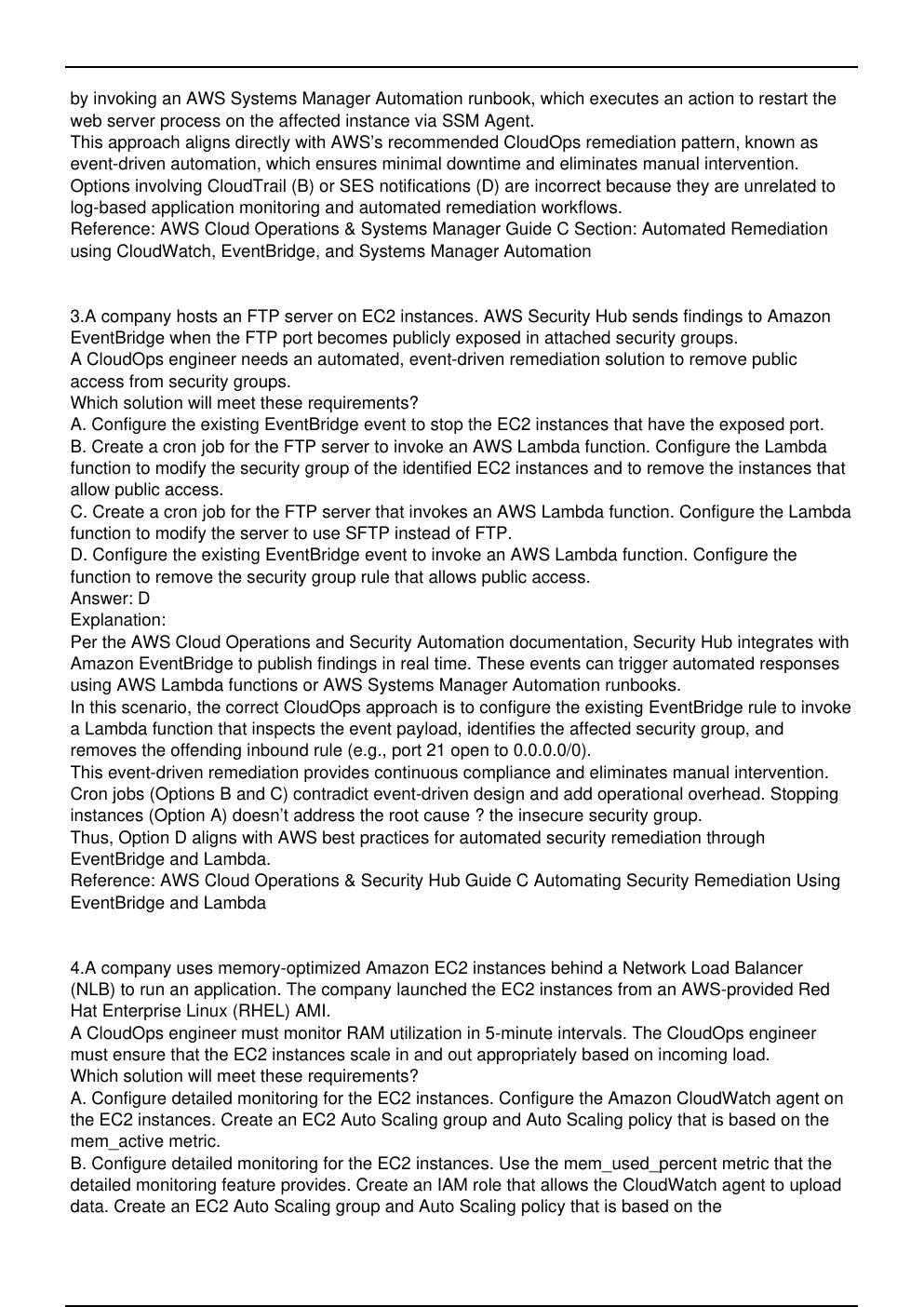
by invoking an AWS Systems Manager Automation runbook, which executes an action to restart the
web server process on the affected instance via SSM Agent.
This approach aligns directly with AWS’s recommended CloudOps remediation pattern, known as
event-driven automation, which ensures minimal downtime and eliminates manual intervention.
Options involving CloudTrail (B) or SES notifications (D) are incorrect because they are unrelated to
log-based application monitoring and automated remediation workflows.
Reference: AWS Cloud Operations & Systems Manager Guide C Section: Automated Remediation
using CloudWatch, EventBridge, and Systems Manager Automation
3.A company hosts an FTP server on EC2 instances. AWS Security Hub sends findings to Amazon
EventBridge when the FTP port becomes publicly exposed in attached security groups.
A CloudOps engineer needs an automated, event-driven remediation solution to remove public
access from security groups.
Which solution will meet these requirements?
A. Configure the existing EventBridge event to stop the EC2 instances that have the exposed port.
B. Create a cron job for the FTP server to invoke an AWS Lambda function. Configure the Lambda
function to modify the security group of the identified EC2 instances and to remove the instances that
allow public access.
C. Create a cron job for the FTP server that invokes an AWS Lambda function. Configure the Lambda
function to modify the server to use SFTP instead of FTP.
D. Configure the existing EventBridge event to invoke an AWS Lambda function. Configure the
function to remove the security group rule that allows public access.
Answer: D
Explanation:
Per the AWS Cloud Operations and Security Automation documentation, Security Hub integrates with
Amazon EventBridge to publish findings in real time. These events can trigger automated responses
using AWS Lambda functions or AWS Systems Manager Automation runbooks.
In this scenario, the correct CloudOps approach is to configure the existing EventBridge rule to invoke
a Lambda function that inspects the event payload, identifies the affected security group, and
removes the offending inbound rule (e.g., port 21 open to 0.0.0.0/0).
This event-driven remediation provides continuous compliance and eliminates manual intervention.
Cron jobs (Options B and C) contradict event-driven design and add operational overhead. Stopping
instances (Option A) doesn’t address the root cause ? the insecure security group.
Thus, Option D aligns with AWS best practices for automated security remediation through
EventBridge and Lambda.
Reference: AWS Cloud Operations & Security Hub Guide C Automating Security Remediation Using
EventBridge and Lambda
[Show More]